


ZGF Architects
PDX Reimagined: How a Digital Backbone Powered America’s Most Ambitious Airport Project
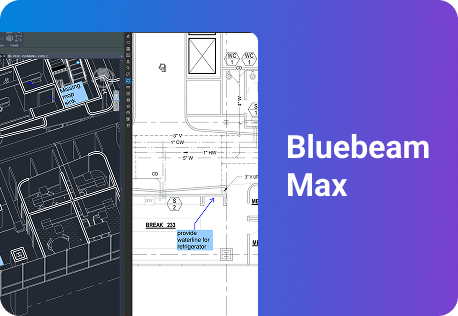
A new way to supercharge Revu with AI.

The Complete Guide to Construction Takeoffs in 2026


Construction Collaboration Software: A Practical 2026 Guide for AEC Teams
What construction collaboration software does, how to evaluate it, and which tools best support fit document control, field work, design coordination and scope clarity.

A superintendent stands in a half-finished mechanical room holding a tablet, looking at a sheet he is fairly sure is out of date. He calls the office. The office calls the engineer. Forty minutes later he has an answer, and his crew has spent most of an hour waiting to learn whether the thing in front of them is the thing they were supposed to build.
Nobody in that chain did anything wrong. The drawing existed. The revision existed. The answer existed, but it wasn’t . It just did not exist where the work was happening, at the moment it was happening. That gap is what construction collaboration software is built to close. This guide covers what these tools do, why collaboration breaks down on well-run projects, and how to evaluate them.
What is construction collaboration software?

Collaboration on a construction project was never optional. What changed is the standard of proof. Teams are now expected to show who decided what, when and against which version of the drawing.
How it differs from document management and design review
These three terms get used as if they were one product, and buyers pay for the confusion. Document management answers “is this the current version?” See drawing and document management. Design review answers “is the design right and ready to build?” See design review and QA/QC. Collaboration is the layer both run on, and it answers a third question: can everyone who needs to touch this document touch it, at the same time, from wherever they are?
Document control without collaboration produces a tidy set of files nobody marks up. Design review without collaboration produces a review only one discipline can attend. Most platforms are strongest at one of the three, so the question for a buyer is which one their projects fail on most often.
Why construction collaboration is different
Most collaboration software assumes that one company buys a tool and its employees use it. That assumption holds true in almost every industry — but not in construction. The people who have to agree on a construction project work for different companies, on different contracts, with different budgets and no shared IT department. The general contractor has a project management platform. The architect has a model environment. The steel sub has a laptop, a phone and no interest in learning a fourth system this year, and the sub asked to log into one more platform simply stops logging in.Collaboration in construction is inter-company by definition, so it requires a tool that can meet the needs of a wide variety of users and vendors.
Why does collaboration break down on construction projects?
Collaboration failures rarely look dramatic from the inside. The damage happens between where a decision gets made and where the work gets built.

Collaboration failures rarely look dramatic from the inside. The damage happens between where a decision gets made and where the work gets built.
- Version chaos
Two people work from two revisions of the same sheet and neither knows it. The error surfaces in the field, usually after material has been ordered. Every tool claims to solve this. The ones that do are the ones where working from the current set is easier than working from a downloaded copy. Multi-office firms feel it first, which is why Huitt-Zollars rebuilt quality control around a single set. - The field-office split
Office teams get the good connection and the full software. Field teams get a phone and a signal that comes and goes. Tools designed and tested in the office assume conditions that don’t exist in a basement mechanical room. If mobile is a stripped-down viewer, crews route around it and the record breaks exactly where the work is happening. The Walsh Group went at this on civil jobsites, where the office is often a truck. - External collaborators
The people who most need access are frequently the ones without a license: subcontractors, consultants, inspectors, the owner’s representative. Teams that cannot easily bring outsiders in end up emailing PDFs, and the moment a PDF leaves the system the audit trail ends. Ignite Architects solved this across language and time zone barriers, the same problem as a sub across town, only harder to ignore. - The record that was never kept
Markups get made, decisions get reached, and none of it survives in a form anyone can produce 18 months later when a claim lands. The daily value here is speed. The occasional value, on the one project that goes to dispute, is the license cost several times over. Turner Construction framed the shift as digitizing communication rather than documents. - Tool sprawl
A project accumulates a document platform from the owner, a project management system from the contractor, a model environment from the design team and a messaging app everyone uses.Information ends up correct in one system and stale in the others, with nobody reconciling them. Bluebeam’s AEC Technology Outlook 2026 found integration and complexity ranking above cost as adoption barriers. Another disconnected tool is not a fix.
What features should construction collaboration software have?
Feature lists in this category converge fast. Nearly every platform claims markup, cloud storage and mobile access. The separation shows up under pressure: a bad connection, a collaborator with no license, a revision that lands the night before a bid.
| Capability | What it does | Why it matters |
|---|---|---|
| Real-time markup | Multiple people annotate the same document at once, with every edit attributed | Removes the merge step, where comments get lost. See how Bluebeam’s Studio Sessions deliver real-time construction software through simultaneous multi-user markup. |
| Cloud document storage | Structured folders holding the current set and supporting documents | One place to answer “which sheet is current” |
| Permission-based access | Role-based control over who can view, comment, edit and download | Lets you include subs and owners without exposing everything |
| Mobile and offline access | Full markup on phone and tablet, synced when signal returns | Field teams work in basements, shafts and rural sites |
| Integrations | Connections to existing storage, PM and BIM systems, plus APIs | Tools that do not connect become another silo |
| Audit trail | A record of markups, authors, timestamps, statuses and approvals | The difference between a defensible position and a story |
| BIM and model linkage | Markups on a 2D sheet tied to the matching location in the model | Review happens on PDFs while coordination happens in the model |
| AI-assisted review | Automated drawing comparison, discrepancy detection, summarization | The newest capability and the one where maturity varies most |
Offline is the capability buyers most often skip in evaluation, because demos run on office Wi-Fi. Integrations are worth checking against your actual stack rather than a logo wall: Bluebeam publishes its connections in the integrations directory.
What a markup is
In a lot of software, a markup is ink: a shape drawn on a page, flattened into the image, readable only by a human looking at it.
Treated properly, however, a markup is a data record carrying an author, timestamp, status, page and location, plus whatever you attach: a measurement, a trade, a cost code. A set of markups is a small database, and a review becomes a queryable record rather than a picture of one. A punch walk becomes a punch list without anyone retyping it. If a tool can’not export markups as structured data, somebody rebuilds that data by hand for the life of the project, and most teams discover this the first time an owner asks for a report. BUILT The Built Blog covers the mechanics in navigating the Markups List.
Which construction collaboration software is best for your team?
There’s no single best construction collaboration tool, because teams are not solving the same problem. A design firm coordinating three disciplines and a sub confirming scope before a bid both need shared drawings, yet they fail in different places.
| Use case | What to prioritize in evaluation | Roles that feel it most |
|---|---|---|
| Document management and approvals | Controlled storage kept separate from review, recorded approvals, audit trail | Architects, owners |
| Field and on-site work | Full offline markup, capture speed, a real mobile client rather than a viewer | General contractors, specialty contractors |
| Design coordination | Simultaneous multi-discipline markup, revision comparison, model linkage | Architects, engineers |
| Scope and change clarity | Granular permissions, change tracking, a defensible record | Subcontractors, general contractors, owners |
Best tools for document management and approvals
Good document collaboration functions as a single source of truth, with an approval path featuring named reviewers, and a record showing who signed off and when.Poor collaboration is a shared drive that technically contains everything and practically answers nothing.
The pattern that works separates storage from review. Documents live in a controlled workspace. Review happens in a live session against that set, with approvals recorded against the document rather than in a system reconciled later.
Bluebeam handles this through Studio Projects for controlled storage and Studio Sessions for live review. See drawing and document management and RFIs and submittals. Balfour Beatty Construction replaced paper submittals outright, and Kimley-Horn scaled the setup into a firmwide quality tool.
Best collaboration software for on-site field teams
Field collaboration is judged on what happens when the signal drops. A platform that needs connectivity to open a sheet gets abandoned in the first basement. Full offline markup is a neccessity, so the useful question is how reliably sync behaves. Implementations vary more than feature lists suggest: some require you to cache a project deliberately before losing signal, others queue changes but wait on a manual push. Establish which you’re buying before a crew is standing in a basement, not after.
The second test is whether mobile is a real client or a viewer. Field teams don’t just read drawings. They mark them, measure on them, attach photos and raise questions from them. Platforms treating mobile as a display surface push crews back to text messages, where the record goes to die.
Bluebeam runs across desktop, web and mobile, with offline markup on iOS and Android that syncs on reconnect. See punch, site logistics and general contractors. Rosendin Electric built a field training program around it, and Parenti & Raffaelli cut the lag between shop drawings and the field by working them on a tablet.
Best collaboration tools for designers and contractors
Multi-discipline review is the hardest collaboration problem on most projects. Architectural, structural and MEP sets have to be read against each other, by people at different firms, on a schedule that does not pause for coordination. Every discipline needs to mark up the same set at once rather than in sequence, because sequential review turns a three-week cycle into a six-week one. This use case has its own guide: see design review and QA/QC.
Bluebeam supports it through Studio Sessions on shared sets and extends it in Bluebeam Max with AI drawing comparison and Connected Studio Sessions with Revit, which link markups to the matching spot in the model. Solutions for architects and engineers cover role-specific detail. At scale, CannonDesign ran design review this way on the CHUM hospital in Montreal, a project valued around $2 billion.
Best collaboration tools for contractors, subcontractors and owners
On the commercial side, collaboration is scope clarity and evidence. Subs need to know exactly what they’re pricing and building, and to show what was agreed when drawings change. General contractors need change tracking clean enough to defend.
Permissions carry more weight here than anywhere else. A sub should see the sheets for their trade without browsing the financial history of the job. An owner should review decisions without altering
the record. Coarse permission models force workarounds, and the workaround is always email. Bluebeam sets permissions per collaborator on each Project or Session. See subcontractors, enterprise teams and project handover. Modern Fire Protection and Lighthouse Electric have written this up from the specialty contractor side.
How do field and office teams collaborate day to day?
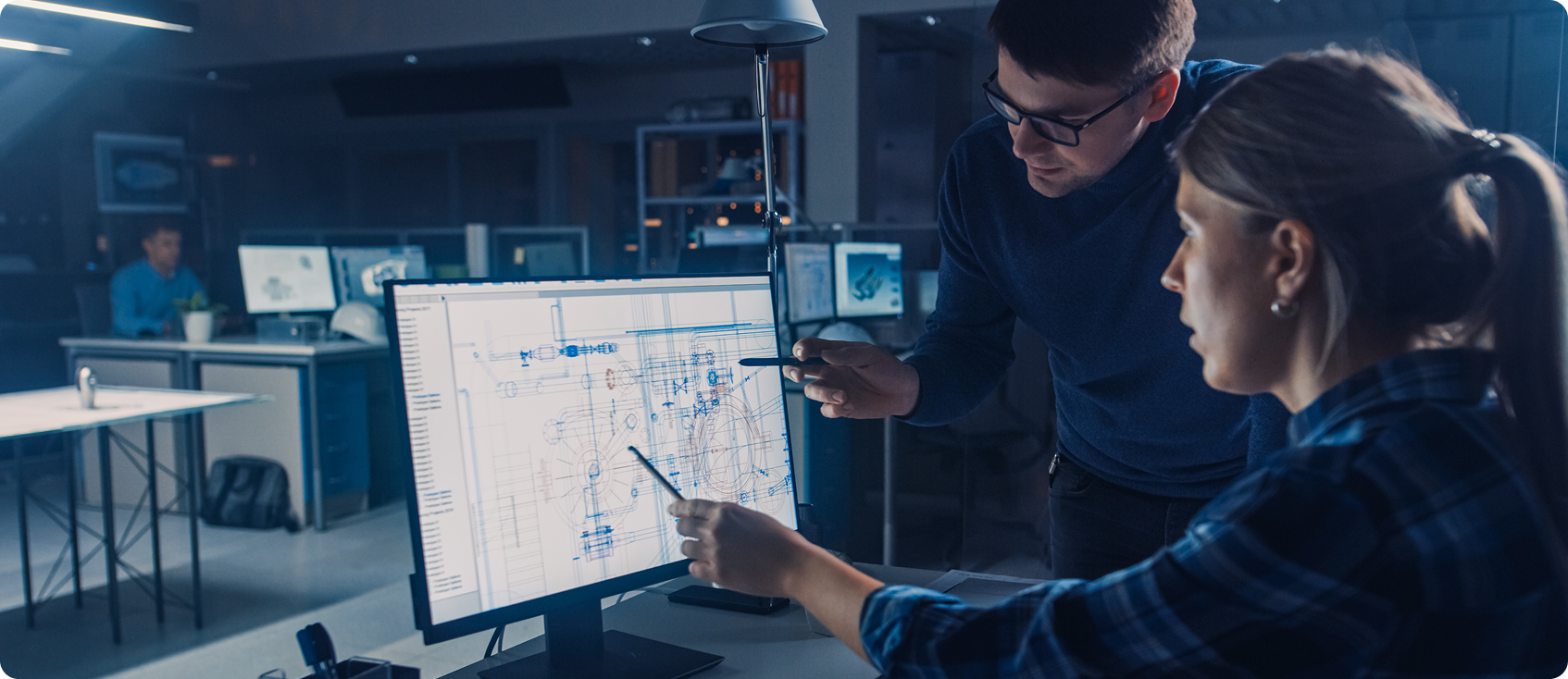
Field-office collaboration lives or dies on three recurring loops rather than any single feature. Each starts in the field, passes through the office and has to close. When these tools fail, they usually fail by leaving one loop open.
RFIs and submittals
An RFI starts as a question somebody has while looking at a drawing. Most RFI delay is transit, not deliberation: the question sitting in an inbox, the answer arriving in a format nobody can tie back to the sheet. Posting the RFI as a markup collapses most of that, because the question, the sheet, the location and the answer stay in one object. See RFIs and submittals. UK contractor Forcia has run digital RFIs this way for more than a decade.
Punch and closeout
Punch is a volume problem. Hundreds of small items captured on a phone by whoever is walking the space, assigned to whoever owns the fix, tracked to closure, then produced as a clean list for the owner. It only holds together if capture is fast enough that people do it in the moment rather than transcribing notes that evening. Item, location, photo, owner, status. See punch. Sundt Construction worked through a tangled punch process on a university student union.
Site observations and as-builts
The field is where drawings meet reality, and reality wins. Capturing changes on the drawing while standing in front of them is the only version of as-built documentation that reliably happens. Anything needing later transcription degrades into a folder of undated photos. The payoff arrives at handover. An owner receiving a set that reflects what was built gets a building they can operate. An owner receiving a set that reflects what was drawn gets a scavenger hunt every time a facilities team opens a ceiling. ZGF Architects treated that record as project infrastructure on the PDX airport program.
What are the best practices for digital collaboration in construction?
Software adoption is the easy part. The harder work is agreeing on conventions before a project starts: what a cloud means, who closes an item, which folder holds the current set. Teams that skip that end up with a well-licensed version of the problem they already had.
1. Name the current set so nobody has to ask
Discipline, sheet number, revision, issue date, in that order, so files sort correctly and a human can read the filename and know what they are holding. A-201_R3_2026-03-14 tells you everything. A-201_FINAL_v2_USE_THIS_ONE tells you a team gave up. Then set the rule that matters more than the convention: superseded sheets move to an archive folder the same day. A current-set folder holding one obsolete sheet is not a current set.
2. Agree the status set before the first markup
Four statuses beat 12. Open, In Review, Resolved, Closed will carry almost any project. Elaborate taxonomies leave half the options unused and the rest applied inconsistently, which gives you a filter nobody trusts. Attach one rule: the person who raised an item closes it. Not the person who did the work, not the project manager sweeping the log before a meeting.
3. Scope a session to a decision, not a project
The most common misuse of live collaboration is opening one session at kickoff and leaving it running for 18 months. Everything lands in it, nothing closes, and by month four nobody reads it. Scope each session to a review cycle or sheet package with a defined end. A closed session with 40 resolved items is an asset. An open session with 900 unread comments is a liability somebody eventually reads under deposition.
4. Give outsiders the narrowest access that still lets them work
The instinct is to restrict. The better instinct is to scope precisely, so people stop working around the system. Three tiers usually covers it. Trade contractors get markup rights on the sheets in their scope. Owners get read and comment, not edit. Inspectors and one-off reviewers get read access for a fixed window with an end date attached, because access granted for a week and never revoked is how a project ends up with 60 people who can open the drawings and nobody remembers why.
5. Automate the comparison, keep a person on the judgment
Automated comparison and issue detection are good enough to change what the first pass looks like. They’re not good enough to be the only pass. Let automation produce the draft and keep a named person accountable for the call: the tool is reliable at finding things and unreliable at knowing which matter. Run the comparison before the review meeting rather than during it, so the meeting starts from a list of what changed instead of spending 20 minutes establishing it.
6. Connect collaboration to the systems that already hold your data
A platform that does not talk to your storage, project management system and model environment becomes one more place to check. Ask specifically whether a connection is two-way sync or a one-time export, because those are very different things sold under the same word.
How do you evaluate construction collaboration software vendors?

Demos are optimized to look good. They run on clean drawing sets, fast connections and a presenter who has done this 100 times. Buyers get more signal from asking how a platform behaves at its edges.
The checklist below is the low bar. The tests after it are what separate platforms, because they describe conditions a demo is not built to survive.
Evaluation checklist
- Role coverage. Does it work for every party who touches the set, including the ones without licenses?
- Workflows supported. Review, RFIs, punch and closeout, or only some of them?
- Mobile and offline. Full markup offline on iOS and Android, or a viewer with a sync promise?
- Integrations. Does it connect to your storage, PM and BIM systems, and is the connection two-way?
- Security and permissions. How granular is access control, and how are external collaborators handled?
- Pricing model. Per seat, per project or per collaborator, and what happens when you add a sub for three weeks?
- The record. Can you produce a timestamped history of markups and approvals two years after closeout?
Tests to run, not questions to ask
Ask a vendor whether they support offline markup and the answer is always yes. Ask them to show you, on your drawings, and the answers get more interesting.
- Mark up a 400-sheet set on a phone with airplane mode on.
- Show me what an external collaborator without a license sees, and what it costs to add them.
- Have two people mark up the same detail at the same time.
- Show me the audit trail for a single markup, including every status change and who made it.
- Compare two revisions of a full set across disciplines.
- Open the worst PDF I own, the 60 MB scanned one.
- Connect it to a system we already run and tell me whether that’s a sync or export.
Then pilot on a live project rather than a sample one. Run one full review cycle with real external collaborators and watch two things: whether the field crew opened it, and whether anyone reverted to email partway through. Adoption failures rarely show up in evaluation. They show up in week three, when somebody decides it’s faster to just send the PDF.
Why do teams choose Bluebeam for construction collaboration?
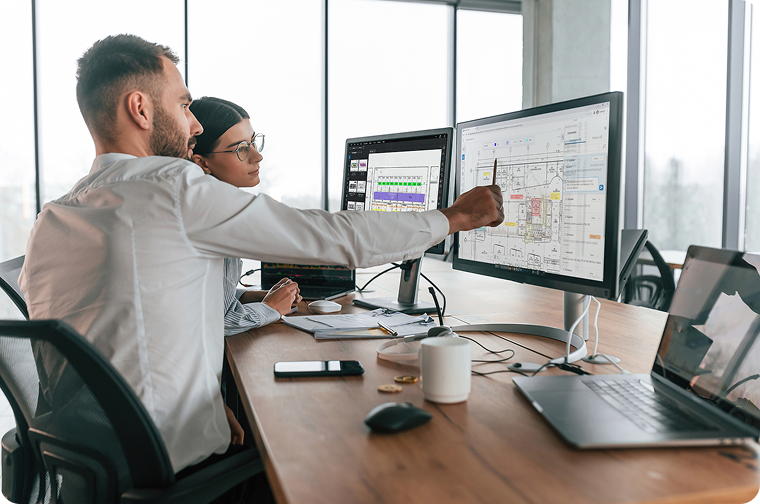
Most tools in this category started from project management and added drawings. Bluebeam started from the drawing in 2002 and added everything else. That origin explains why so many teams run it alongside a broader platform rather than treating the two as a choice.
Building for this since 2002 is long enough to have watched several confident predictions about the death of the drawing set fail to come true. What has held is the pattern at the top of this guide: projects are inter-company, the drawing set is the contract, and the tool that gets used is the one everyone can open. Five things account for why more than 4 million AEC professionals work in Bluebeam.
- Document-centric collaboration. Studio Projects hold the controlled set, Studio Sessions run live markup against it, and multiple participants work the same PDF at once.
- Cross-platform access with real offline capability. Markups made without signal on iOS and Android sync when the device reconnects.
- Role-based permissions per Project and Session. Collaborators without a license join in read-only or View Mode through the browser.
- A complete record. Every markup carries author, timestamp and status in the Markups List, and the Session Record links back to the documents.
- AI-assisted review through Bluebeam Max, including automated drawing comparison, discrepancy detection, and connections to Claude, GitHub Copilot and AnythingLLM via MCP.
What the results look like
These figures are self-reported, drawn from projects rather than controlled studies, and some are several years old. On a roughly $1 billion school bond program, AECOM streamlined more than 100,000 comments across 400 collaborators. Arup reports cutting design review times by as much as 60%. Rudolph and Sletten completed preconstruction review on the San Diego Central Courthouse 30% faster. Mortenson reported tracking projects 40% faster using Studio, though that account is more than a decade old.
The most independently documented result is Hungarian firm Márkus Engineering, whose case study the Institution of Civil Engineers published: a connected Archicad and Revu workflow produced a 50% time saving on design reviews. At CannonDesign, Matt Forman put the effect on
QA/QC plainly: it took a stunning amount of time out of the process. Buyers rate it at 4.5 on G2 across roughly 460 reviews, 4.7 on Capterra across 975, and 9.2 on TrustRadius, as of mid-2026.
Where AI stands
Worth being straight about, because the category is noisy. AI-assisted drawing review is no longer something one vendor has and nobody else does. Autodesk, Procore and a wave of AI-native entrants have all shipped or announced drawing-aware review, so the honest differentiator is maturity and how well the AI sits inside a workflow people already use. Bluebeam got here partly by acquisition, buying Firmus AI in September 2025, a move AEC Magazine covered. That technology underpins Smart Review and Smart Overlay.
Adoption is earlier than the marketing suggests. The AEC Technology Outlook 2026 found only 27% of AEC firms using AI for automation, problem-solving or decision-making, while 68% of adopters reported saving at least $50,000. The gap between firms using it and firms talking about it is the story. Start a free trial, or explore Bluebeam Max.
How do you start collaborating in Bluebeam?
The decisions that matter get made before anyone is invited. How the set is organized and who is allowed to do what are hard to change once a project is running, and they determine whether the record holds up at the end.
- Set up a Studio Project. Upload the current set and organize folders by discipline, phase or building, matching how the project is run.
- Set permissions before inviting anyone. Decide who can view, mark up, edit and download, and scope external collaborators to what they need.
- Start a Studio Session on the sheets that need review and set collaborator permissions for the session itself.
- Invite collaborators, including people without a Bluebeam license, who join in read-only or View Mode through the browser.
- Mark up together in real time, with built-in chat for the conversation alongside the markups.
- Work the set in the field on iOS or Android, marking up offline and syncing on reconnect.
- Track issues in the Markups List, filtering by author, discipline or status.
- Close the Session and keep the Record, which leaves a timestamped history linked back to the documents.
Teams on Bluebeam Max can add AI to the middle of that sequence, flagging what changed between revisions before reviewers open the set, as documented on the AI transparency page. The Built Blog covers the Revu fundamentals that make Sessions work and collaborating effectively in Studio. Instructions are in the Studio Sessions guide, courses in Bluebeam University.
The bottom line

Construction collaboration software is not ultimately about getting people to talk. Project teams have never had trouble talking. It’s about making sure what gets said stays attached to the drawing it refers to, reaches the person standing in front of the work, and can be produced two years later when somebody asks how a decision got made.
Which tool fits depends on where your projects break. If nobody can establish which sheet is current, evaluate on document control. If field crews wait on answers, evaluate on offline capability. If coordination comments arrive in six formats from four firms, evaluate on simultaneous multi-discipline markup.
Whichever way that goes, evaluate for the weakest-connected party on the job rather than the people in your own office: the sub with one laptop, the inspector who needs a week of access, the foreman in a basement with no signal. They decide whether the record holds together, and no feature list ever asks about them. Only 11% of field personnel always have the information they need. That’s the number to keep in front of you. Bluebeam is the collaboration standard for teams whose work centers on the drawing set, used by more than 4 million AEC professionals. Start a free trial and run a live session on a set of your own. You can also compare plans on the pricing page, run the ROI calculator, read the customer stories library, or book a demo.
Frequently asked questions
What’s the difference between construction collaboration software and document management software?
Document management answers “is this the current version?” and collaboration software answers a different question: can everyone who needs to touch this document do so at the same time, from anywhere? Document control without collaboration produces a tidy set of files nobody marks up; design review without collaboration produces a review only one discipline can attend, and most platforms are strongest at just one of the three layers.
Why does collaboration break down on construction projects?
Collaboration failures generally happen on the path from decision to execution. Dodge Construction Network’s 2024 survey of 251 contractors found 98% had hit serious quality issues like errors, omissions and rework in the prior three years, with a third tracing those problems to coordination failures that erode annual profit margin by an average of 10%.Only 11% of field personnel said they always had the information they needed to build.
Which construction collaboration software is best for your team?
There’s no single best tool because teams don’t fail in the same place: document management and approvals need controlled storage with a recorded audit trail, field work needs full offline markup and a real mobile client, design coordination needs simultaneous multi-discipline markup and model linkage, and scope/change clarity needs granular permissions and defensible change tracking. The right evaluation starts with identifying which of these four your projects break on most often.
Which collaboration software works best for on-site field teams?
Field collaboration is judged on what happens when the signal drops, so full offline markup on iOS and Android is non-negiotiable — the real question is how reliably sync behaves once a device reconnects. The second test is whether mobile is a genuine client for marking up, measuring and attaching photos, or just a viewer that pushes crews back to text messages.
What collaboration tools work best for designers and contractors?
Multi-discipline review is the hardest collaboration problem on most projects because architectural, structural and MEP sets have to be read against each other by people at different firms on a schedule that can’t pause for coordination. Every discipline needs to mark up the same set at once rather than in sequence, since sequential review can turn a three-week cycle into a six-week one.
Which construction collaboration software offers strong document management and approvals?
Good document collaboration looks like a single source of truth, an approval path with named reviewers, and a record showing who signed off and when — the failure mode is a shared drive that technically contains everything and practically answers nothing. The pattern that works separates storage from review: documents live in a controlled workspace, and review happens in a live session against that set with approvals recorded against the document itself.
How do you evaluate construction collaboration software vendors?
Demos are optimized to look good, running on clean drawing sets and fast connections, so buyers get more signal from testing a platform’s edges than from asking feature-list questions. Useful tests include marking up a large sheet set on a phone in airplane mode, having two people mark up the same detail simultaneously, and pulling the full audit trail for a single markup including every status change.
How mature is AI in construction collaboration software today?
AI-assisted drawing review is no longer something one vendor has and nobody else does — Autodesk, Procore and a wave of AI-native entrants have all shipped or announced drawing-aware review, so the honest differentiator is maturity and workflow fit rather than the feature’s existence. Adoption is still early industry-wide: the AEC Technology Outlook 2026 found only 27% of AEC firms using AI for automation, problem-solving or decision-making, though 68% of adopters reported saving at least $50,000.
How do you collaborate securely with subcontractors and external partners?
Secure collaboration happens through scoped permissions rather than shared logins or emailed files, since projects are inter-company by definition and the tool that wins is the one an outside collaborator can open without a license or training session. A workable model uses three tiers: trade contractors get markup rights on their scope, owners get read-and-comment without edit access, and inspectors get read access for a fixed window with an end date attached.
Table of Contents
- What is construction collaboration software?
- Why does collaboration break down on construction projects?
- What features should construction collaboration software have?
- Which construction collaboration software is best for your team?
- How do field and office teams collaborate day to day?
- What are the best practices for digital collaboration in construction?
- How do you evaluate construction collaboration software vendors?
- Why do teams choose Bluebeam for construction collaboration?
- How do you start collaborating in Bluebeam?
- The bottom line
- Frequently asked questions

