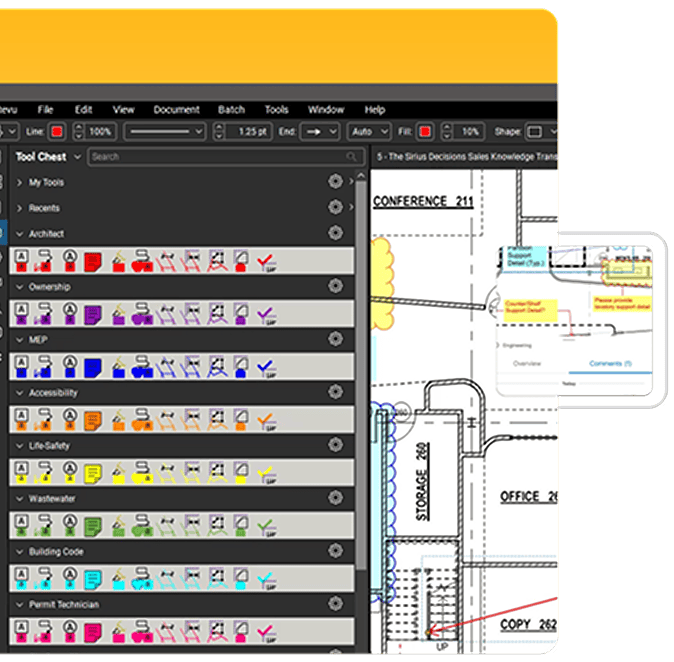
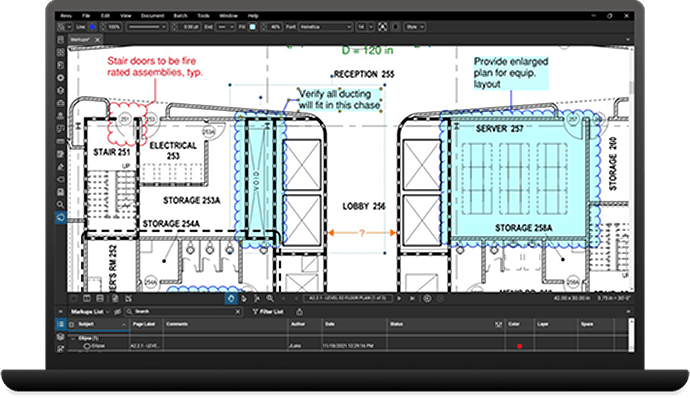
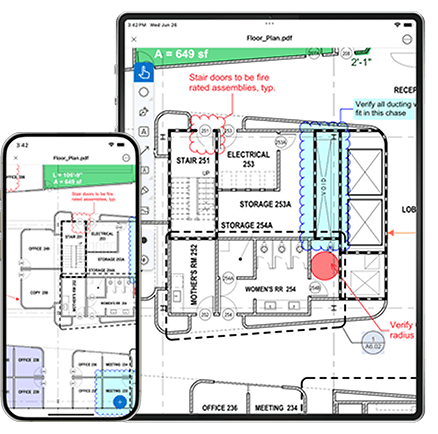
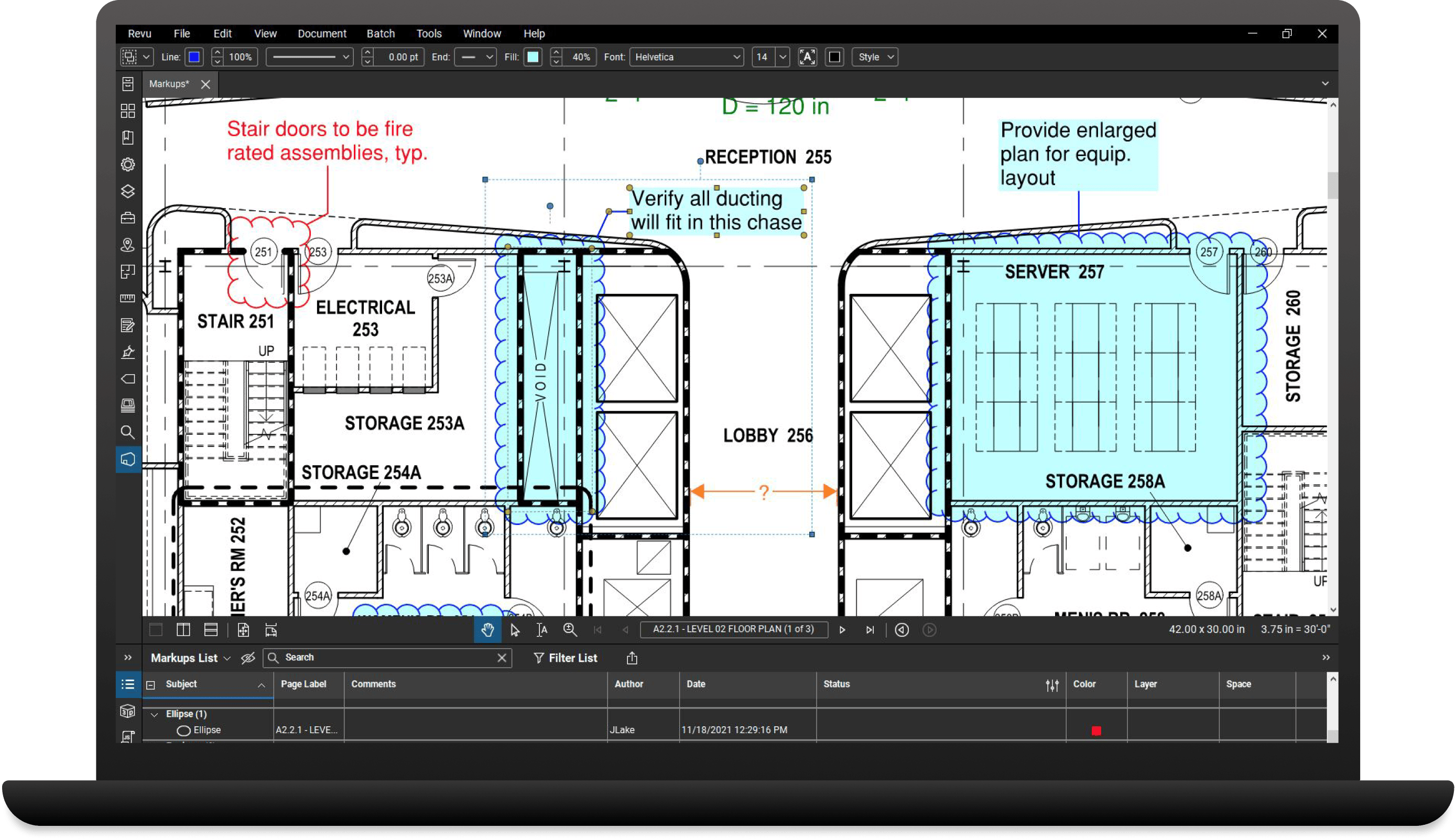
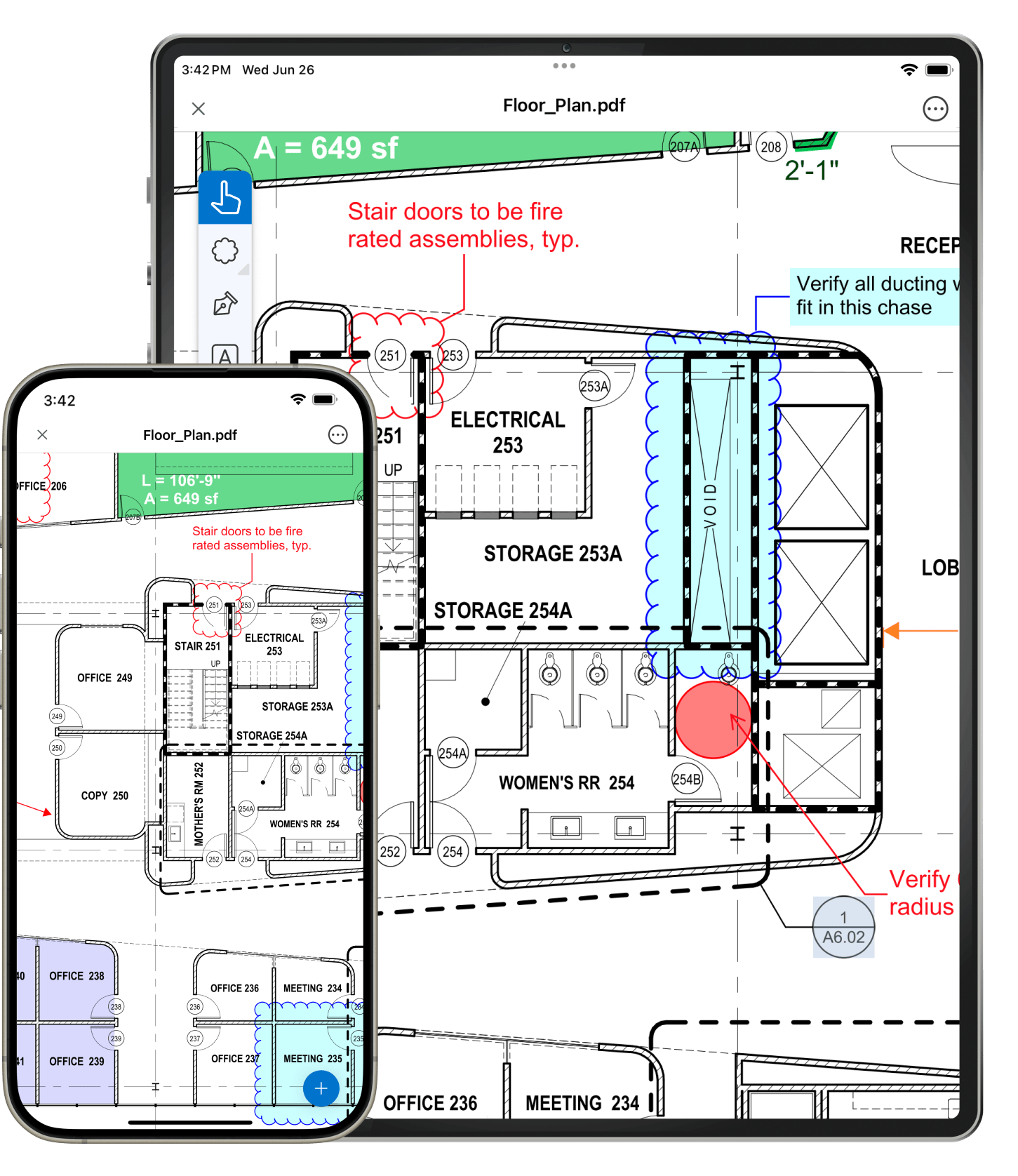
The File Exchange tab in Revu displays a list of available files along with other information such as project name, date and username. Files are opened by clicking the name in the list, then users have access to all of Revu's editing features for adding comments, taking measurements, inserting symbols, etc. Once the markups are added to the PDF file, users click Save to post the markups back into the original file on the website.
Take, for example, a construction project plan room where all project files are stored on a website. Project teams can login and access the PDF documents, add markups, comments, and measurements, then post the information back into the plan room.
If you require the assistance of Bluebeam support to get the bFX protocol up and running, the support fee is $2995 for one year and is renewable. Support is optional, so if you prefer to go it alone there is no charge for using bFX, simply contact bfxinfo@bluebeam.com to get started.
The File Exchange format is an XML file with a .bfx extension. PDF markups are stored separately in an XML file with a .bax extension. The system requires an internet connection and relies on HTTP GET and POST protocols to interface with the remote system (the website).