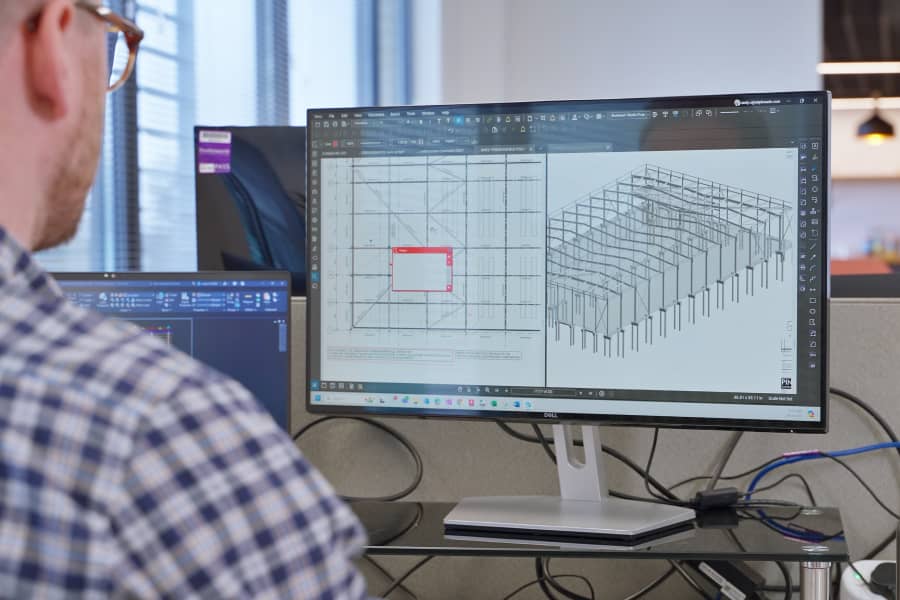
Pinnacle has been providing engineering consultancy services for more than 25 years. With a focus on innovation, the company is constantly looking at ways to improve processes and deliver better outcomes for clients.
When the COVID-19 pandemic hit, Pinnacle, like many firms, looked at its software tool stack and key processes to see where digitalization could make a difference. One early win was the adoption of Bluebeam, according to principal structural engineer Andy Carson.
“Bluebeam helped us work more effectively during the pandemic,” he explained. “Software that we previously used was limiting for the function that we required.
“We wanted to give our engineers more power to manage markups and update drawings,” Carson said. “With people working remotely, it was no longer possible to print everything out and do this by hand.”

Customization is key
With the increased levels of functionality and enhanced productivity offered, the team found that Bluebeam was making it much easier to manage projects, especially when it came to communicating ideas and design changes.
“Bluebeam is designed for the construction and engineering industry, which means there are lots of features already set up that fit what you need, including a range of customization options,” senior civil engineer Adam Prais said.
“For example, we have a lot of specific line types and presets in our tool chest. These match how we draw things in CAD. It speeds up communication, as we don’t need to explain a curb type or a drainage solution, and everything is coded and consistent.
“It means that people can read suggestions and amendments instantly because it reflects the way we already work.”
Flexible, agile working
Along with bringing the team together, Bluebeam also helps Pinnacle work more interactively with clients, according to Carson.
“It’s a very fast way of working. You can show a drawing to a client and work on it together in a meeting, tweaking layers and marking it up,” he said. “Every design change can be highlighted clearly, and it means that we don’t have to go to CAD every time, which takes longer.”
“Other software catered for a very broad user base, which for our requirements tended to be too simplistic. Bluebeam is a more focused solution for our needs. It’s designed with engineers in mind.”
Andy Carson
Principal Structural Engineer
“Clients really like this,” he continued. “They can work closely with us, see their feedback being added in real time and get a drawing much faster. It’s useful during the project when something needs to change on site, too. We can amend the drawing and get it back to the site team quickly, so there are no delays. This then gets passed to our BIM team to update the model or original design drawings.”
Carson adds that working in this way makes the decision-making process much smoother. “We only update the master drawings once things are agreed,” he said. “Essentially, it means that we are working with the drawing in Bluebeam before working in the master files.”
“This can save two or three days in the process, and the client is happy because they don’t have to wait as long to make their decisions.”
Carson concludes: “It makes the workflow so much smoother. We don’t have to do detailed briefs for our CAD designers, and we’re not going back and forth with the client and team members all the time, as everything we need is on the plan.”
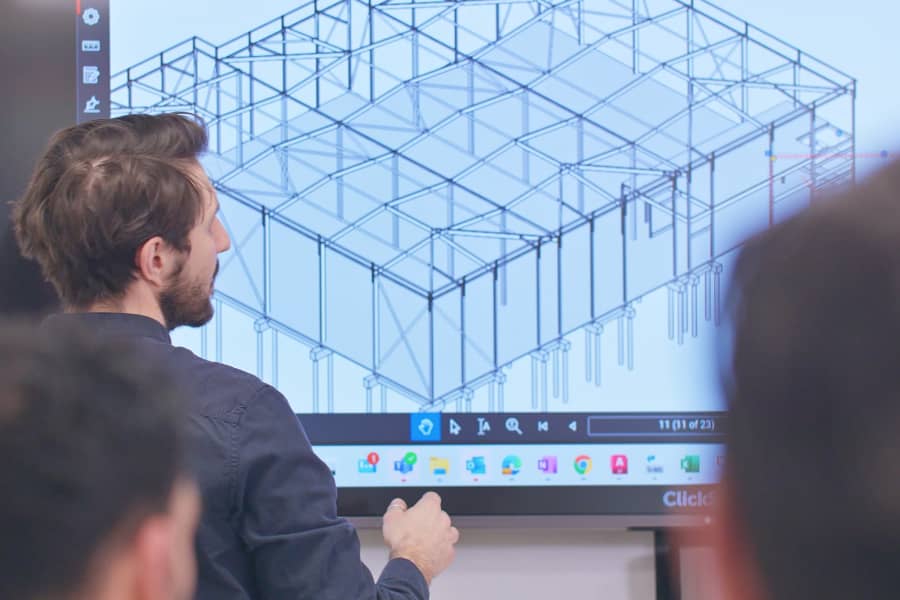
Sketch up tools add speed, accuracy to projects
The sketching and measurement functions within Bluebeam also improve efficiency.
Prais said: “At concept stage, we do the initial drawing work [in Bluebeam] to make changes much faster than we would be able to by hand or using CAD. The idea is to give the team and client more certainty before time and effort is spent on the detailed design.
“One of the most useful tools is layering. You can add drawings on top of each other and dim one of the layers so that you can easily track changes or test different options between drawings.
“The markup tools are so clear that we can do work like this in about a third of the time, and there are fewer mistakes or requests for clarification during projects. Add in the ability to import and transfer details between drawings, and it’s easy to keep everyone on track with plans.”
“When we train people on the tool, we take them through our best practice, including our custom toolsets and any key features. It’s very easy to use. We don’t need formal training. Our team find it intuitive and do most of their learning on the job with it.”
Andy Carson
Principal Structural Engineer
Working in a paperless environment
Going back to why Pinnacle initially picked Bluebeam, Prais described the ease of working remotely with the tool: “It’s helped us to work more effectively, without needing to print out drawings and creating hand markups. It means that we’re not dependent on an office infrastructure, using less paper and not needing access to things like a printer.”
A competitive edge
Since using Bluebeam, Pinnacle has increased its competitiveness, smoothing communication and making projects more efficient.
Carson concluded: “The benefits to both internal and external project communication are invaluable. Bluebeam helps us to bring different disciplines together to discuss projects and make edits and decisions in a collaborative way.
“It helps us to meet deadlines more easily as we save days of work on our projects, because we can get information out to the team faster – keeping projects on track and managing approvals.
“We don’t need to go back and forth with clients, as we can work together in the same tool and make it very clear on what decisions need to be made. Ultimately, Bluebeam gives us confidence in our projects – we have all the information we need at the tips of our fingers, whether we’re on site or in the office.”