


ZGF Architects
PDX Reimagined: How a Digital Backbone Powered America’s Most Ambitious Airport Project

A new way to supercharge Revu with AI.

The Complete Guide to Construction Takeoffs in 2026


BLUEBEAM USER MANAGEMENT
Manage Bluebeam for your organization
Bluebeam’s user management portal gives you a centralized place to control subscriptions, user permissions, and project access.
ORG ADMIN
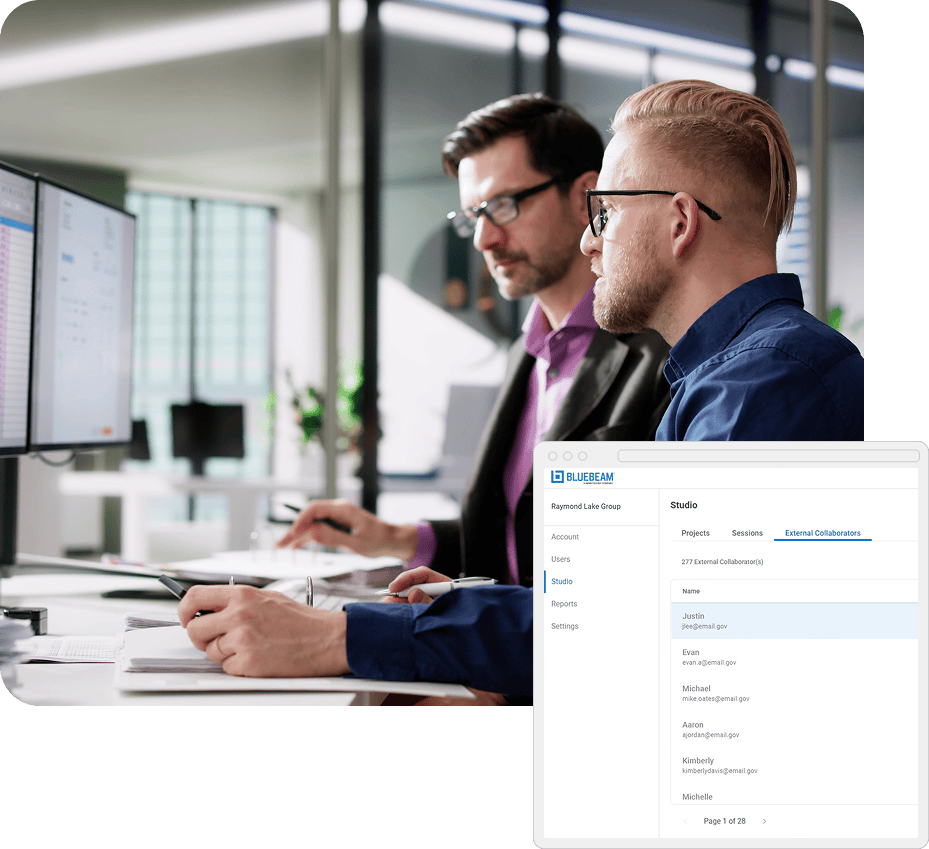
Manage subscriptions and users
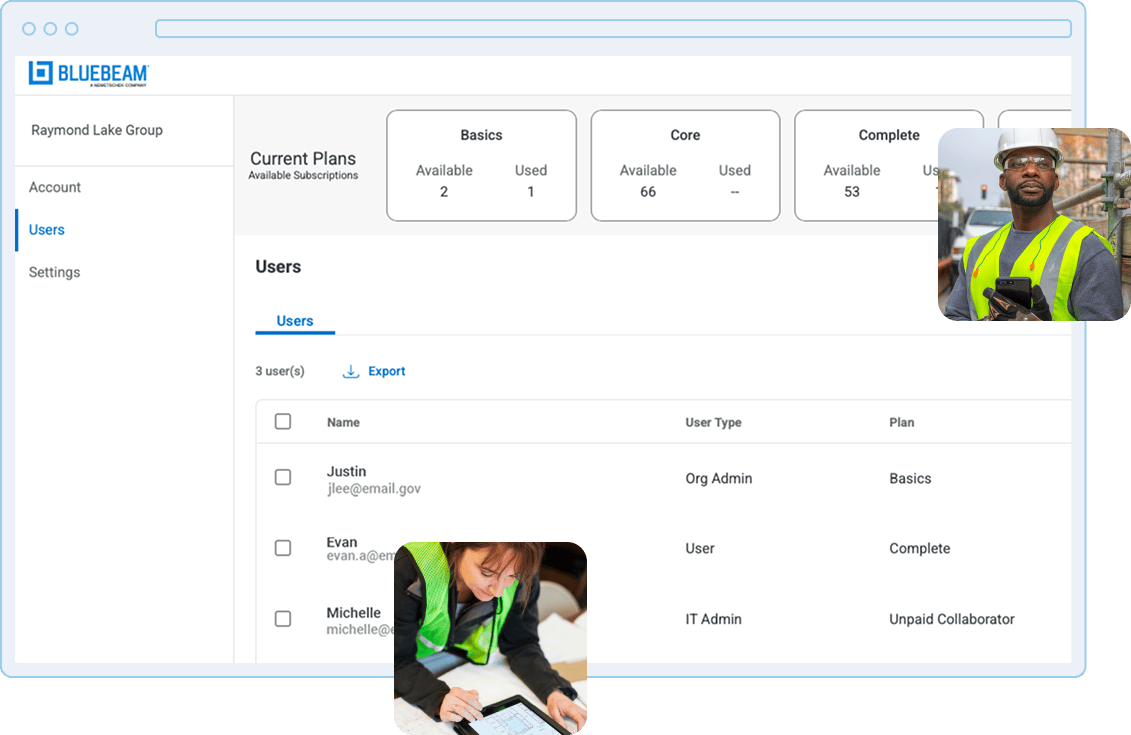
All organizations with more than two Bluebeam licenses have access to Org Admin, a centralized hub where admins can allocate Bluebeam subscription seats, change subscription packages, manage other admins, and set up single sign-on (SSO) and SCIM for faster, easier access.
ORG ADMIN PRO
Gain greater control
Looking for more project control and user insights? Go beyond Org Admin with Org Admin Pro — organization-wide controls to safeguard who has access to project information, manage permissions, and optimize how your teams use Bluebeam.
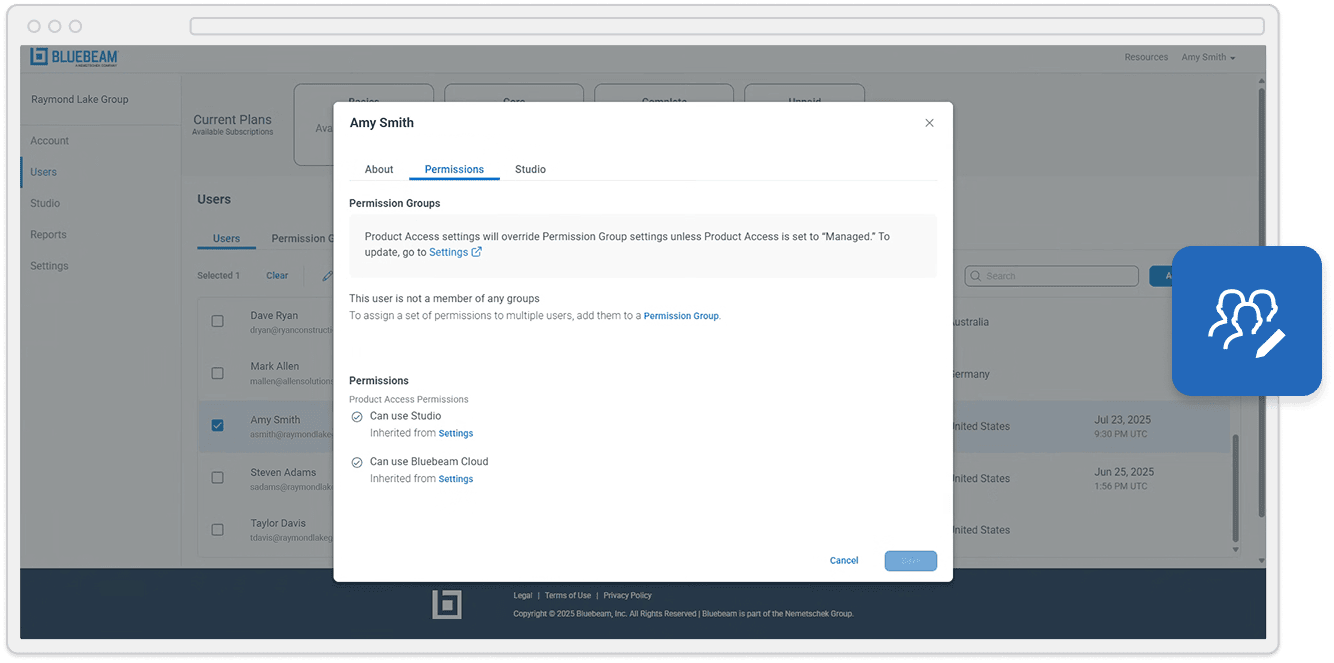
Ensure the right level of access
-
Application-level user access control
Control the groups and individuals within your organization who can access Studio and Bluebeam on web and mobile -
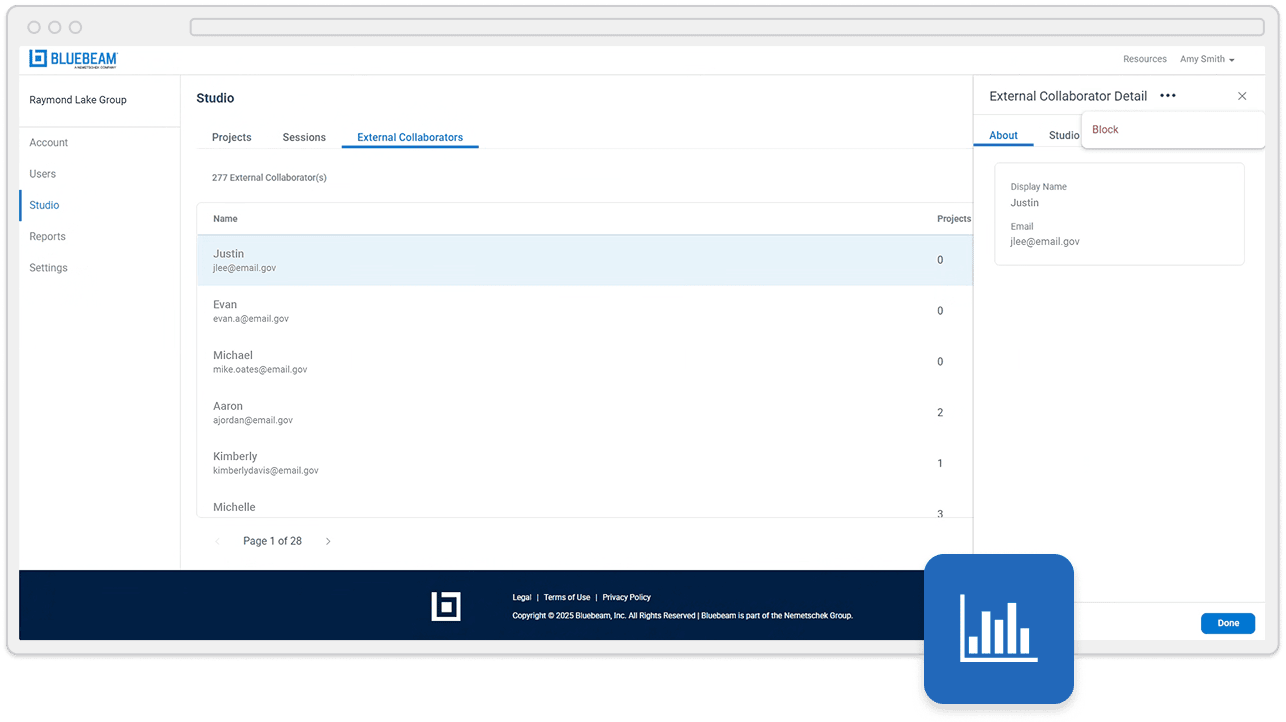
External collaborator blocking control
Block individual external collaborators from accessing Studio Sessions or Projects within your org
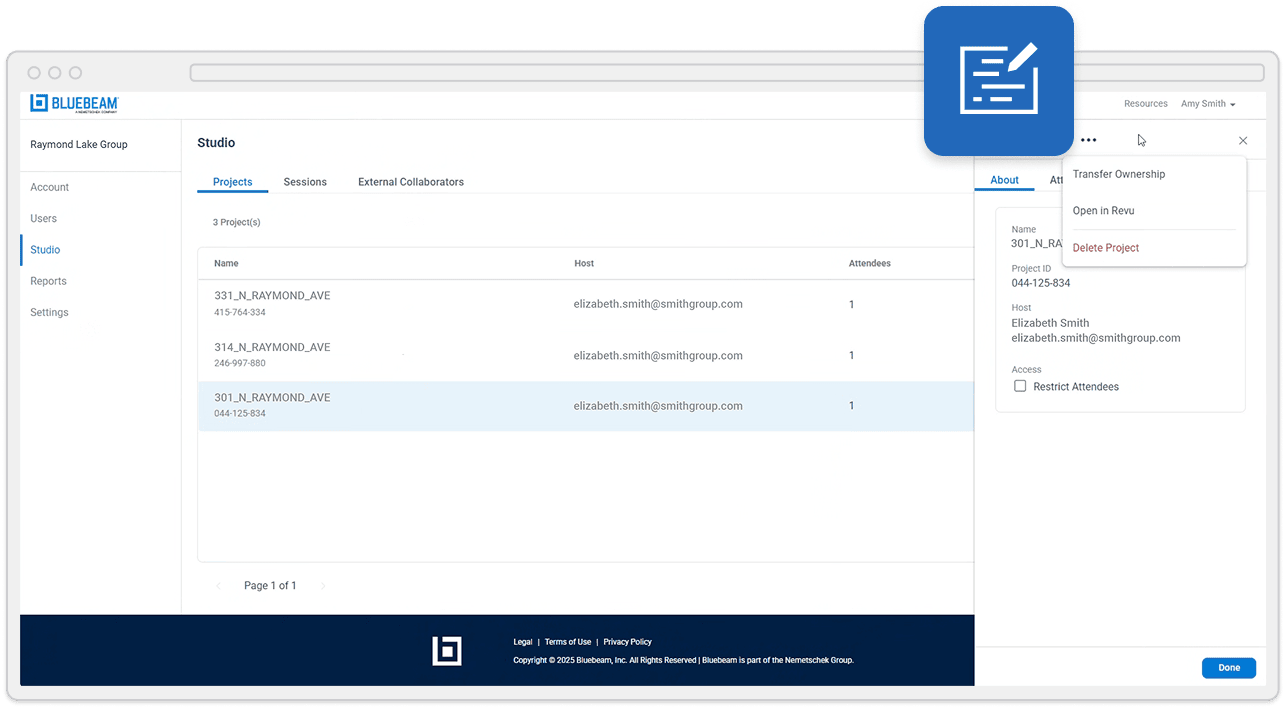
Keep projects moving
-
Reassign/move Studio ownership
Ensure the right people can manage Studio Sessions and Projects, even as teams change -
Make specific Studio Projects private
Safeguard projects by ensuring only specific users can access certain Studio Projects -
Super admin control
Launch into a Studio Session and take admin control over it
Understand your Studio usage
-
Studio usage statistics
Show number of owned and attending Projects and Sessions for all users -
External participation
Show Projects and Sessions that members are participating in outside of the organization