ZGF Architects
PDX Reimagined: How a Digital Backbone Powered America’s Most Ambitious Airport Project
A new way to supercharge Revu with AI.
The Complete Guide to Construction Takeoffs in 2026
Streamline digital takeoffs, reduce costly estimation errors, and export bid-ready quantity data in minutes with Bluebeam construction takeoff software purpose-built for construction pros.
“Bluebeam makes it easier to do takeoffs so you can concentrate on the more difficult aspects of the project.”
Niall O’Connor
Building Estimator, Forcia Limited





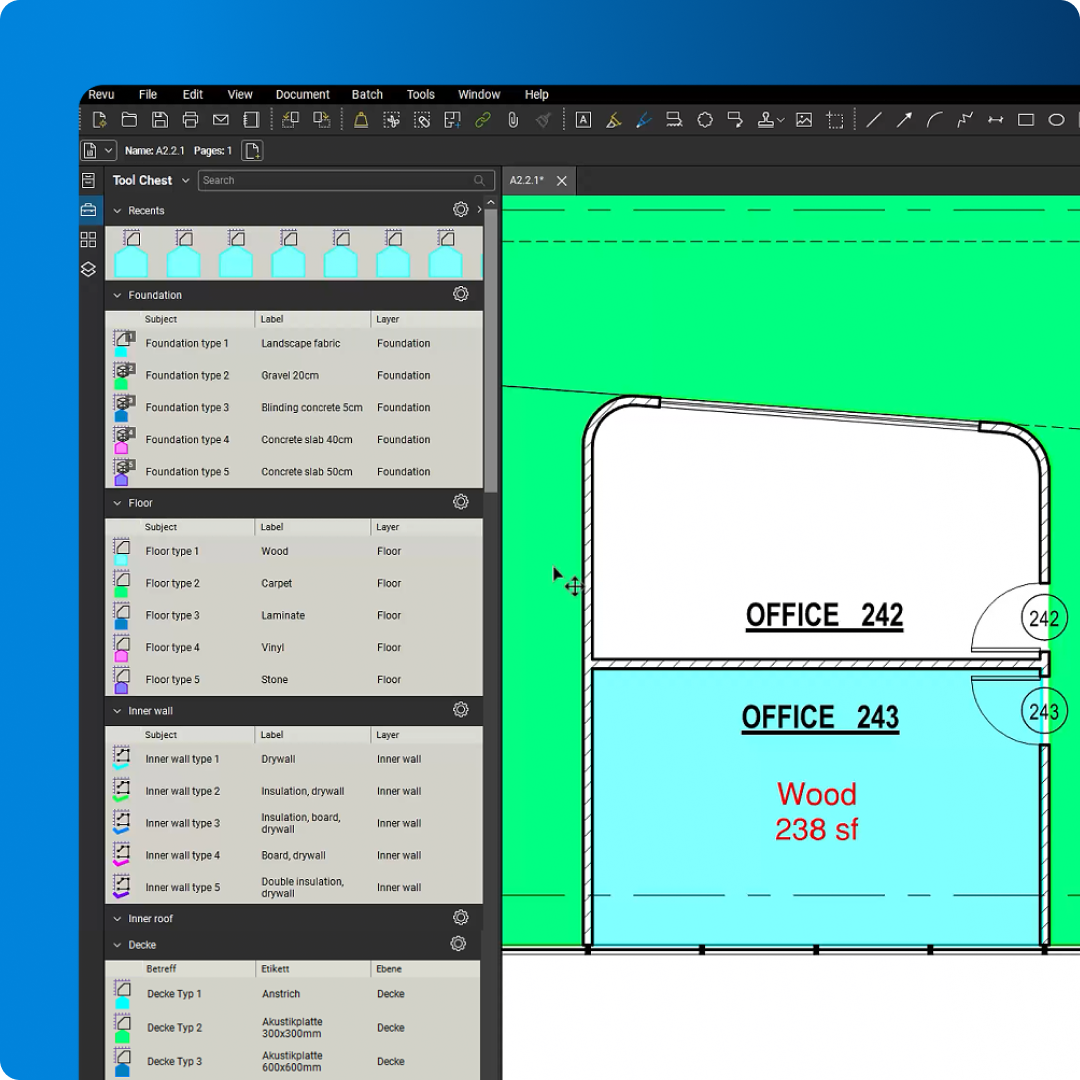
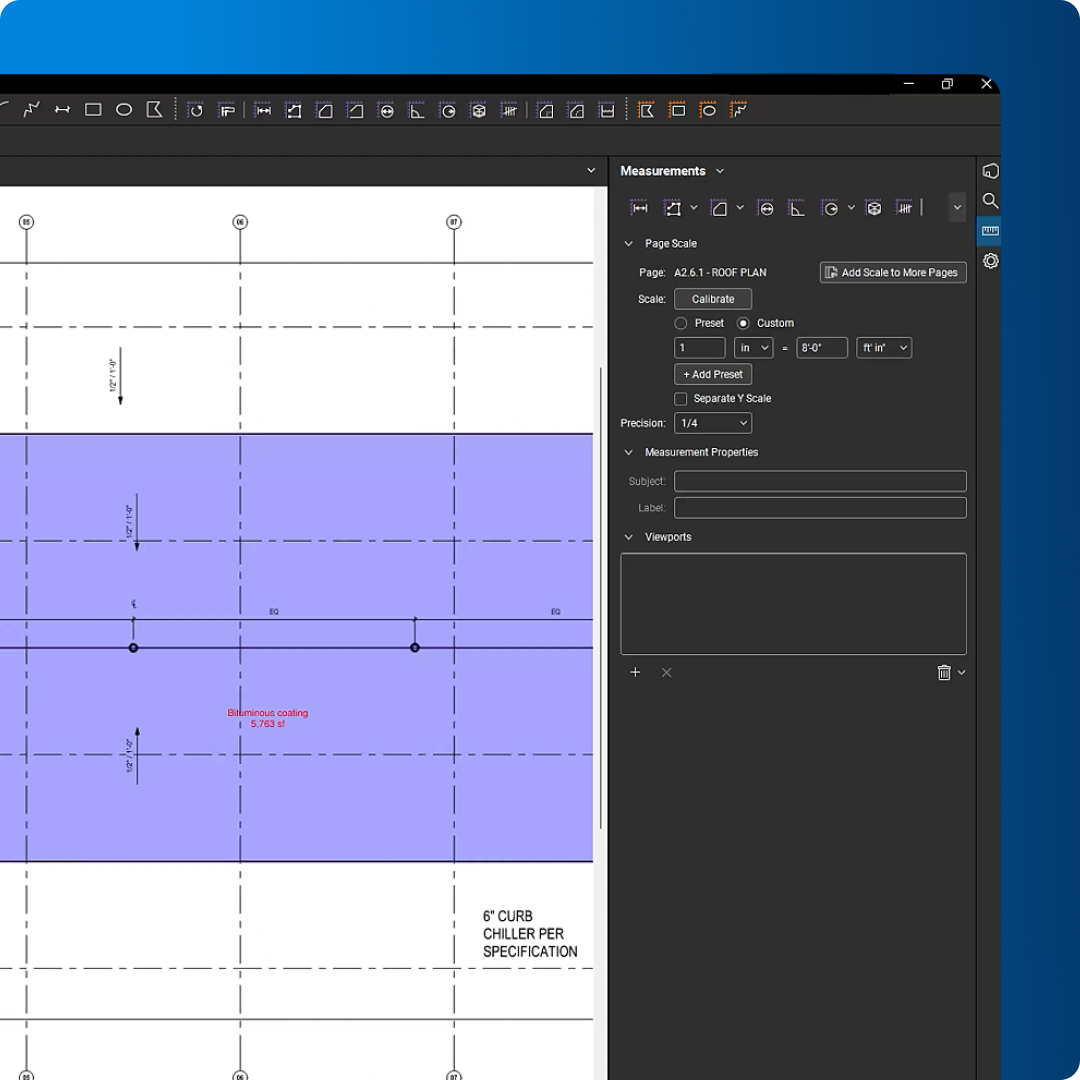
Handle everyday quantity takeoffs with calibrated measurements, reusable tools, and organized data that moves cleanly from PDF drawing to estimate.
Measure lengths, areas, volumes, and counts directly from drawings
Standardize workflows with saved tool sets and custom columns
Export takeoff data to Excel for faster estimating and review

Bluebeam’s highly-rated digital takeoff and estimating software tools offer powerful advantages for estimators, contractors and PMs:

Precision: Measure lengths, areas, volumes and material quantities accurately with customizable digital takeoff tools
Efficiency: Automate repetitive takeoff tasks and export quantity data directly to Excel for faster cost estimating
Collaboration: Share marked-up PDFs and quantity takeoffs with team members in real time
Flexibility: Customize measurement tools and takeoff workflows to match specific project and trade requirements
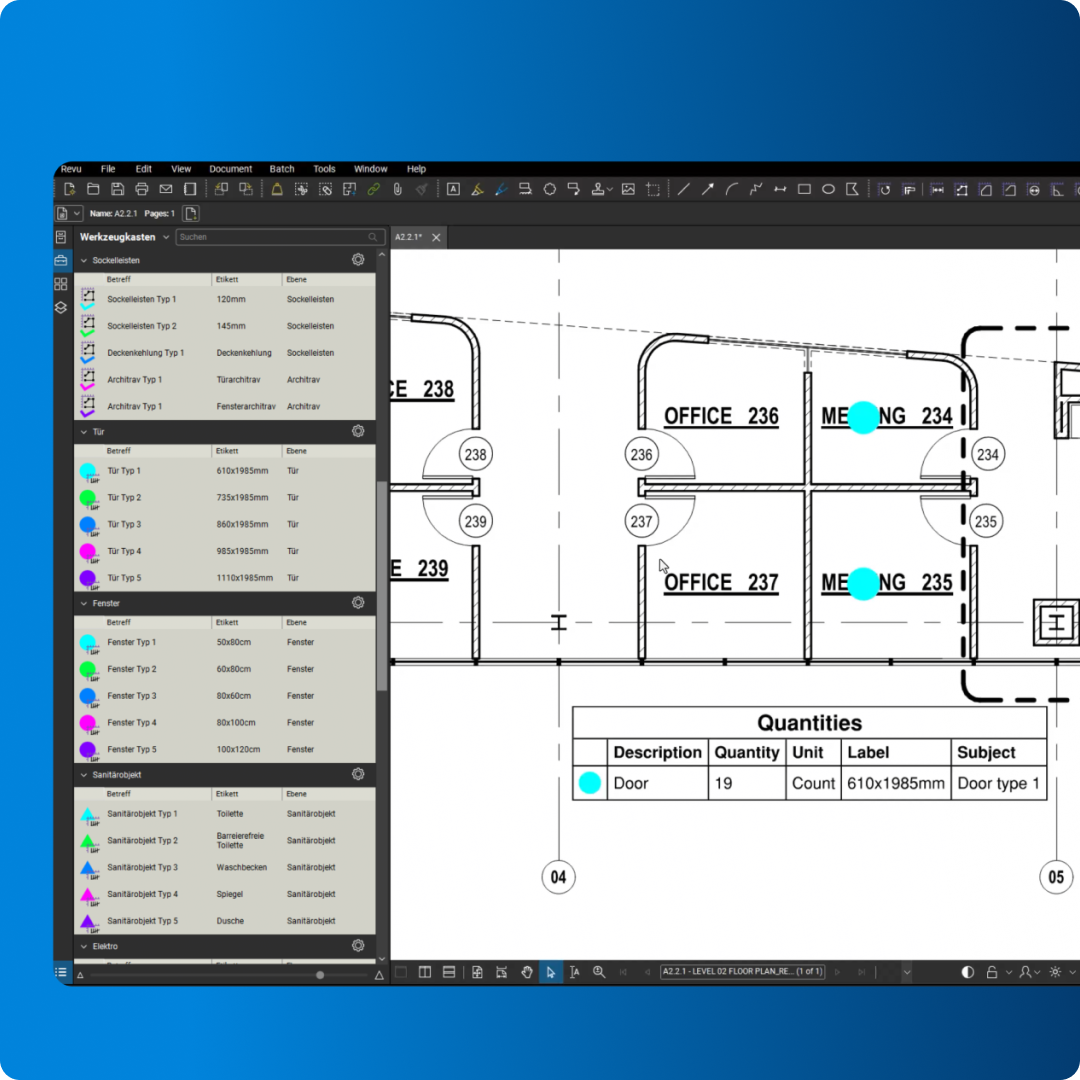
Visualization: Color-code, label and organize digital takeoffs for clearer quantity tracking
Bluebeam’s intuitive interface ensures that even complex digital takeoffs and quantity calculations can be performed quickly and accurately, giving you a competitive edge in bidding and cost estimation.
Solid Earth civil contractors tripled their bid submission capabilities using Bluebeam.
Civil engineering firm Márkus Engineering used Revu to exponentially increase takeoff speed and accuracy.
Specialist engineering contractor ClearTech won 50% more projects after digitizing estimations with Bluebeam.

Measure volume, depth, radius, wall area, angle or arc, perform area and volume cutouts, and customize counts.

Easily take measurements from detail sheets by creating multiple scaled viewports in a single drawing.

Seamlessly link measurement totals from multiple PDFs to Excel worksheets for automatic bid calculations.

Section off and fill complex drawing regions to easily generate markups, measurements and spaces.

Track all markups in an integrated, customizable list for improved accountability and easily create PDF, CSV or XML reports.

Search for symbols within PDFs and add hyperlinks and highlights, or even apply custom counts to search results.

Create a visual summary of markup data on your PDF, which automatically updates as you make changes.

Store your preferred toolbars, tool sets and display settings in a custom interface profile or choose from preloaded profiles.

Invite anyone in the office or the field to digitally mark up and measure together at the same time.
Bluebeam offers easy-to-use measurement tools for ensuring takeoff speed and accuracy. Here’s how to get started.
Go to Tools > Measure or use the corresponding shortcuts. Select the appropriate tool for the measurement you need to perform, such as length for distances or area for surfaces. Click on the PDF to define the points for the measurement, and Bluebeam will automatically calculate the value.
Once a measurement is made, it appears as a markup in the Markups List. You can sort, filter, and search for specific measurements. The Markups List also offers features for summarizing measurements, such as creating legends, calculating totals, and generating summary reports.
To export the takeoff data, go to Markups List > Options > Export to Excel. This will create an Excel file containing all the measurements, allowing you to perform calculations, create reports, and estimate costs.
Integrations
Whether you’re using one of our ready-to-use integrations or building your own with Bluebeam Studio APIs, you can connect the applications you rely on for smoother workflows that keep projects moving.

RESOURCES