






ZGF Architects
PDX Reimagined: How a Digital Backbone Powered America’s Most Ambitious Airport Project
A new way to supercharge Revu with AI.
The Complete Guide to Construction Takeoffs in 2026
Bluebeam helps engineers standardize communication and improve review quality with customizable markup, measurement and collaboration tools.
Try It Free View Our Plans

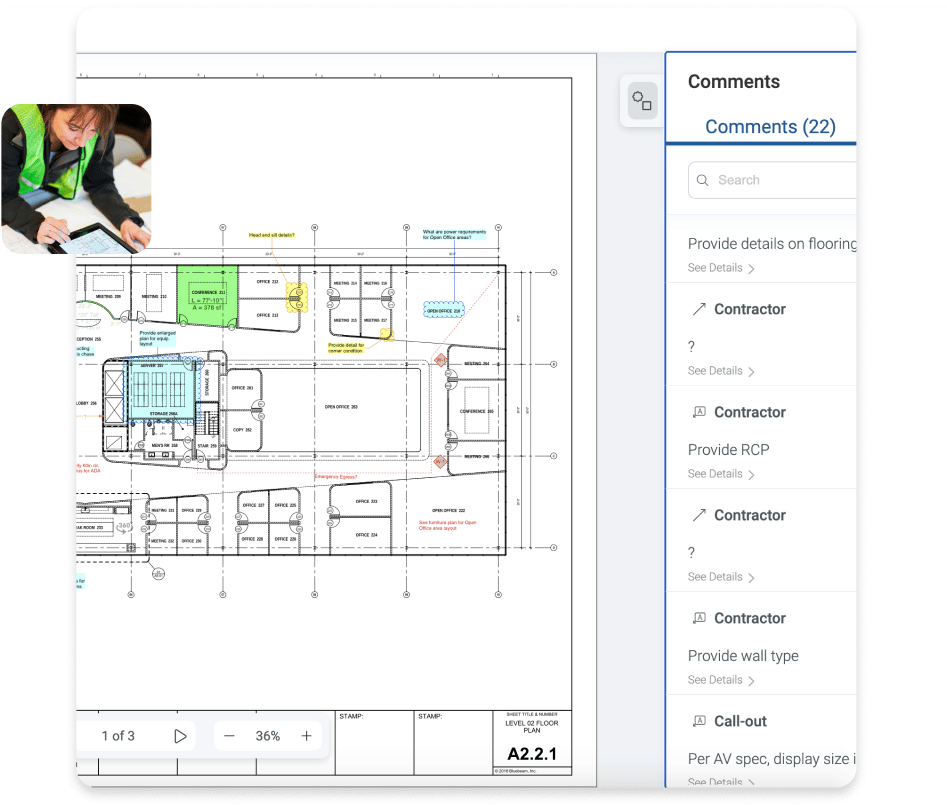

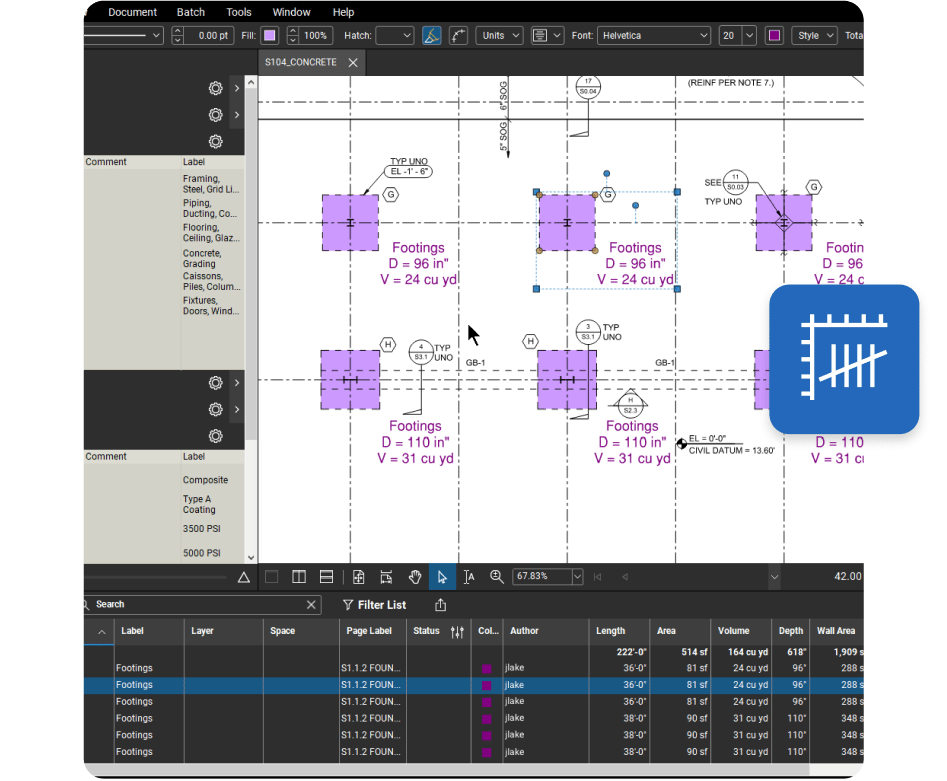
Automatically track all markups placed on a PDF, plus associated comments and statuses. And export data to your preferred BI tool to get valuable insights into project progress and team performance.
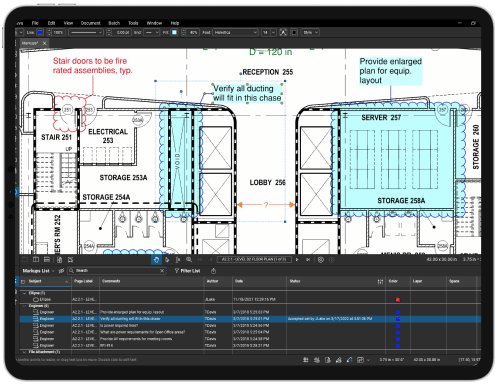
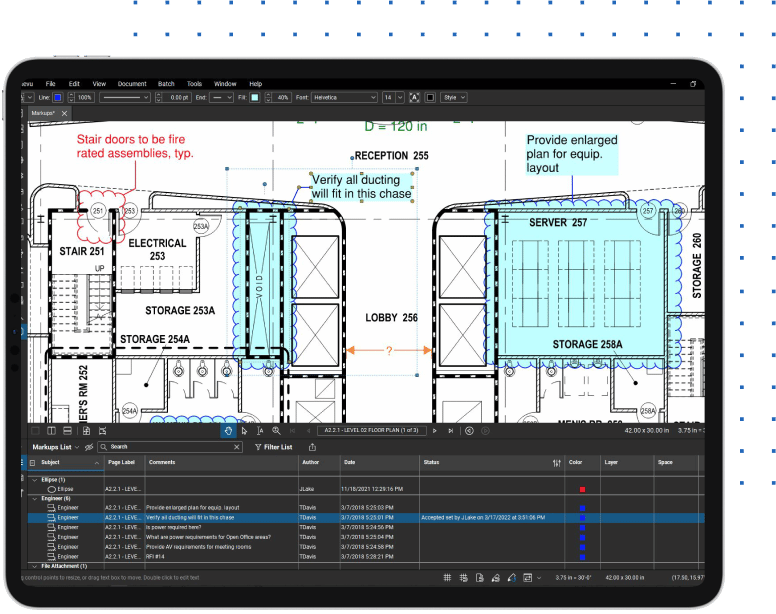
Automatically track all markups placed on a PDF, plus associated comments and statuses. And export data to your preferred BI tool to get valuable insights into project progress and team performance.

Resources
Bluebeam empowers teams to collaborate more efficiently, profitably, and securely.
INTEGRATIONS
Get more done in one place. Connect with external apps, automate custom workflows and share data across devices, systems and teams.