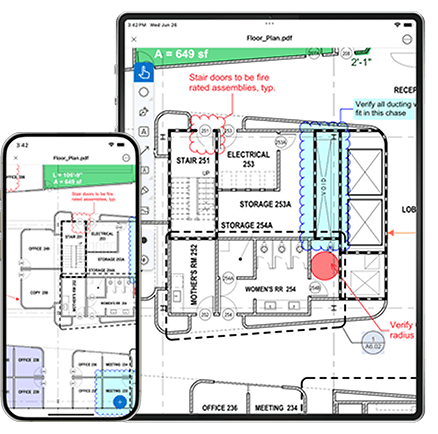
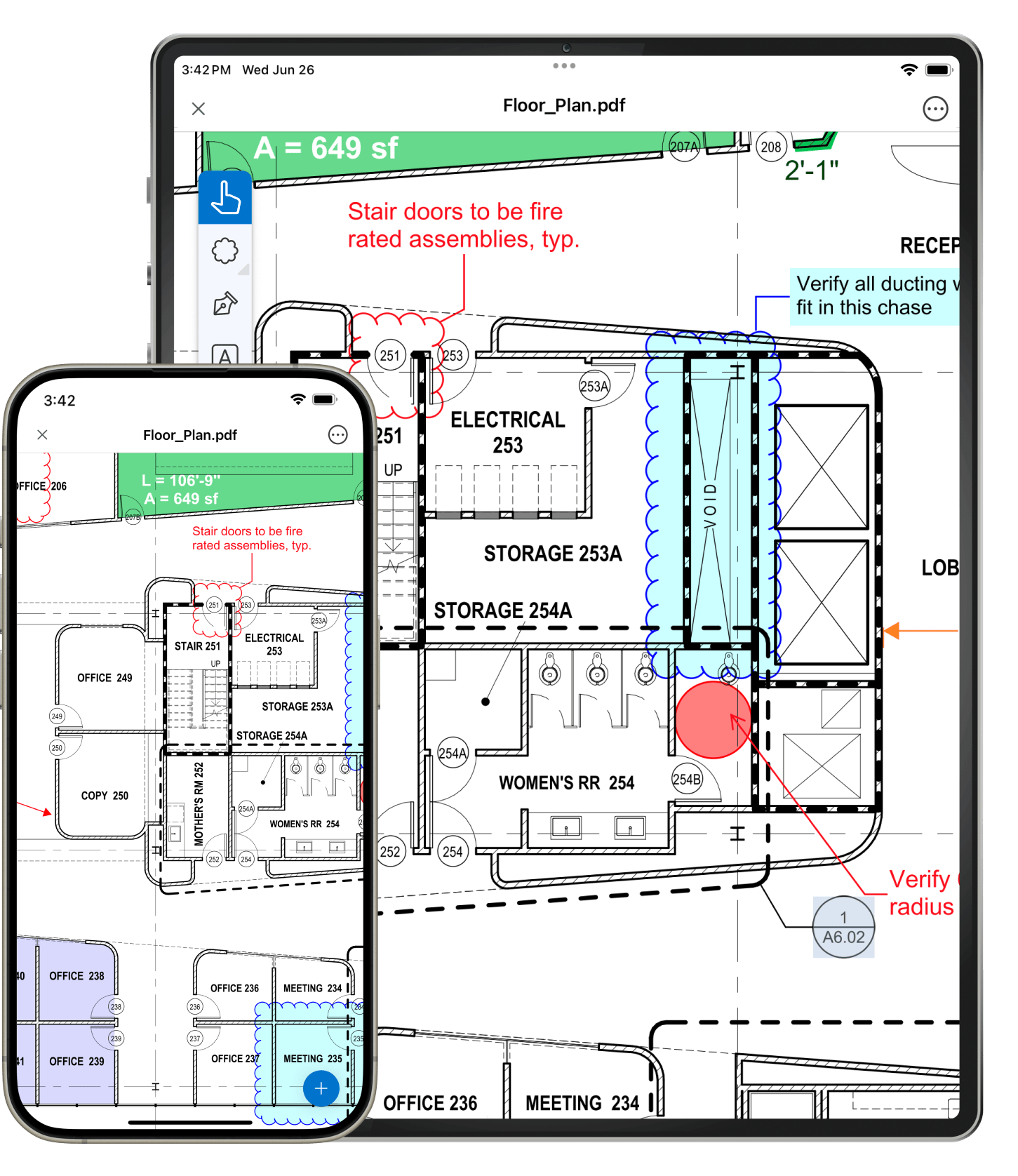
With Vu, you can easily sync PDF and entire folders from Dropbox, Box, WebDAV and Studio Projects, or transfer files using iTunes. Once synced, your PDFs will be on your iPad wherever you go, regardless of Internet access. No matter what method you use to transfer files on to your iPad, all it takes is a few simple steps.
Maximize your viewing pleasure. In Vu, each new file you open gets its own tab. Tap the Tab Access icon and open up the Thumbnails tab to easily scroll through multi-page documents. Easily search for text, or jump to bookmarks in a PDF. You can even alternate between Full Page, Scrolling Pages and Reader modes.
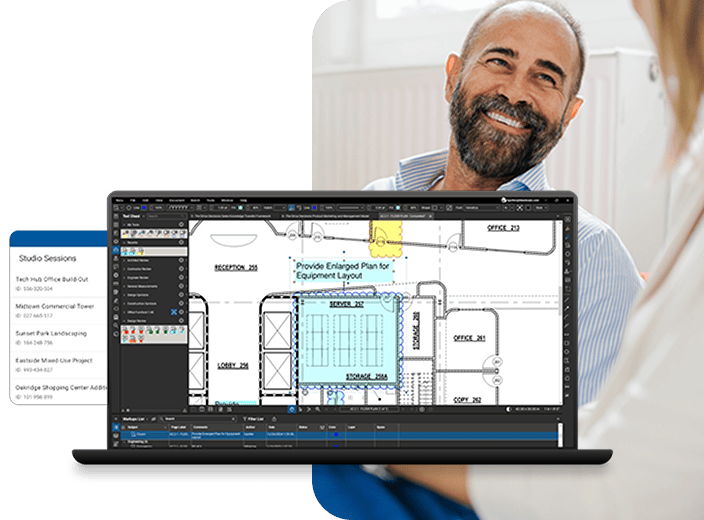
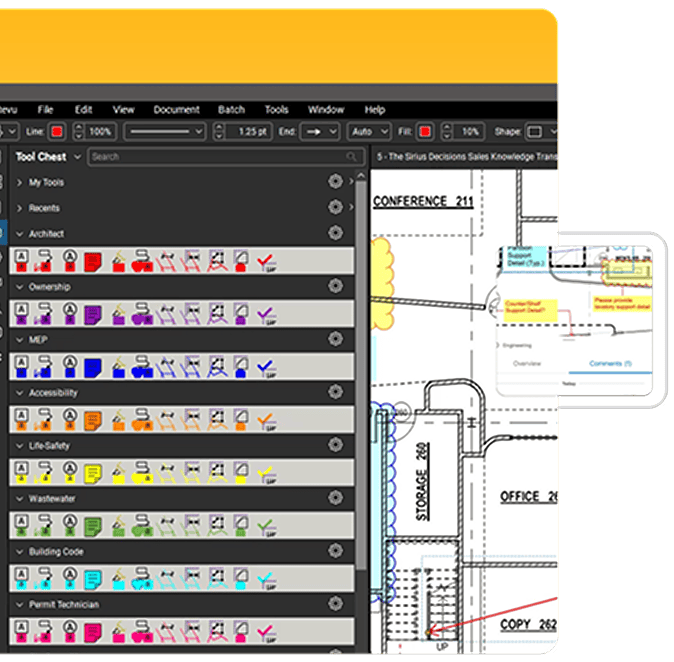
Those of you who are familiar with our desktop application, Bluebeam Revu, know that Bluebeam Studio allows you to connect and collaborate with anyone, anywhere, at any time. With Vu, you can join Studio Sessions and view Studio Projects that are already in progress - all you need is the Studio ID number. Once you've joined a Studio Session, a selection of markup tools will automatically display allowing you to work in real-time, all the time.
Save time opening PDFs. Vu's File Access tab displays a list of recently opened files that can be reopened with a tap, and pinned to custom categories for future access. You can also email PDF files to colleagues directly from within Vu.
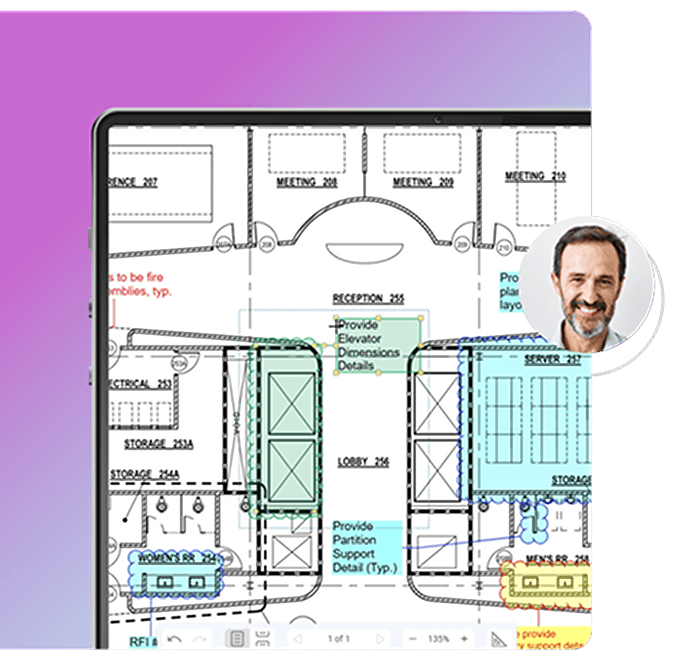
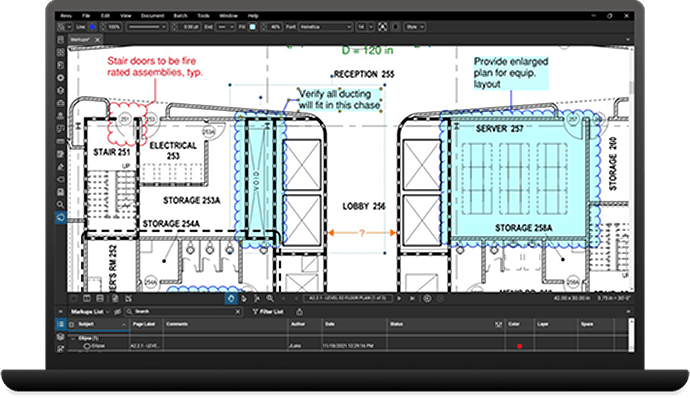
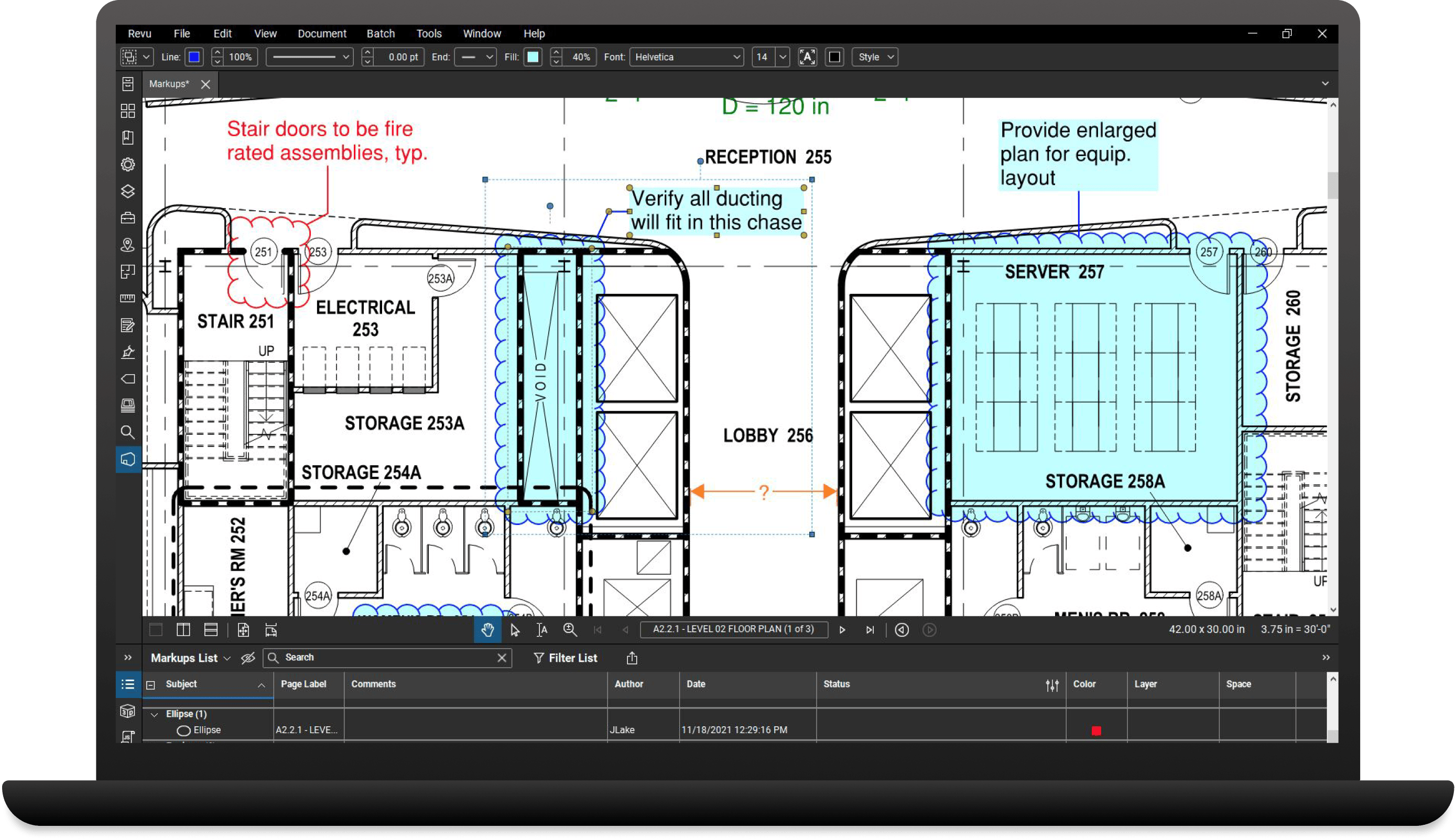
Locate comments and markups added to your PDF files with Vu's Markups list technology. Want to know who said what, when? Use the Markups list to see a markup's author, date, time and any other comments associated with it.