Overview
Bluebeam Revu Standard is an intuitive PDF solution, to improve the way you work. With best-in-class PDF creation, markup and editing technology, Revu Standard has all of the tools to make paperless workflow a reality.
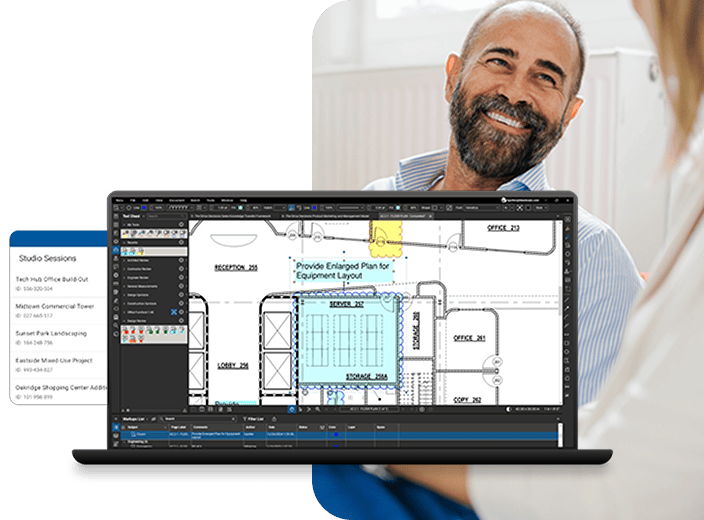
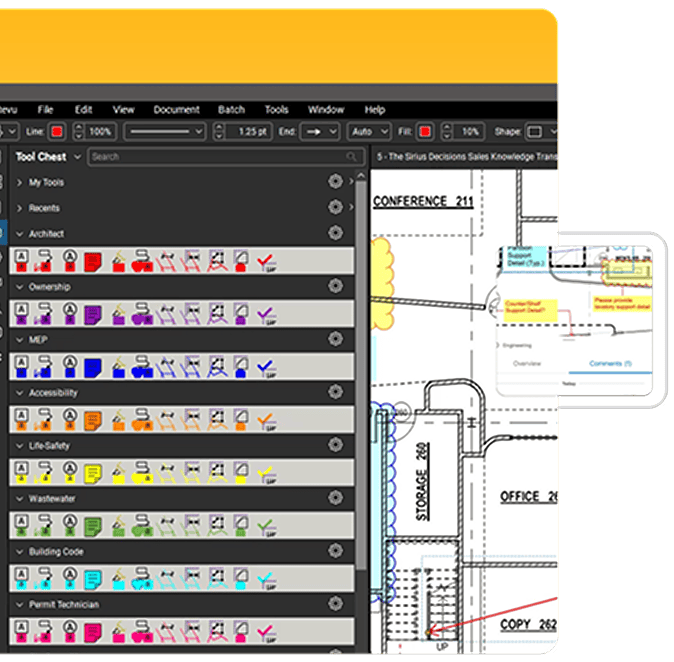
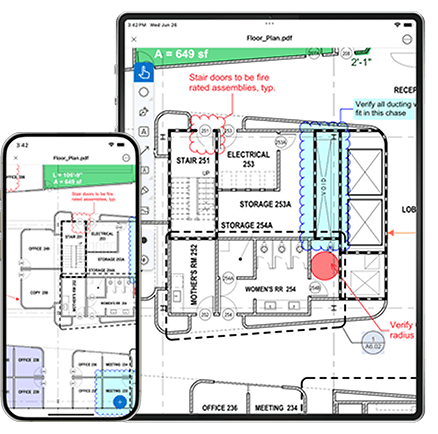
Use Bluebeam's plugin for MS Office to create high-quality PDFs from Word, Excel®, Outlook® and PowerPoint® with the click of a button, or create PDFs from other Windows® files using the Bluebeam PDF printer. Add customizable markups such as text, highlights, shapes, symbols and measurements to PDFs electronically, and save custom markups in the patented Tool Chest™ for easy reuse. Easily edit and assemble PDFs by adding, deleting, and combining PDF pages. Perform cost calculations, automatically compare drawings, track markups in a list, integrate with SharePoint® or ProjectWise®, go mobile on a tablet PC or iPad, and collaborate with project partners around the world in real time using Revu's cloud-based solution, Bluebeam Studio™.
Revu includes direct plug-ins for one button PDF and batch creation from Microsoft® Office.
Easily tab between PDF files, launch multiple sessions of Revu at once and split your screen up to 16 times with MultiView™.
Use the File Access tab to pin, organize, preview and reopen PDF files with a mouse click.
Search for keywords or phrases within PDF files and folders, or search for symbols regardless of variations in color, size and rotation, or intersecting line obstructions using Revu's exclusive VisualSearch™.
Studio allows you to store and manage files in the cloud, and collaborate on project documents in real time, or anytime, from anywhere.
Revu integrates into ProjectWise® and SharePoint® document management systems so you can seamlessly retrieve and check-in documents directly from Revu.
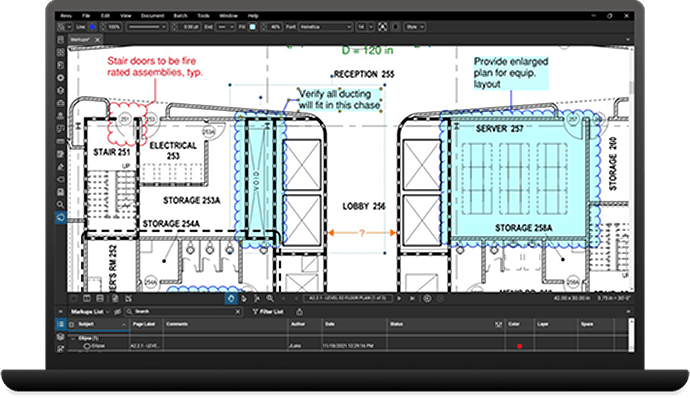
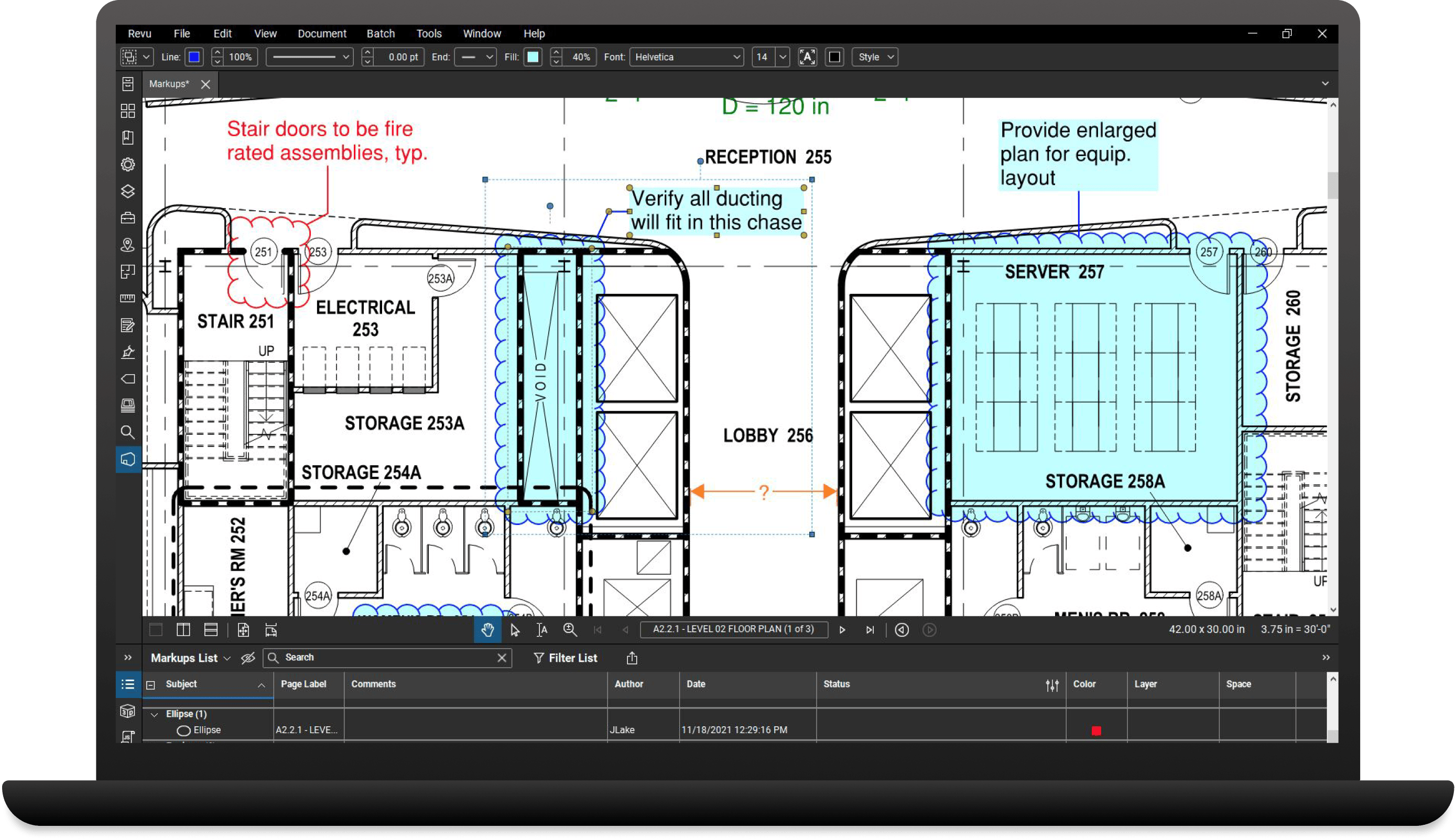
Manage and track markups in a convenient list that can be filtered, searched, imported and exported.
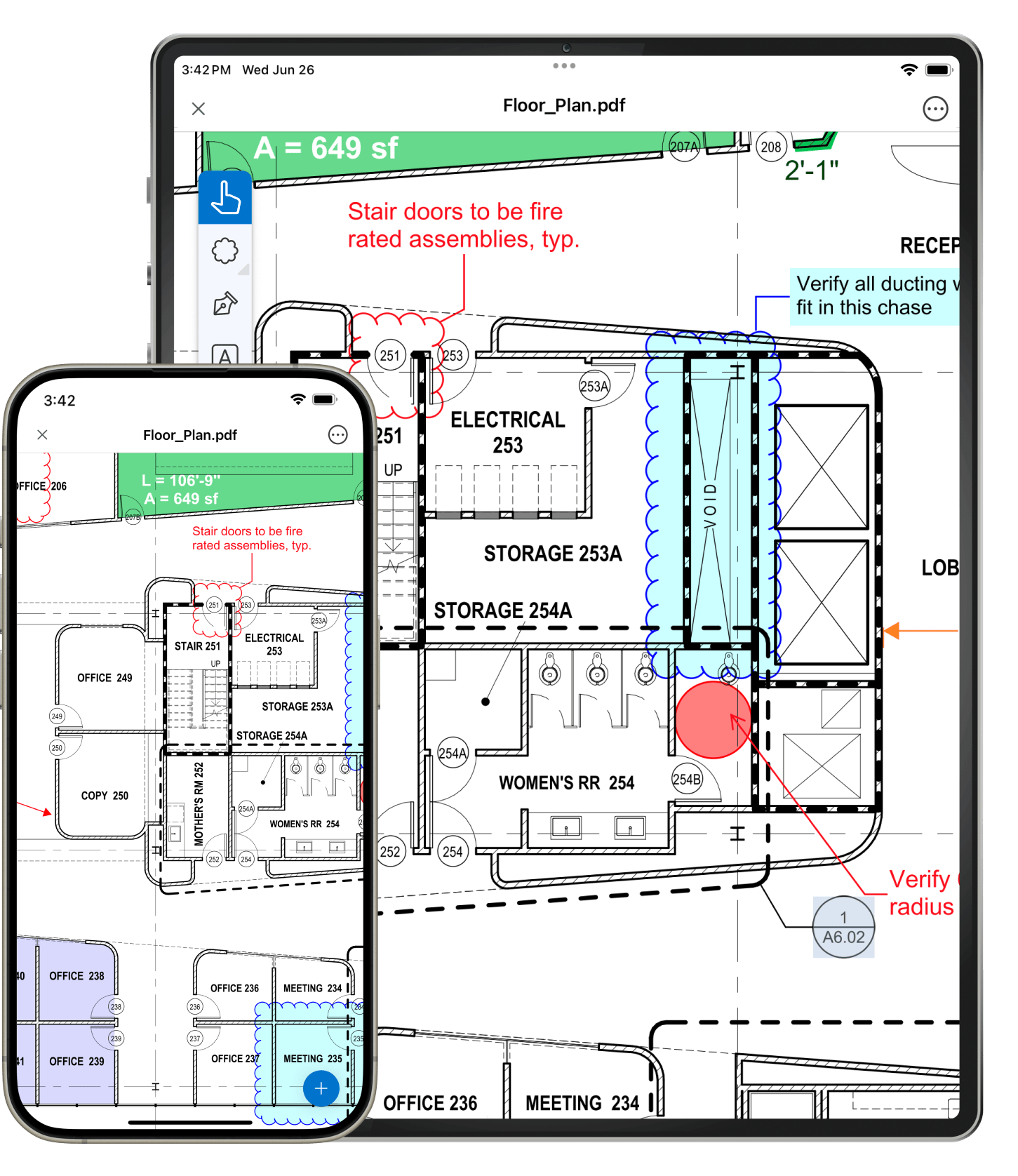
View and markup PDF files with the ease of your tablet pen. Tablet-specific functionality makes it easy to go mobile.
Define spaces within Spaces to automatically track markups.
Stamp PDF documents with date, time, signatures and more. Use predefined stamps in Revu or create your own.
Flatten all markups, or individual markups, to make them a part of your PDF content.
Add flags to PDF files to designate signature lines or draw attention to important information.

Electronically sign PDF documents to support an electronic workflow and protect your intellectual property.
Apply a password to PDFs and set permissions to specify what recipients of your PDF can and can not do.
Get rid of unwanted text or images for good with Erase Content or move data from one place to another with Cut Content.
PDF editing tools let you edit text, apply headers and footers, assemble files, and add, delete or rotate pages.
Redline 2D and 3D PDFs with customizable markups tools, such as text, notes, highlighter, lines, clouds, callouts, stamps and more.
Save commonly used markups in the exclusive Tool Chest for easy reuse, and import or share tool sets with colleagues.
Take measurements, count from PDFs and perform area cutouts electronically. Add formulas to the built-in worksheet using the Formula Editor to calculate costs in Revu.
Highlight the differences between two drawing revisions with easily identifiable clouds, or compare two or more PDFs by assigning colors to layers with Overlay Pages.
Access an unlimited number of files and view them as a single document, in a single tab. Filter and organize files by page label or numeric sequence, and automatically identify addenda.
Convert an unlimited number of files to PDF. Add security, stamps, headers and footers or flatten an entire folder of PDFs at once.
Store menu and display settings in Profiles and create custom tool sets, toolbars and stamps to fit your workflow.
Standardize the appearance of markups in one fell swoop by copying the properties of one markup and applying them to a similar markup or group of markups.
Manage and add hyperlinks to PDFs that link to websites, networked files, or jump to specific pages and places in a PDF.
Use bookmarks to jump to a specific page in a PDF or snapshot view, go to a webpage or open a file.
Assign markups to layers, easily toggle layers on and off and insert a page as a layer.
Seamlessly convert your PDF files back to Word, Excel, or PowerPoint for easy editing and formatting.