Home / Products / Bluebeam Revu /
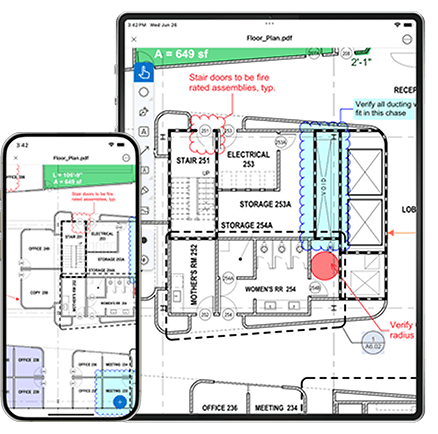
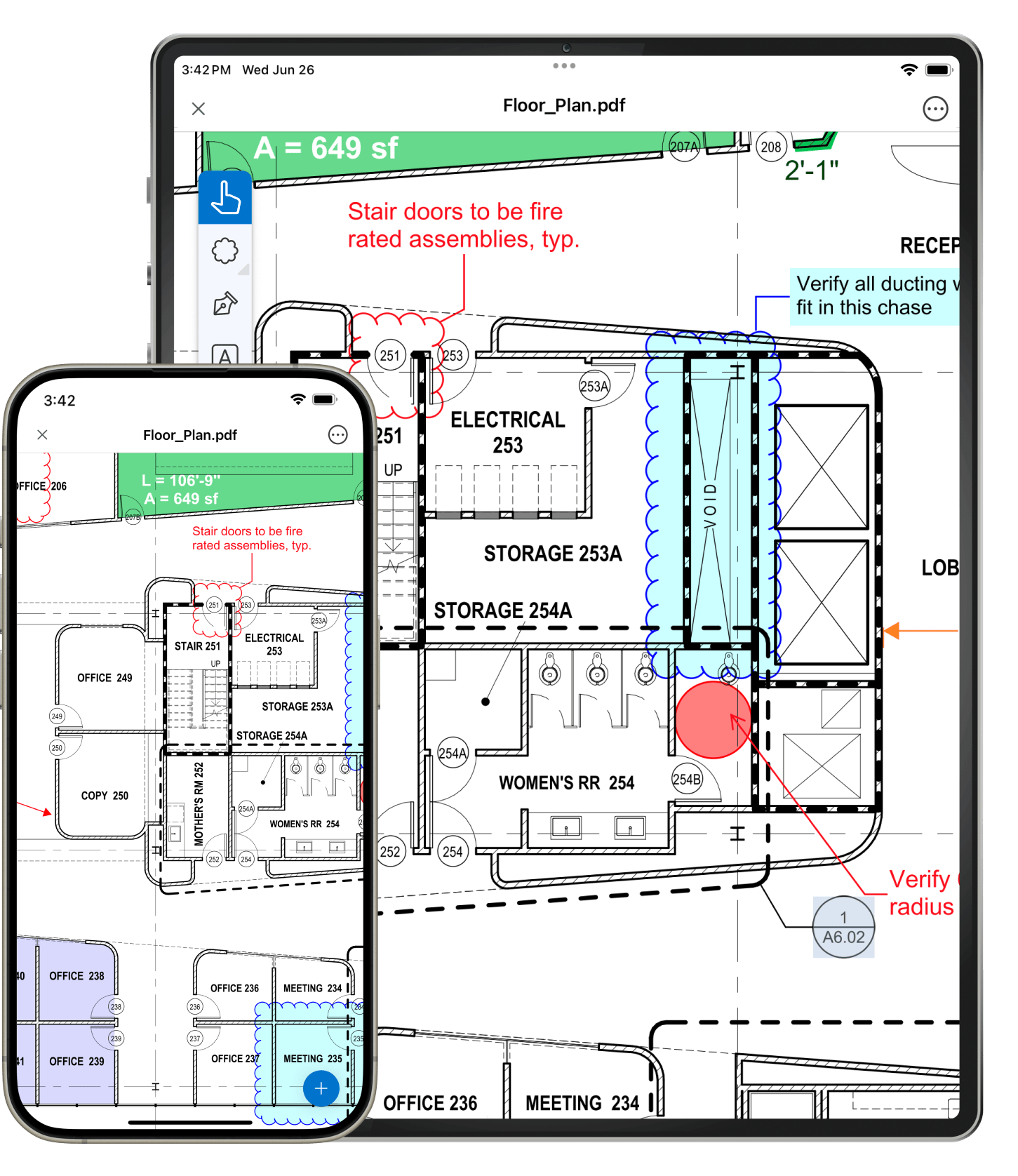
Sync files and entire project folders using Dropbox, Box, Studio Projects or WebDAV, or transfer files via iTunes, using the Document Manager. No matter what method you use to access and update files with your iPad, all the PDFs you need are just a few taps away.
Learn more
In Revu, each file you open gets its own tab so you can easily navigate between PDFs with a tap and swipe. Use the Thumbnails tab or alternate between Full Page, Scrolling Pages and Reader view modes to quickly review multi-page documents and rotate with a twist. You can also easily search for text, reorder pages, insert and delete pages, or add, delete and jump to bookmarks in a PDF from the Bookmarks tab.
Learn more
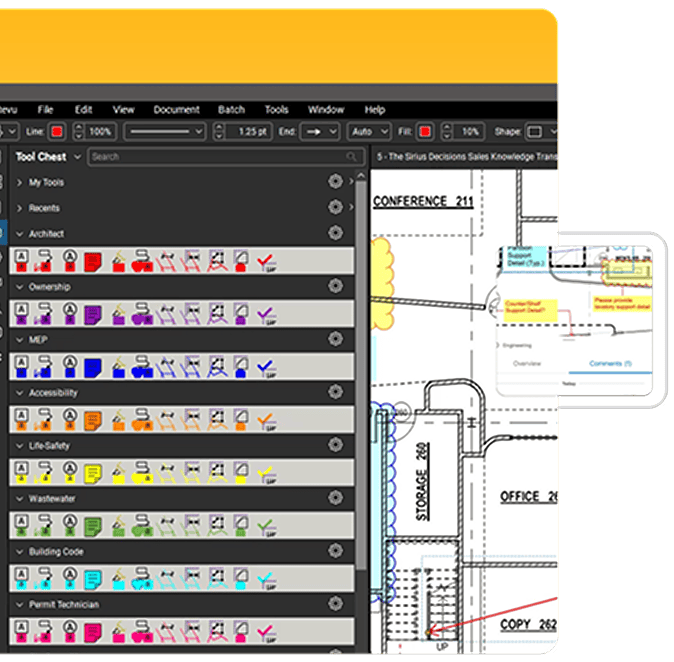
Revu's exclusive Tool Chest™ lets you save your custom markups for easy reuse. Save them to existing tool sets or create new ones for specific projects and functions. Expand tool set Details to show the subject, comment and label associated with each tool. You can even import tool sets created in the Windows version of Bluebeam Revu by saving the tool set file into your iTunes, Dropbox, Studio Project or Box account. How's that for convenient?
Learn more
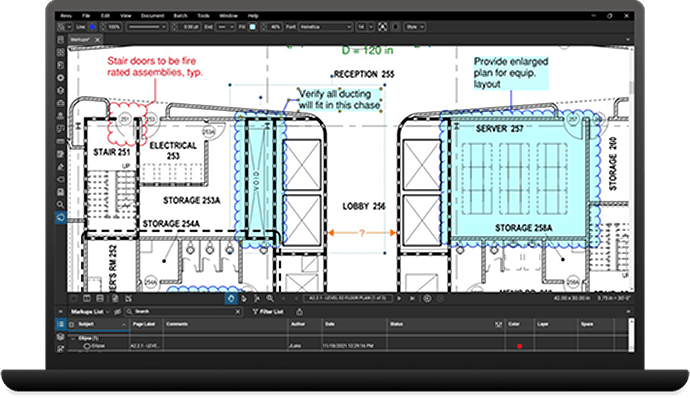
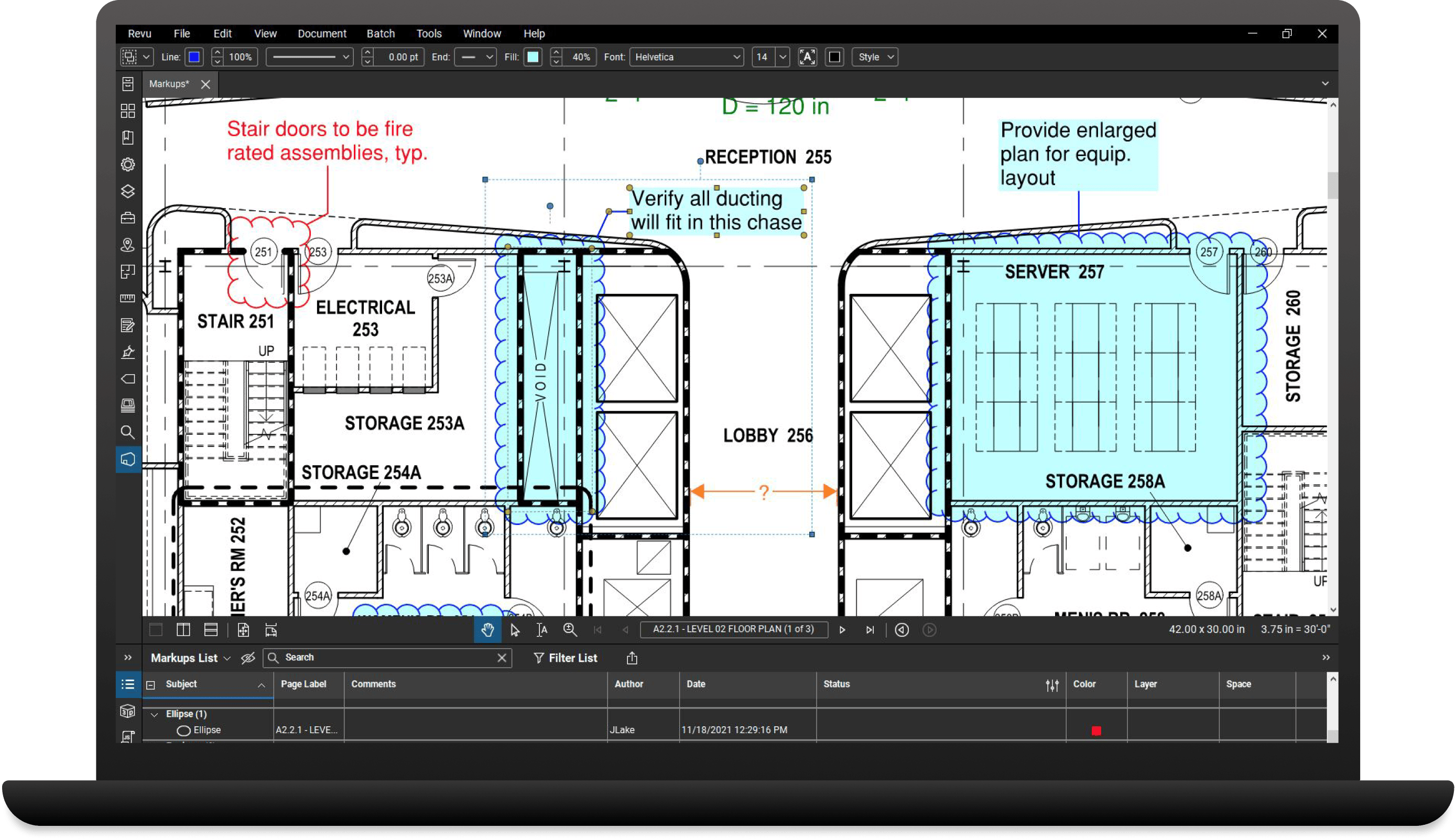
Want to know who said what, when? Revu's Markups list technology tracks the author, date, time and comments associated with each markup. Tap listed markups to locate them on the PDF, or tap a markup on the PDF to highlight it on the list. You can also sort and filter markups, view Custom Columns and manage which columns are displayed.
Learn more
The File Access tab displays a list of recently opened files that can be reopened with a tap. Pin files and folders to custom categories directly from the File Access tab or Document Manager for future access.
Learn more
A few taps is all it takes. Use Revu's list of markup tools, including text, notes, highlighter, lines, clouds, callouts and more to redline your PDFs. Customize your markups by easily changing the color, fill, opacity, line type or font. Want to cut, copy or delete a markup? Just tap and hold down on the markup in question to bring up its context menu.
Learn more
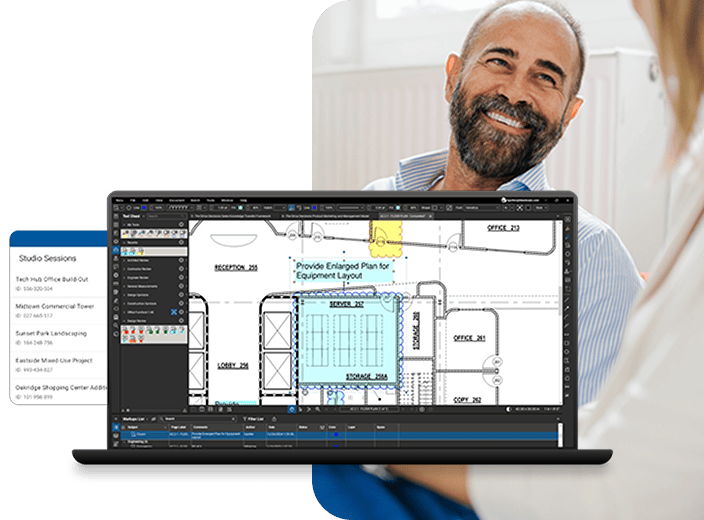
Collaborate in the cloud with anyone, anywhere, at any time using Bluebeam Studio. Access Studio Project PDFs uploaded from the Windows version of Revu, regardless of your Internet connection. Tap into existing Studio Sessions created in Bluebeam Revu for Windows, or start a new one on the go. Upload your PDFs to a Studio Session and invite attendees from around the world to view, chat and markup the same PDF together in real time or separately on your own. All Session activity is tracked in a Record that links back to the PDF to easily review past Session activity. What are you waiting for?
Learn more