OverviewHome / Products / Bluebeam Revu /
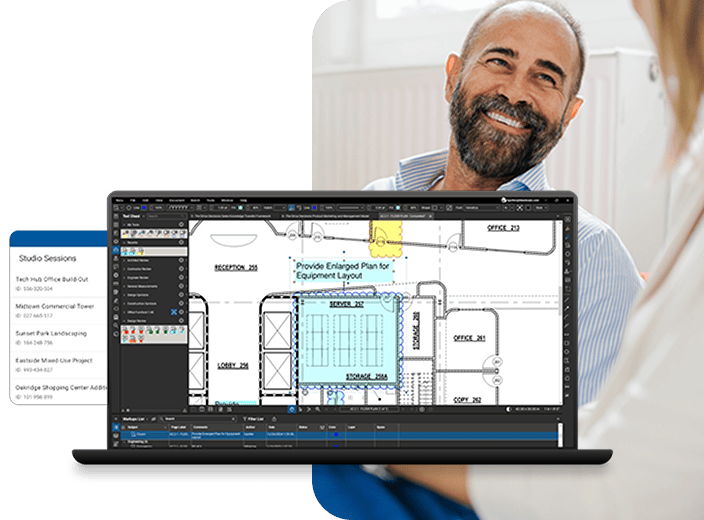
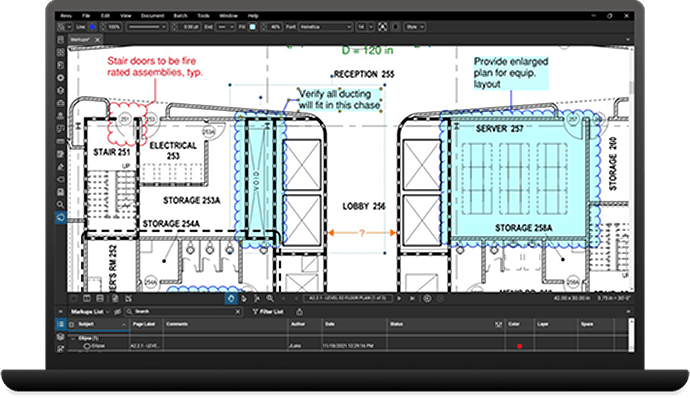
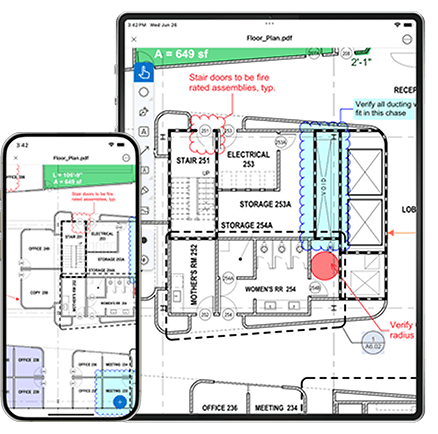
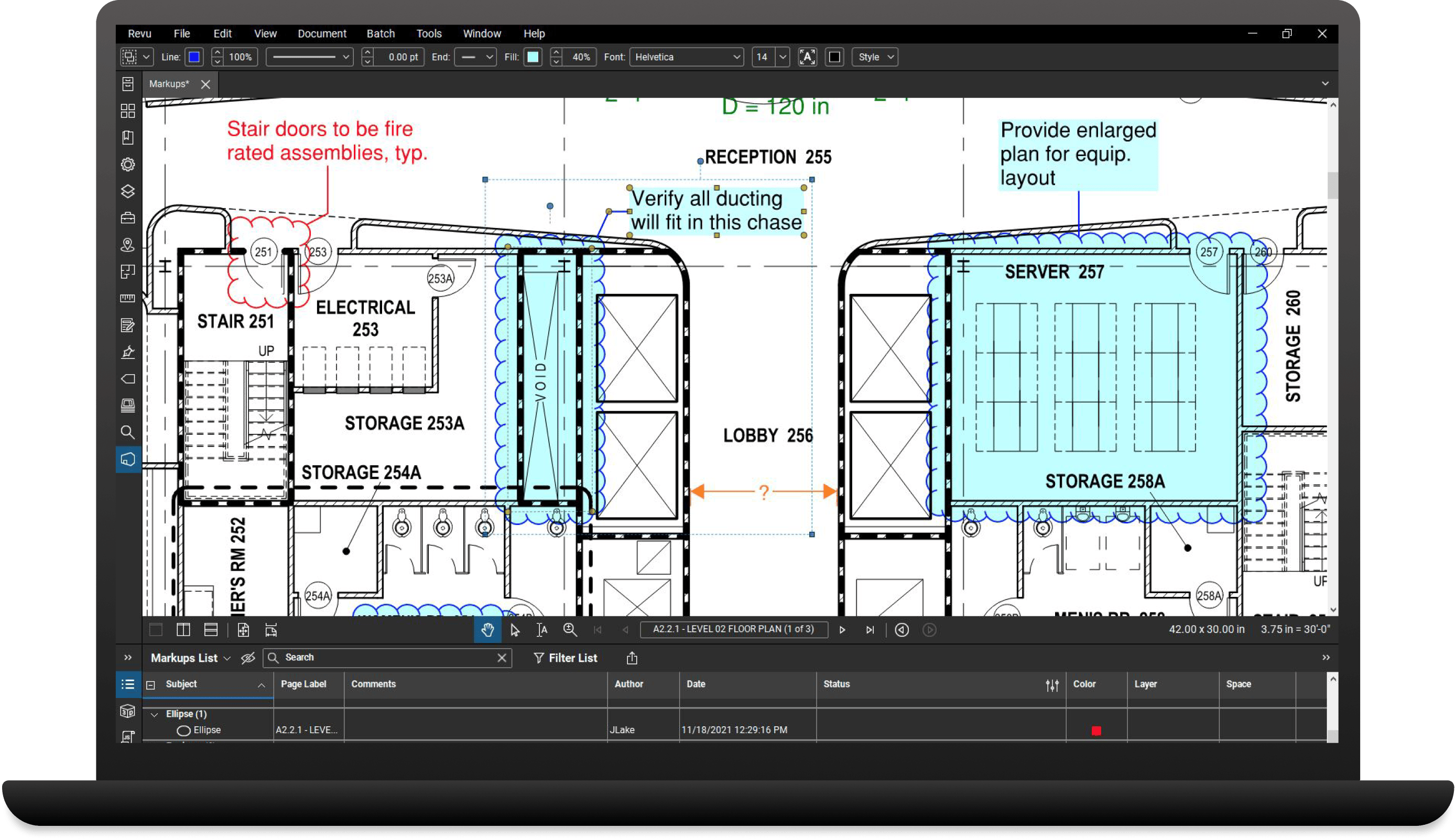
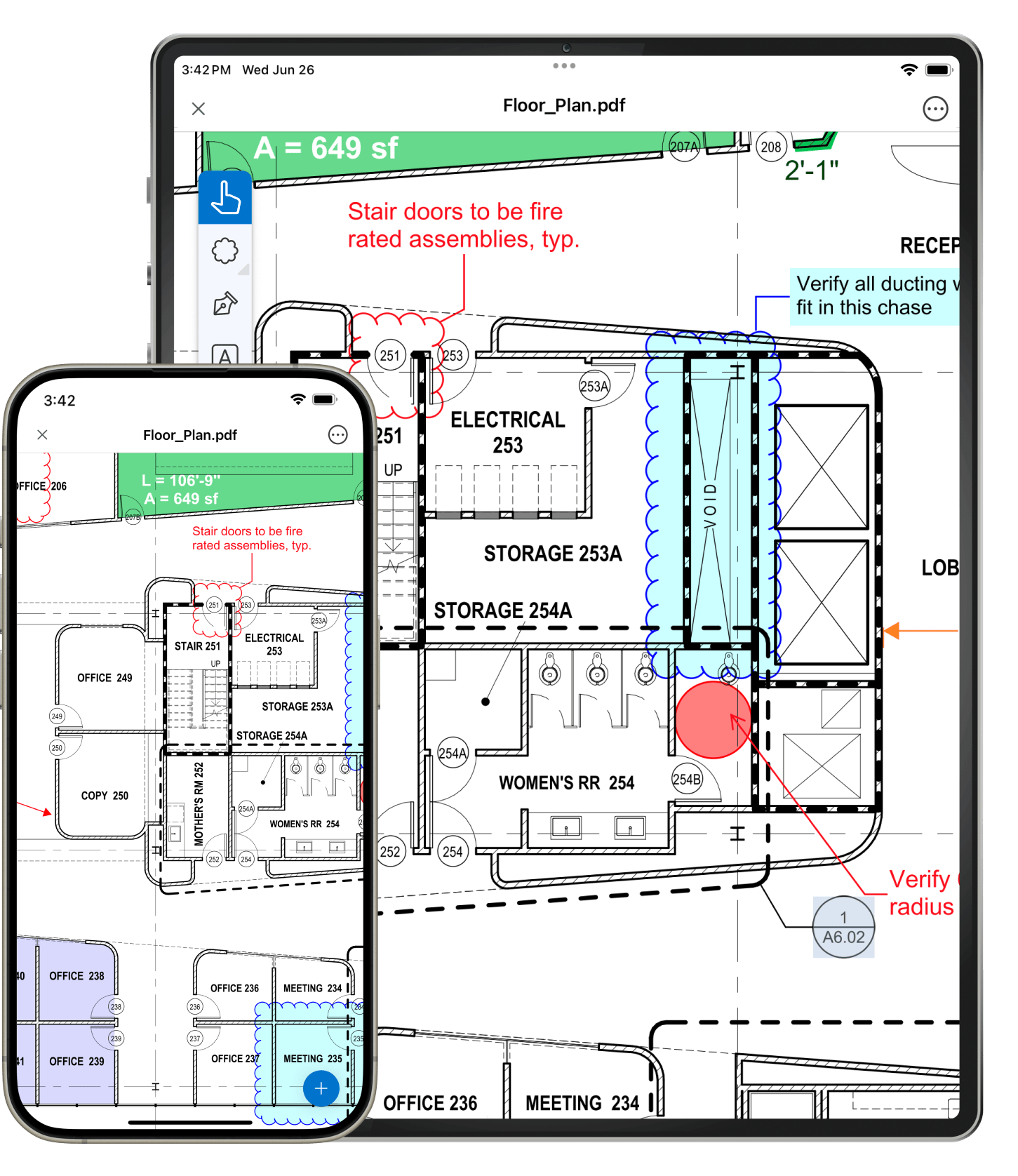
Bluebeam Studio is the ultimate cloud-based solution for collaboration. Included in Bluebeam Revu, Studio allows you to securely manage projects digitally from start to finish anywhere, at any time, from a desktop, tablet PC or iPad, regardless of your Internet connection.

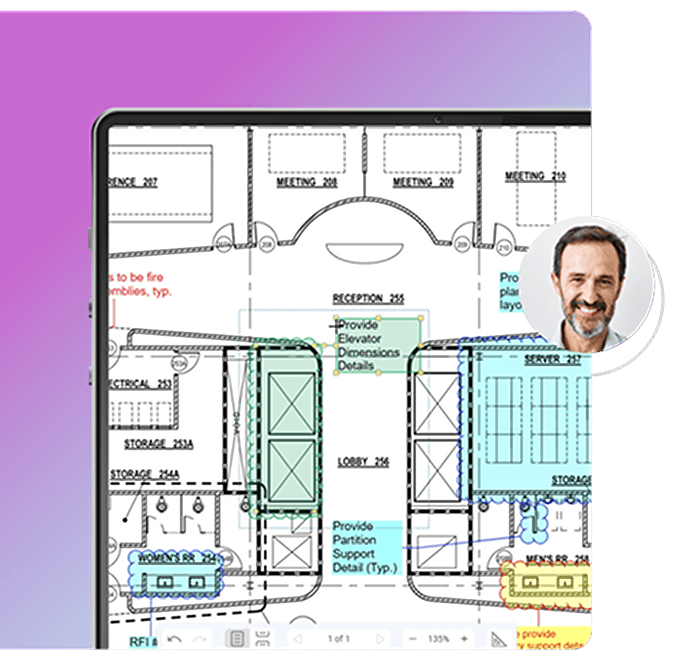
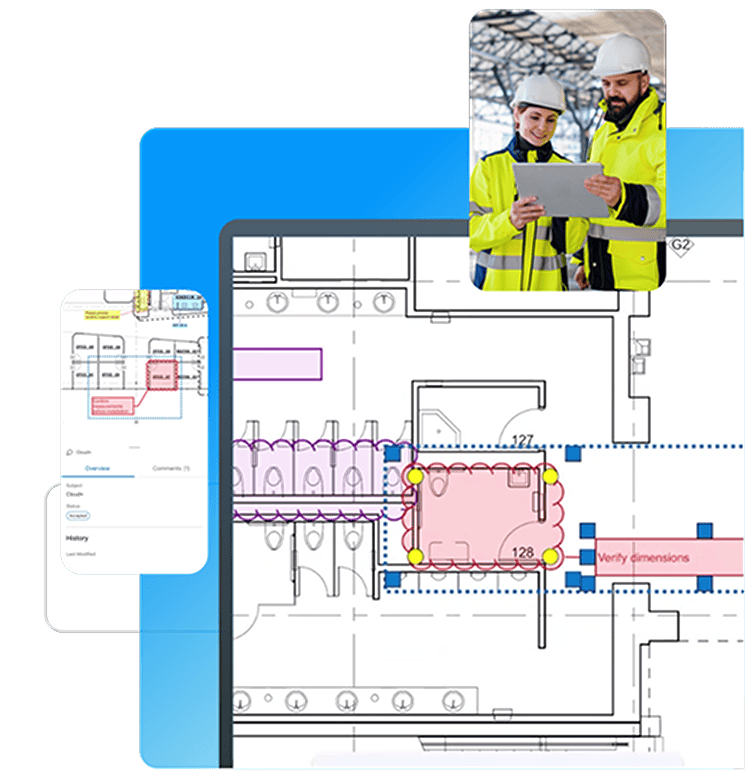
There are two sides to Studio - Projects and Sessions. Store and manage an unlimited number of PDFs and any other file type in the cloud (for free!) using Studio Projects, and manage access rights for project partners to check-out and edit those files. Or, collaborate on the fly by adding 2D and 3D PDFs into online Studio Sessions, where you and your selected attendees can comment on the same PDF together in real time or separately on your own. There are no limits to what you can do when leveraging the combined power of Revu and Studio.
|
Studio Brochure
A quick overview of features to share with project partners. |
All Studio Session activity is automatically tracked in the Record, which conveniently links back to the document, and can be archived or shared with your team as a Report. File check-out and check-in activity is also tracked within a Project to provide detailed revision history. How's that for convenient?
Only the host needs a license of Revu to initiate a Studio Project or Session. Invited attendees can attend Projects and Sessions by downloading our free PDF viewer, Bluebeam Vu®. What are you waiting for?

Studio Projects Offline lets you work with Project files wherever you go, regardless of Internet access. Simply log into a Studio Project and sync down files locally before going offline. Any edits made to documents while offline can be synced back up when you reconnect to the Studio Project.
All Project files, as well as Session PDFs and markups, are stored in a password protected database. Session and Project hosts can select permission settings to enable or disable attendee access, and restrict attendees from saving, editing or annotating files, too.
| Studio™ | Sessions | Projects |
| What is it for? | Collaborating on PDFs in real time | Managing and sharing project files |
| How many attendees can join? | 500 | No limits |
| How many files can I upload? | 100 | No limits |
| How big can those files be? | 100 MB each | No limits |
| How big can my markups be? | 10 MB each | No limits |
| How much space can I use? | No limits | No limits |
| What files does it support? | Any Windows file | |
| Can I manage attendee access rights? | Yes | Yes |
Take collaboration further with Studio Server, a server-based solution for firms that want to use Bluebeam Studio to collaborate and share information in a controlled environment, behind their own firewalls.
Learn more"Being able to digitally track the actual individual who is inputting the information - who did what, who signed off on an item and when - has dramatically improved quality control and tracking capabilities."
- David Stone, Integrated Construction Manager, Mortenson Construction
"The Bluebeam Studio feature alone makes Revu worth the investment."
- John Smith, Allstate Steel Company
"Before we began using Studio, we would markup PDFs and email them to all necessary parties. This process was better than marking drawings up by hand and shipping them, but there is still no comparison with the speed, efficiency and ease of Studio sessions."
- Daniel Wayne, Wayne Brothers, Inc.
Read how Mortenson is tracking projects 40% faster using Revu's real-time collaboration feature, Bluebeam Studio.
Find out how this General Engineering Contracting firm used Revu's collaboration technology, Bluebeam Studio, to complete pre-construction reviews 30% faster for the new San Diego Central Courthouse project.
Learn how DPR Construction used Bluebeam Studio to achieve a schedule savings of over 33% during construction of the Alta Bates Summit Medical Center.
Find out how this structural steel detailing firm is using Bluebeam's markup, measurement and real-time collaboration features to reduce paper costs and respond to bids faster.
Learn how Bluebeam can take your workflow to the next level by attending one of our upcoming webinars or viewing recent webinars in our archives.