Home / Products / Bluebeam Revu /
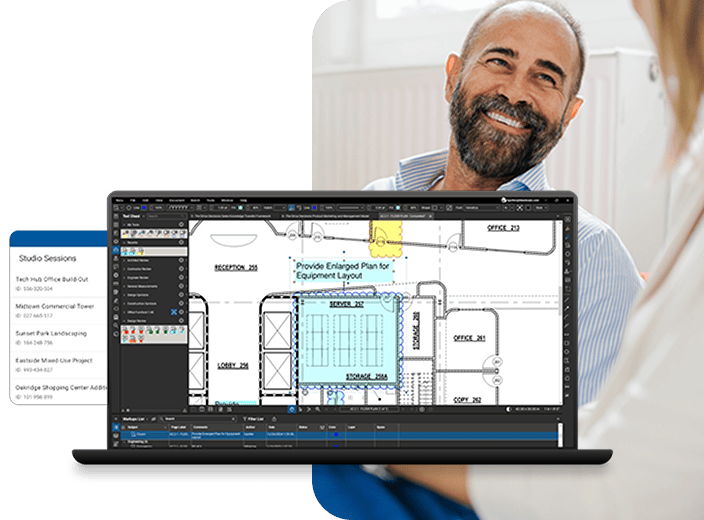
Studio projects act as a simple document management system, giving users more flexibility and space when sharing and storing files in the cloud. Hosts can invite an unlimited number of attendees to join a project, set user or group based permissions, and upload folders or any file type to be viewed. Users get 5GB of free storage space with the option to purchase more. Are you on cloud 9 yet?
Create 3D PDFs with just one click from Revit and Navisworks Manage. You can choose to either create a full-page PDF of the 3D model, a U3D, or copy the 3D PDF and insert it into another application to have more control over the size. New cutting-edge PDF annotation technology allows you to add markups to 3D views. Markups are indicated by blue spheres and are tracked in the Markups list which can be filtered and sorted. No glasses required.
Get to where you want to go faster. Links makes it easier than ever to add and manage hyperlinks in a PDF. Configure hyperlinks to display websites, networked files, or jump to specific pages or snapshot views in your PDF. Create and name link destinations, otherwise known as Places, and then hyperlink to those places in the current PDF or another PDF. All document hyperlinks are displayed in a list for easy editing and organization. Ready, set, go!

Revu's Dynamic Layers technology gives you more flexibility and options for viewing comments on PDFs. Right-click to add a markup to a layer, and configure Tool Chest items to be automatically placed on a specified layer. From the layers tab you can easily toggle comments on and off, and manage all layers in a PDF by reordering, merging and importing layer trees. It's layerific.
Archive your emails and access them later with Revu's Microsoft® Outlook plug-in. Quickly convert email messages to PDF. Revu recognizes all email hyperlinks and attachments so nothing gets left out. Stay organized by converting an entire folder of email messages into one, nicely-bound PDF package.
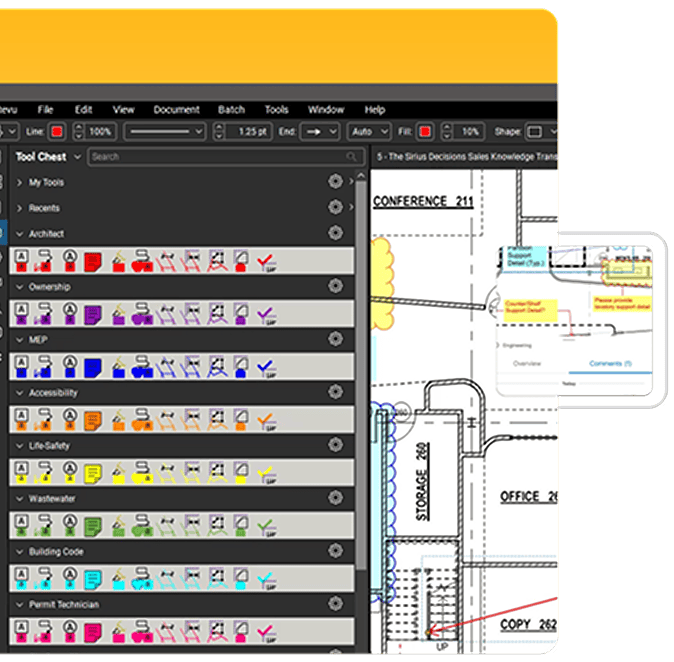
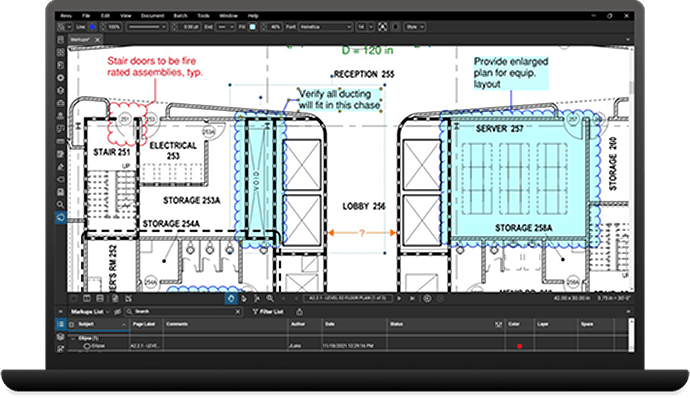
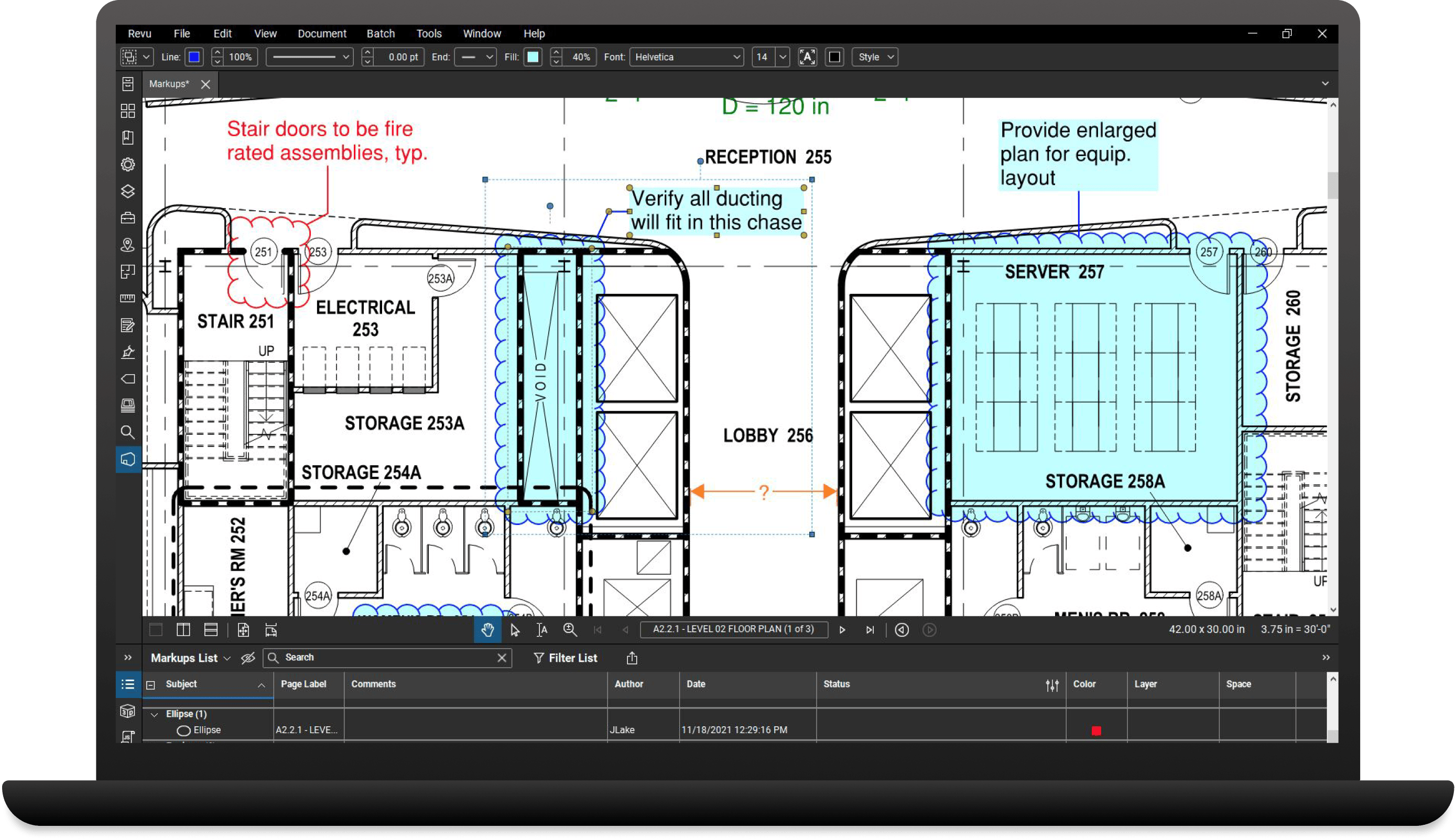
The new Revu interface is intuitively designed to maximize your PDF viewing pleasure. With juicy menu buttons, and limitless customization options, accessing the tools you need when you need them has never been this simple. Click on the menu bar at the top of the interface to display groups of menu buttons, and pin commonly used tools to create custom toolbars for easier access. It just makes sense.
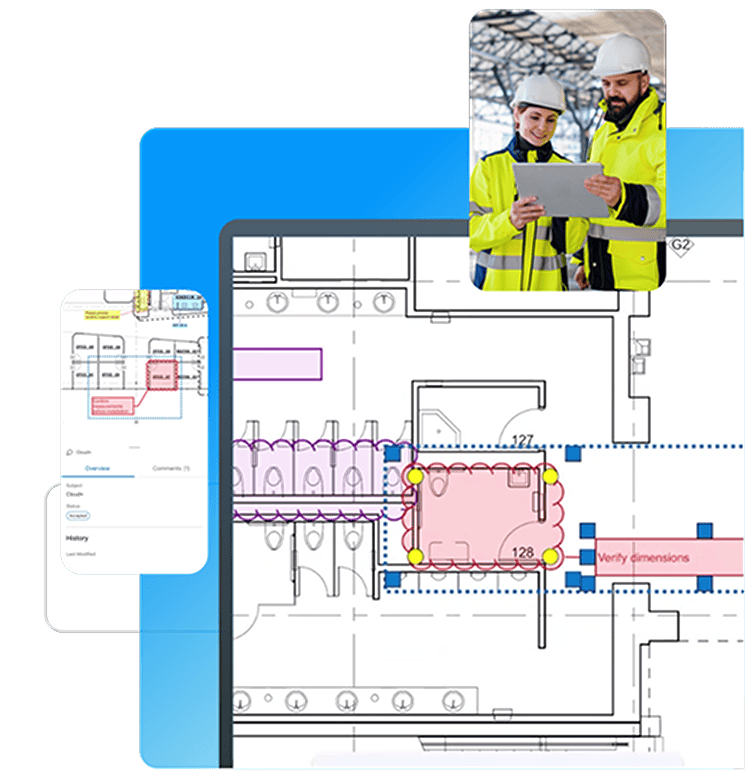
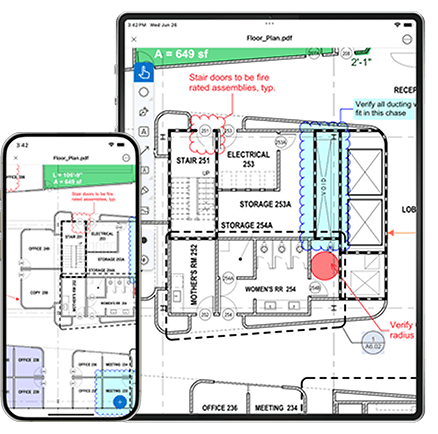
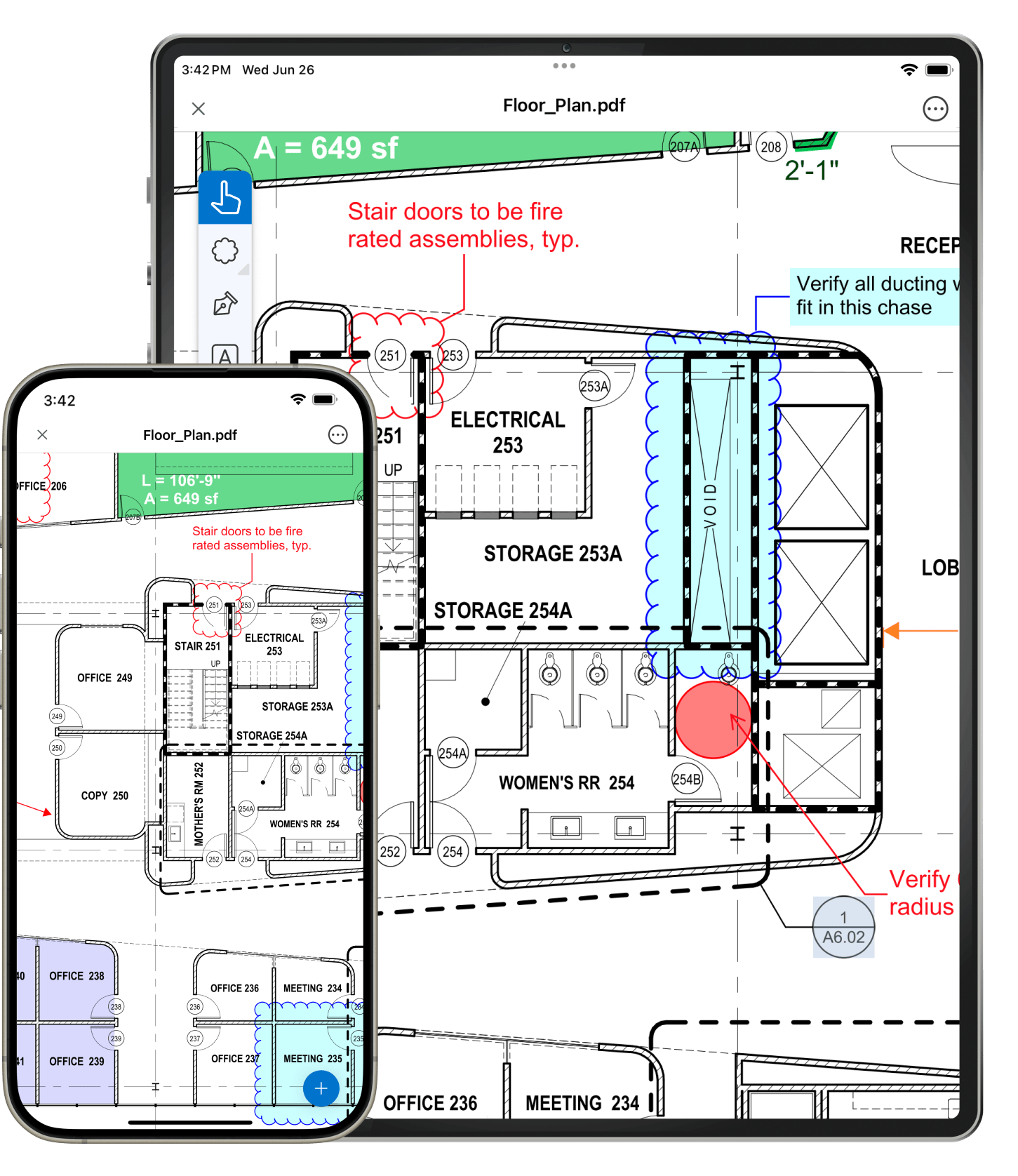
Bluebeam Vu for iPad and Windows is a free professional PDF viewer designed for you. Vu is simple, artfully designed to contain the power and speed you need without excess. Access and navigate your PDF files with ease, and view your PDFs how they are meant to be viewed - markups, comments and annotations display clearly and accurately so nothing is missed. With Vu for Windows you can even join existing Studio projects and sessions to collaborate in real-time.
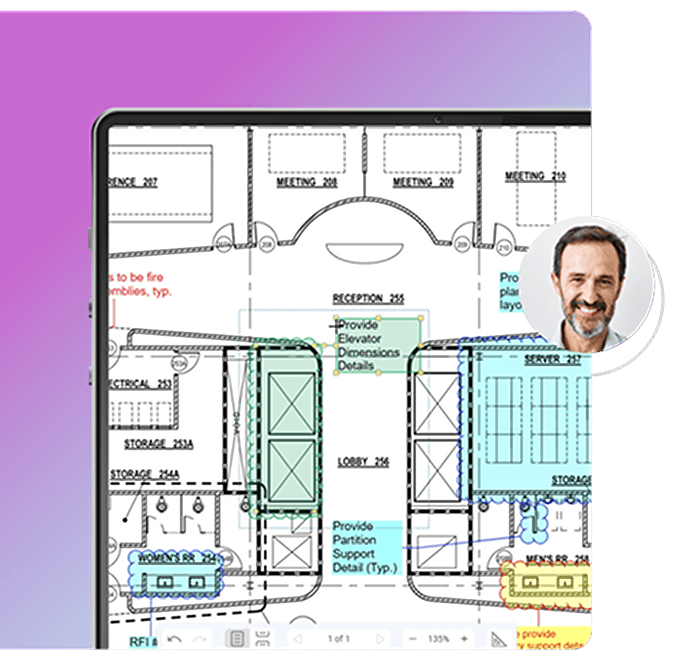
Select an area on a PDF, name it, shade it and Revu will do the rest. Once a space has been defined all markups added to that space will be tracked in the Markups list which can be filtered to show detailed information. There's no limit to the number of spaces within Spaces that you can create. Need to edit a space? No problem. Just use the space editor to edit single spaces or multiple spaces at once.
Sometimes, you need to compare things that just don't measure up. New enhancements to Revu's Overlay Pages feature allow you to pick points for comparison so you can visually see the differences between two or more drawing revisions, even if a PDF is skewed or a different page size. You can also batch compare drawings to save more time. It doesn't get much better than that.
Want to take markup customization to the next level? Get in line. Create, import and manage custom line styles with dashes, spaces, dots, text and vector content, then apply them to any line or shape annotation.

Which Revu is right for you? |
Vu™ |
Standard |
CAD |
eXtreme™ |
| View and navigate 2D and 3D PDFs | ||||
| View and markup PDFs in Studio sessions or projects | ||||
| Markup and edit PDFs and add markups to 3D PDF views | ||||
| Host Studio collaboration sessions and projects | ||||
| One-click PDF creation and batch from MS Office and Outlook, plus Bluebeam PDF printer for all other Windows® files | ||||
| One-click PDF creation and batch from AutoCAD®, Revit® and SolidWorks® | ||||
| One-click 3D PDF creation from Revit®, Navisworks® Manage and Navisworks Simulate | ||||
| Optical Character Recognition (OCR) | ||||
| PDF form creation | ||||
| Scripting |
Learn more about Bluebeam Revu