Home /
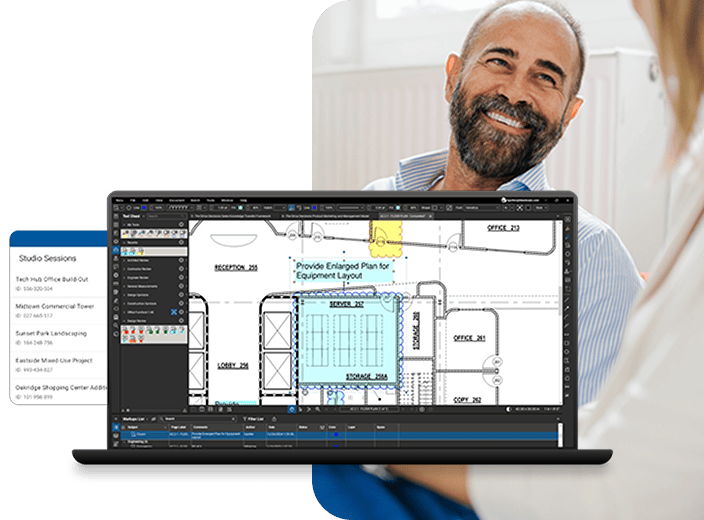
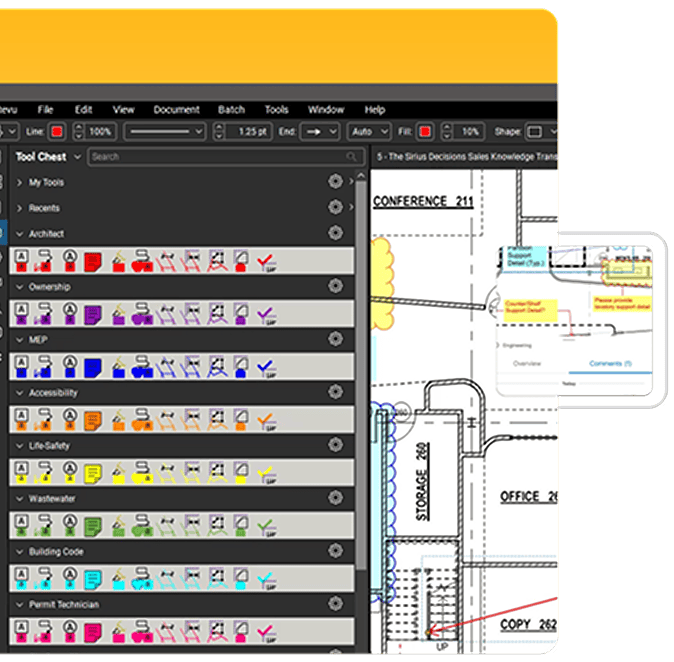
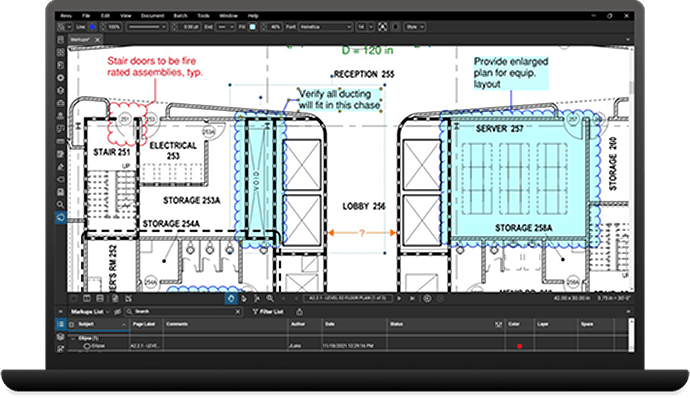
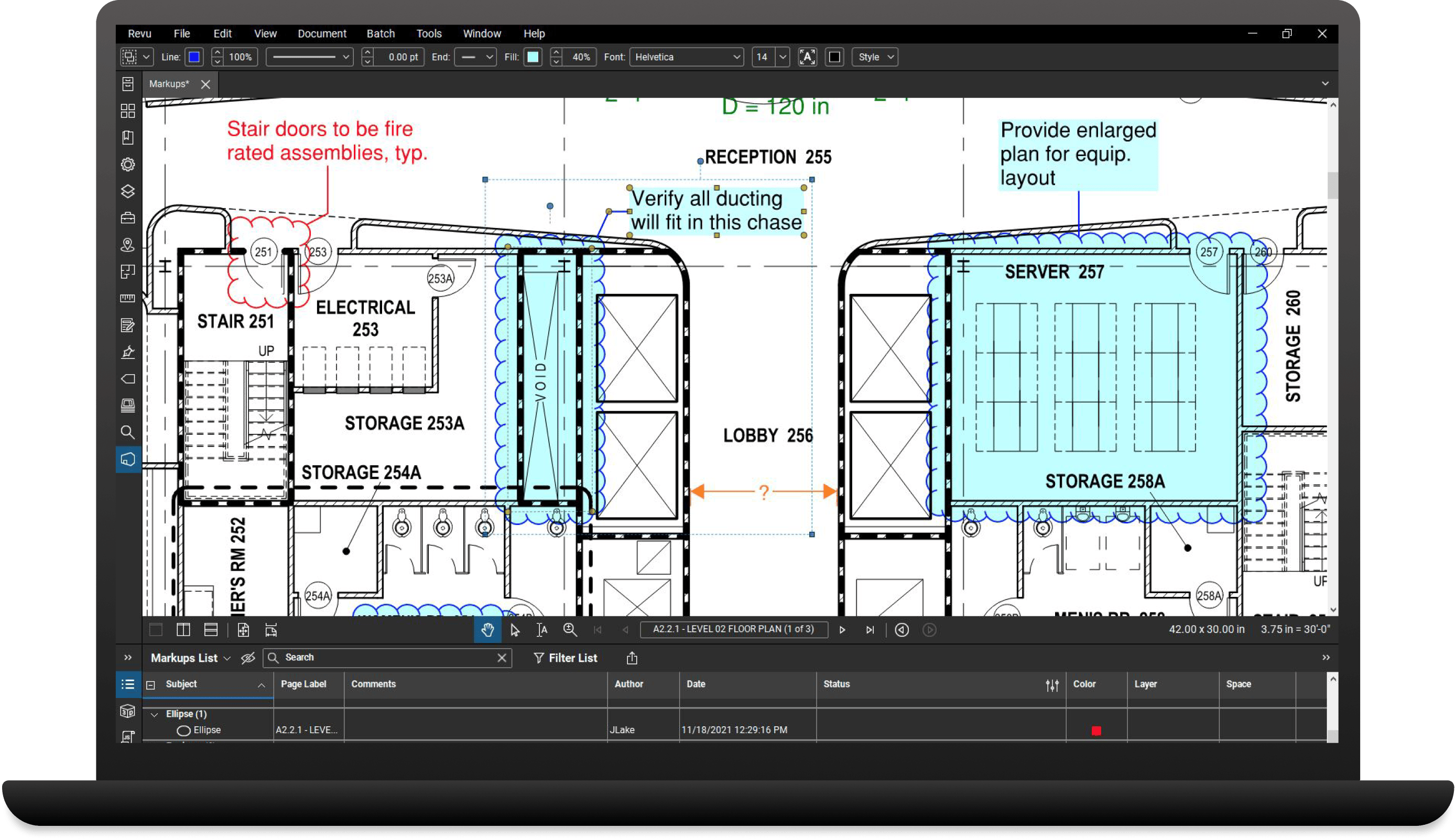
Bluebeam's platform technologies, Bluebeam Revu Standard, CAD and eXtreme are desktop applications installed on individual user workstations or Tablet PCs. Revu offers high quality PDF creation from CAD and Windows® files, and an easy to use PDF markup and editing application. If you are looking for a complete PDF creation, markup, editing and collaboration solution for your PC, then Bluebeam's platform technologies are right for you.

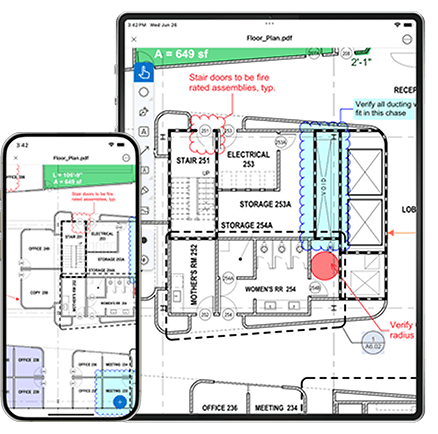
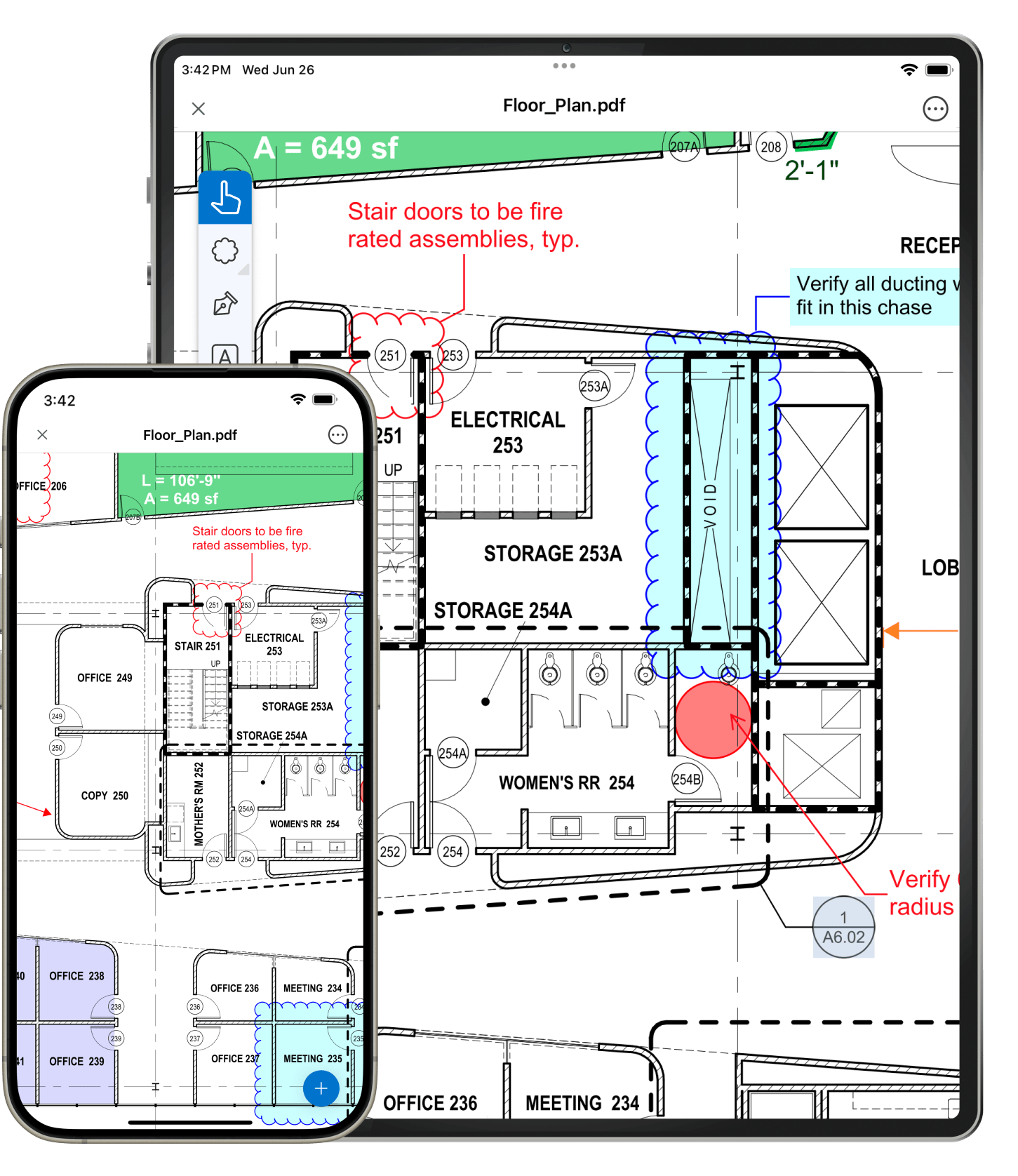
Bluebeam's mobile solutions make paperless workflows a reality by enabling users to communicate and collaborate digitally, from anywhere. Bluebeam Revu, available for both Windows and the iPad, is the only PDF-based solution designed specifically for architects, engineers and construction professionals, and optimized for tablet usage.
Learn more
Are you an IT professional looking to automate PDF creation on a file server or through a document management system? Or maybe an IT consultant that needs to integrate PDF markup functionality with files on a webserver? Perhaps you have a need for collaboration technology that is controlled behind your firewall? If so, Bluebeam Advanced Technologies, Q, bFX, and Studio Server offer server-based solutions and information protocol designed to seamlessly work with your enterprise systems.
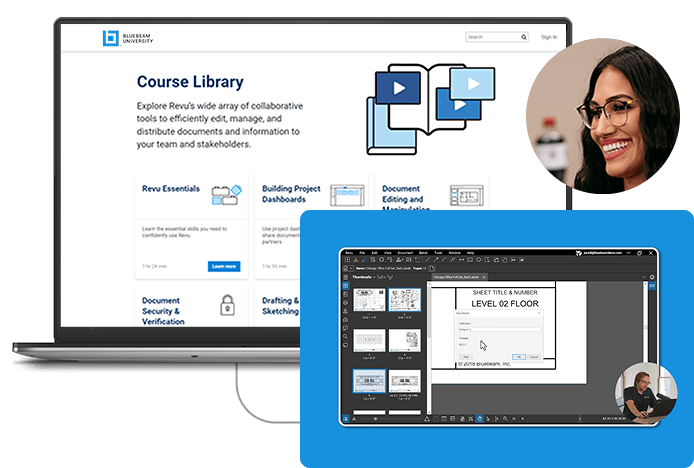
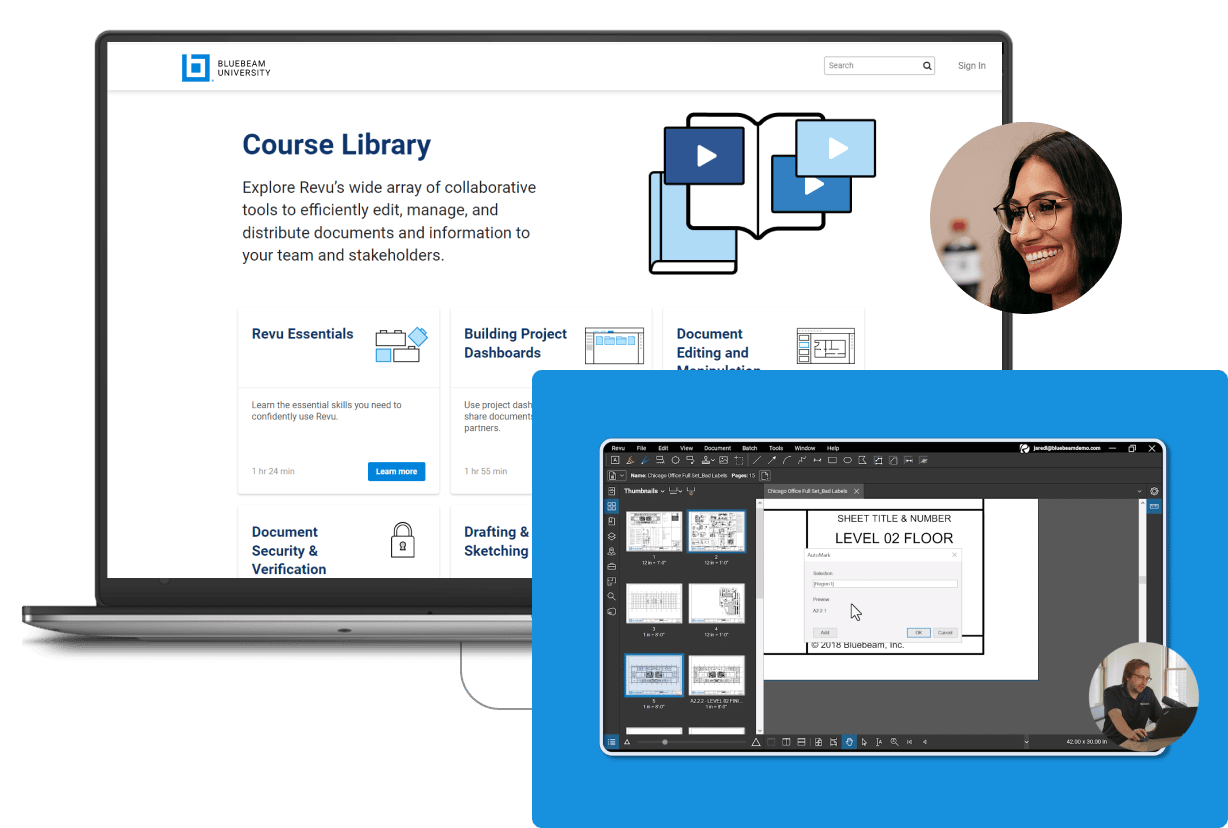
Learn how any business can go paperless with the power of Revu's PDF creation, markup, editing and collaboration technology. Or, watch videos, read tutorials and download the tools you need to create digital workflows for submittals, punch, shop drawing review, takeoffs, RFIs and more.
Learn more
Bluebeam's PDF solutions are smart, easy-to-use, and affordable. Whether you are an engineer who needs to convert complex CAD drawings to PDF or an attorney who needs to email secure MS Word files, Bluebeam takes the effort and guesswork out of converting, accessing and sharing files.
Learn moreView the Bluebeam product comparison, our comprehensive chart of product features that will help point you in the right direction.
Go in-depth with case studies that show how Bluebeam users have improved the way they work.
Read testimonials from our customers to learn why they love Bluebeam.
Download software updates, reinstall software and access legacy versions from our Support section.