- English (US)


-
Why Bluebeam?
Solutions
Solutions Overview
See how Bluebeam makes life easier for teams of all shapes and sizes
Engineers
Improve review quality with smart markup and measurement tools
Architects
Standardize communication and accelerate design reviews
General Contractors
Sync teams and mitigate risk through design, build and handover
Subcontractors
Complete tasks on the go, stay connected and win more jobs
Public Sector
Speed up all your processes with customizable document management tools.
Workflows
Drawing & Document Management
Centralize projects in the cloud and access updates anywhere
Design Review & QA/QC
Collaborate in real time to improve review speed and quality
Takeoffs & Estimation
Improve takeoff speed and accuracy to build more winning bids
Site Logistics
Create, organize and share detailed plans for complex jobsites
RFIs & Submittals
Manage RFIs and submittals from the field on any device
Punch
Place, assign, track, and close punch items on the go
Project Handover
Deliver smart, easily searchable digital handover packages
-
Product
Product Overview
Product Overview
Keep the office and field in sync and projects on track
Markups & Data
Communicate project data with smart markup and measurement tools
Collaboration & Mobility
Collaborate in real time and access your work on any device
Onboarding
Manage, deploy and standardize Bluebeam usage across teams
Apps & Integrations
Build custom workflows and extend the value of Bluebeam solutions
AI & Innovation
Learn how Bluebeam is continuing to invest in AI to help you build better
What’s New
Explore our latest timesaving features and enhancements
-
Resources
Learn
Learning Center
Boost your knowledge with how-to videos, articles, and more
Bluebeam University
Sharpen your Bluebeam skills with live and self-guided online courses
Training
Get your team up to speed with tailored training and consulting
Certifications
Validate your knowledge and expertise by becoming Bluebeam certified
Resources
Download Center
Get the latest version of Bluebeam software
Technical Support
Get in touch with our world-class technical support team
Webinars & Events
Calculate how much you can save with Bluebeam
Resource Hub
Browse webinars, case studies, articles, and more
Built, the Bluebeam Blog
Discover the latest industry trends and get inspired
Community
Bluebeam User Groups
Share best practices and insights with your local industry peers
Academic Program
Bridge the gap between the classroom and the field with Bluebeam
Customer Reference Program
Inspire fellow AEC industry professionals to transform the way they build
Customer Stories
Read real-life success stories and see Bluebeam in action
- Pricing


Musselman & Hall Streamlines Takeoffs, Project Management Capability with Bluebeam



BLUEBEAM UNIVERSITY
Learn Bluebeam your way.
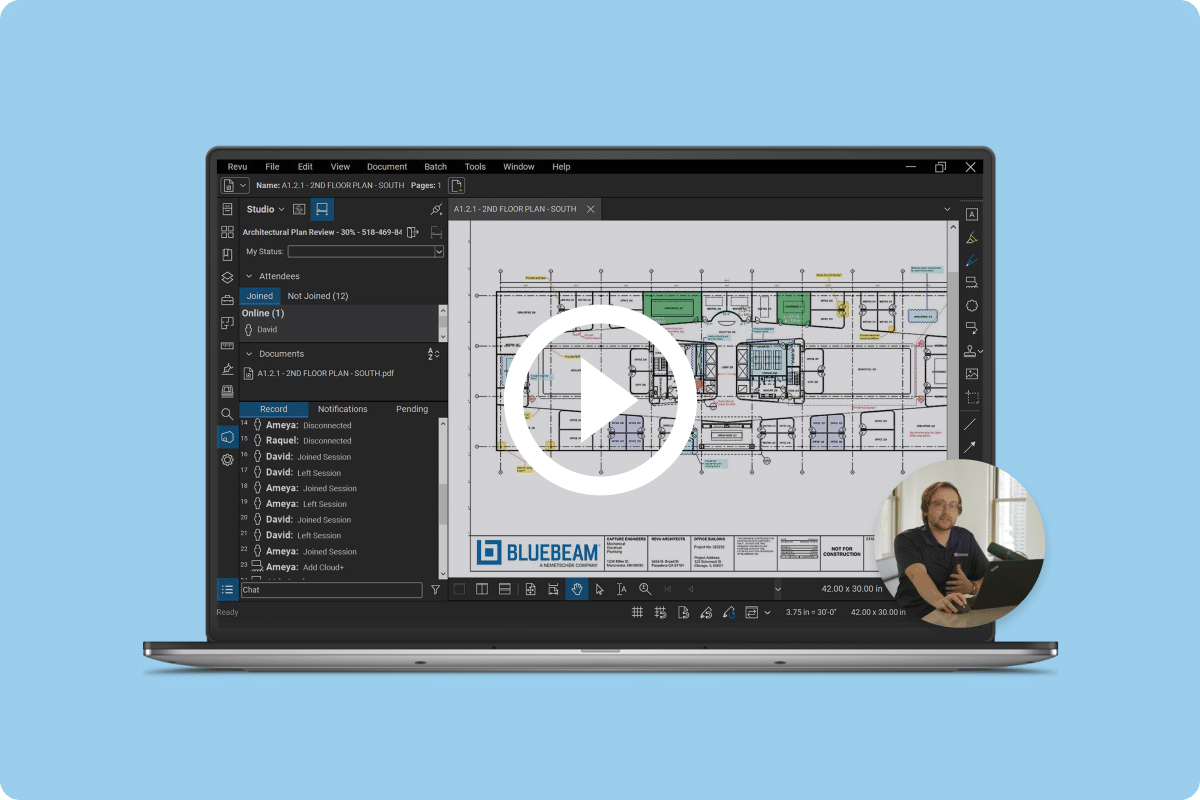
Bluebeam University (BBU) helps you boost your Bluebeam knowledge with live and
self-guided web courses designed especially for you.
Not a Bluebeam subscriber yet? Compare Pricing Plans



Get up to speed faster

Included with all subscription plans, BBU offers numerous courses and learning paths covering everything from basic features to advanced workflows.
-
Both live and self-guided web courses available (in three languages)
-
Training options for novices and experts alike
-
Step-by-step guides include videos, quizzes, downloadable drawings and more
Popular courses:


Welcome to Bluebeam Cloud
Get started with our suite of web and mobile solutions.

Don’t take our word for it...
97%
of respondents felt better equipped to use Bluebeam in their daily work after taking a BBU course
95%
of respondents got up to speed faster with Bluebeam after taking a BBU course
-
“Bluebeam University has given me the tools to navigate Bluebeam Revu much more efficiently and effectively than trying to learn on the fly.”
Jake M. -
“After the training I realized I was not using the product to its full potential for many years; I wish I had taken the class a long time ago!”
Chad B. -
“I’m excited to share my new knowledge. I want everyone to know how powerful and useful a tool Bluebeam can be.”
Evan W.
Ready to boost your knowledge of Bluebeam?
Log In to Get StartedNot a Bluebeam subscriber yet? Compare Pricing Plans