






See how Bluebeam makes life easier for teams of all shapes and sizes
Improve review quality with smart markup and measurement tools
Standardize communication and accelerate design reviews
Sync teams and mitigate risk through design, build and handover
Complete tasks on the go, stay connected and win more jobs
Speed up all your processes with customizable document management tools.
Centralize projects in the cloud and access updates anywhere
Collaborate in real time to improve review speed and quality
Improve takeoff speed and accuracy to build more winning bids
Create, organize and share detailed plans for complex jobsites
Manage RFIs and submittals from the field on any device
Place, assign, track, and close punch items on the go
Deliver smart, easily searchable digital handover packages
Keep the office and field in sync and projects on track
Communicate project data with smart markup and measurement tools
Collaborate in real time and access your work on any device
Manage, deploy and standardize Bluebeam usage across teams
Build custom workflows and extend the value of Bluebeam solutions
Control subscriptions, user permissions, and project access for your org.
Learn how Bluebeam is continuing to invest in AI to help you build better
Explore our latest timesaving features and enhancements
Boost your knowledge with how-to videos, articles, and more
Sharpen your Bluebeam skills with live and self-guided online courses
Get your team up to speed with tailored training and consulting
Validate your knowledge and expertise by becoming Bluebeam certified
Get the latest version of Bluebeam software
Get in touch with our world-class technical support team
Calculate how much you can save with Bluebeam
Browse webinars, case studies, articles, and more
Discover the latest industry trends and get inspired
Build connections with Bluebeamers around the world and make your voice heard.
Explore ways to connect with the global Bluebeam community.
Bridge the gap between the classroom and the field with Bluebeam
Read real-life success stories and see Bluebeam in action
How Rosendin Develops and Delivers Bluebeam Training for Electrical Field Leaders


When systems collide, schedules slip and margin erodes. Bluebeam connects MEP teams, drawings, and data to catch clashes early and keep jobs moving on schedule and in budget.
Try It Free
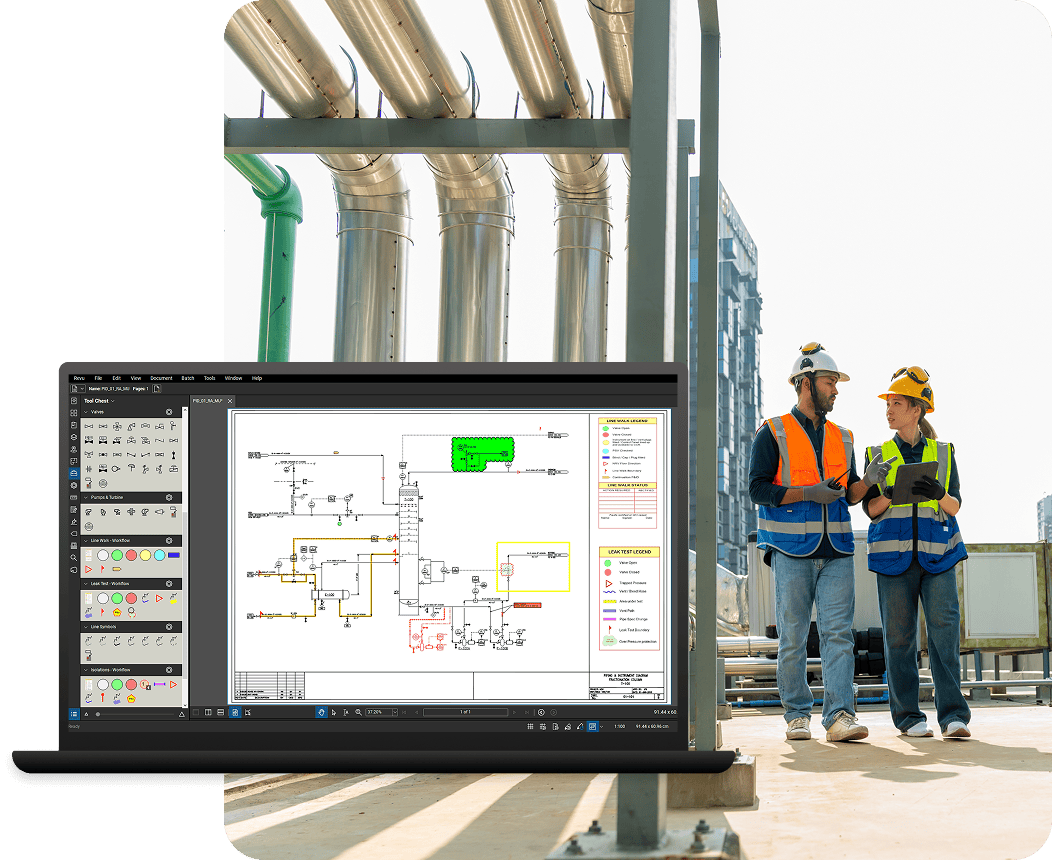

Built for mechanical, electrical, and plumbing contractors coordinating across shop, field and office. Capture field markups, review updates, and flag risks before they become rework.
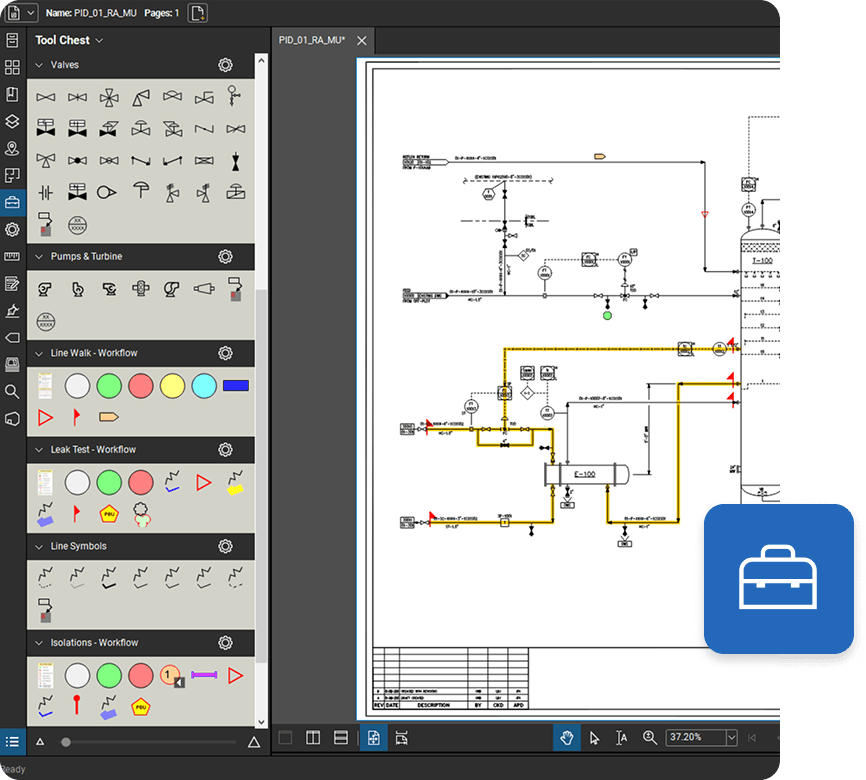
Create and collaborate on trade-specific markups for across MEP work to be done. Unlike other PDF tools, Bluebeam has standardized toolsets to bring consistency to your drawings — from layouts and P&IDs to install sheets.
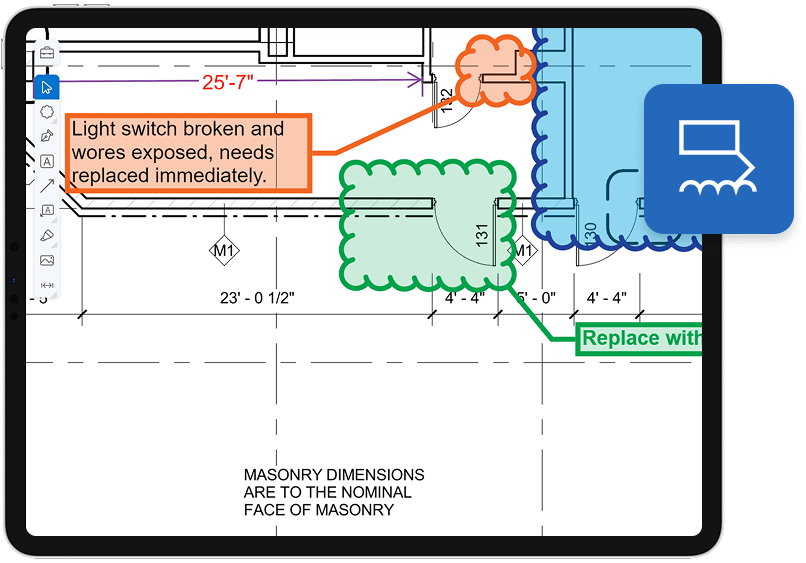
Stop chasing construction docs, markups and project coordination through email chains. Bluebeam connects everyone reviewing MEP drawings in one shared workspace, so markups, comments, and decisions happen live in real time.
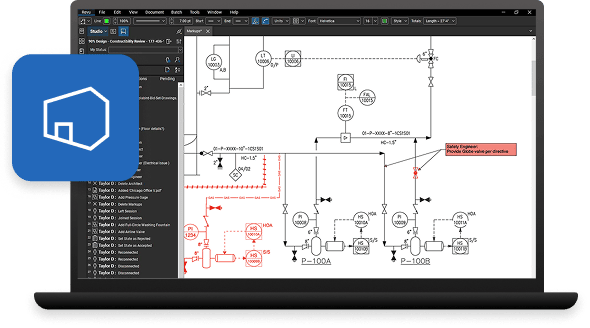
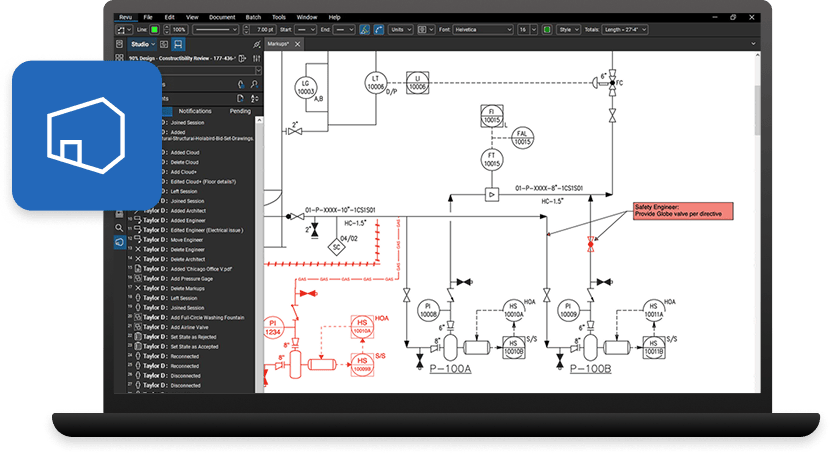
When inspection and test data live in spreadsheets, teams lose track of what’s been tested, what’s approved, and what’s holding up turnover. Track inspections, commissioning tests, and punch items where they happen — on your drawings.
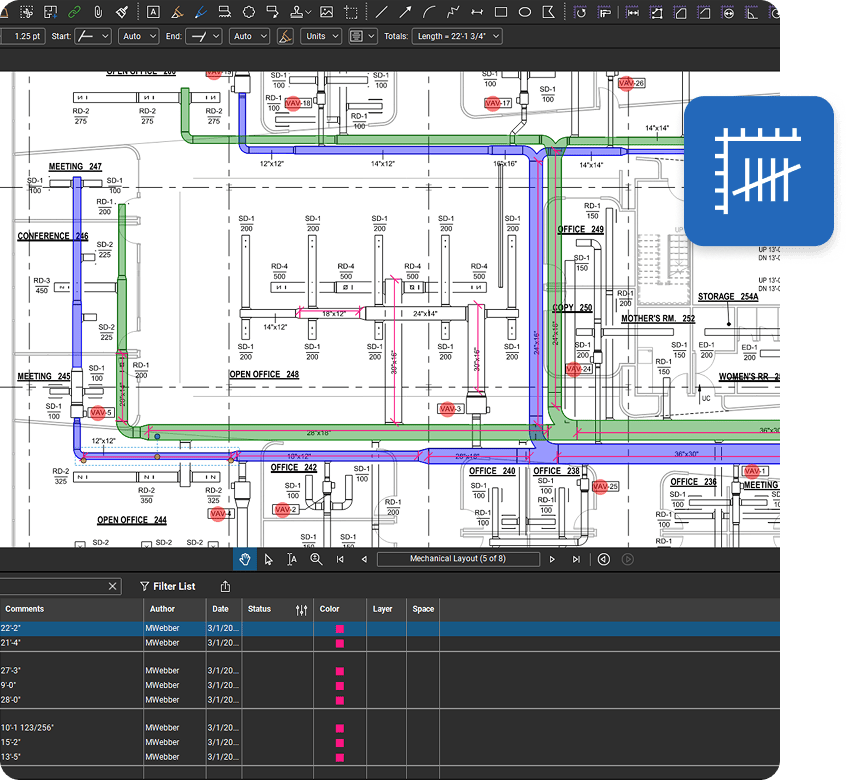
Manual counts don’t scale with complex MEP systems, leading to scope gaps, missing materials, and margin loss. Complete takeoffs estimates directly in your drawings and generate trade-specific takeoffs with totals that update automatically.
Bluebeam empowers teams to collaborate more efficiently, profitably, and securely.
Rosendin uses Bluebeam to power MEP‑ready markups that turn complex install details into faster, clearer decisions in the field.
Pan Pacific Mechanical used Bluebeam to save 1,000 hours creating composite drawings on a massive skyscraper project.
CCI Mechanical used Bluebeam to cut system design creation time by 50% using tool sets, profiles and layers.
Integrations
Get more done in one place. Connect with external apps, automate custom workflows and share data across devices, systems and teams.

Bluebeam is used by MEP teams to review, mark up, and manage drawings, RFIs, submittals, and as-builts in one digital environment. It helps reduce clashes, track changes, and keep field and office teams aligned across the full project lifecycle.
Bluebeam lets MEP professionals mark up, compare, and organize P&ID and plan drawings with consistent symbols and custom toolsets. This improves clarity across piping, instrumentation, and equipment layouts, making reviews, handoff, and commissioning more reliable.
Construction software like Bluebeam centralizes drawings, comments, and approvals so mechanical, electrical, and plumbing trades can coordinate in real time. This helps catch clashes earlier, shorten review cycles, and reduce rework and schedule risk on complex projects.
Yes, Bluebeam supports real-time collaboration sessions where multiple stakeholders can review and mark up the same MEP drawing set at once. This speeds up submittal, RFI, and shop drawing approvals and keeps fabrication and install crews from waiting on email chains.
Bluebeam ties punch items, inspection notes, and test records directly to the relevant drawings, rather than separate spreadsheets. This makes it easier to track status, support inspections, and deliver clean documentation at turnover.
Yes! Bluebeam’s measurement and markup tools allow estimators to perform digital takeoffs for duct, pipe, conduit, fixtures, and major equipment directly from PDFs. Quantities can be organized and exported, helping teams build more accurate estimates and procurement packages faster.