


ZGF Architects
PDX Reimagined: How a Digital Backbone Powered America’s Most Ambitious Airport Project

A new way to supercharge Revu with AI.

The Complete Guide to Construction Takeoffs in 2026



Construction Submittals & RFI Software
Manage RFIs and submittals — anywhere.
Bluebeam empowers teams in the office and the field to easily manage RFIs and construction submittals on any device.
Keep teams accountable and projects on track
Effective management of Requests for Information (RFIs) and submittals is crucial to project success. Bluebeam construction software helps reduce delays and miscommunication with tools to:
-
Connect drawings, data and teams with streamlined document management and real-time collaboration
-
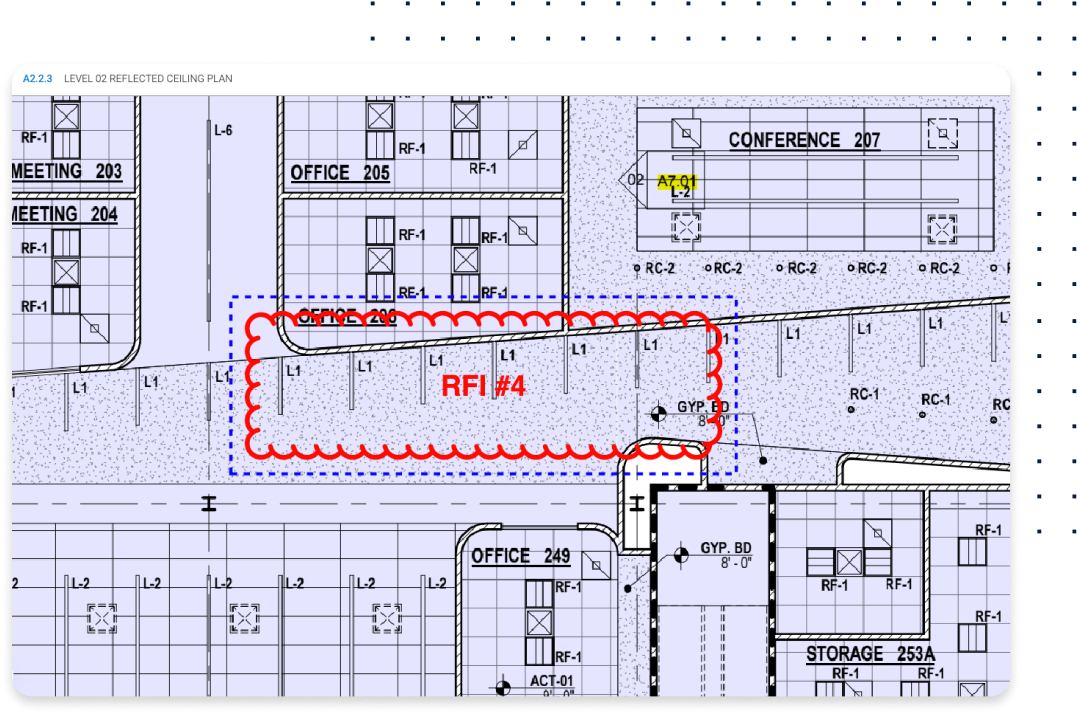
Post RFIs to drawings and to share across devices, enabling real-time access to the latest info.
-
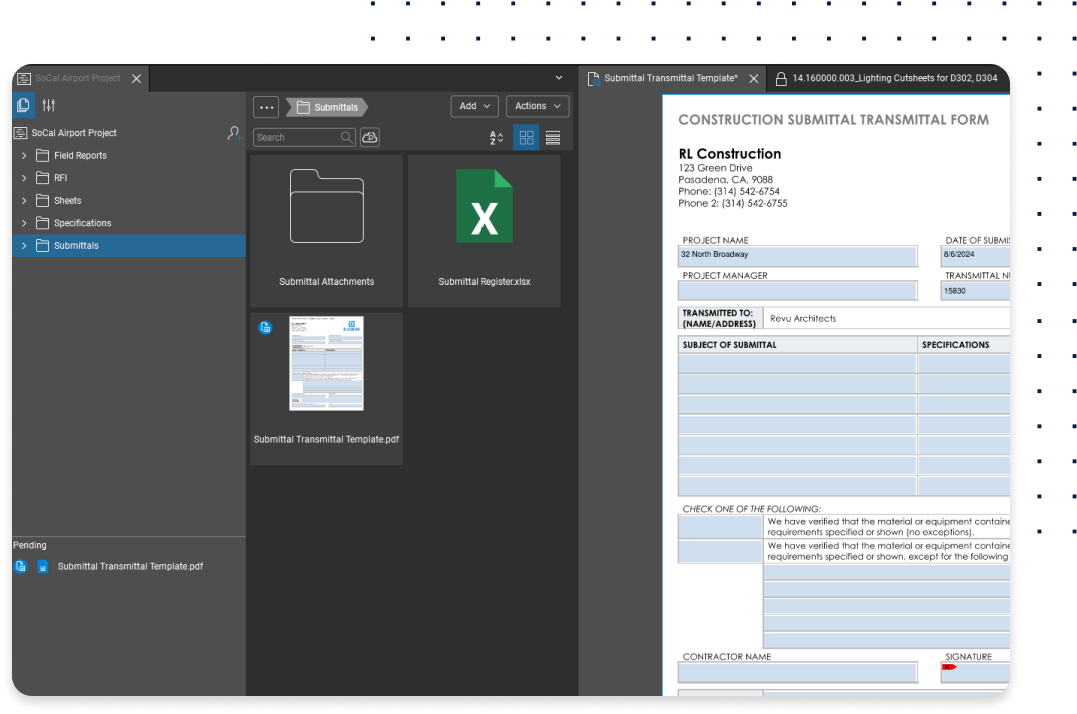
Effortlessly assign, manage, and organize submittals while tracking reviews and approvals.

What’s an RFI in construction?
What is Construction Project Management Software? A Beginner’s GuideAn RFI, or Request for Information, is a formal communication used in construction to clarify uncertainties or address information gaps in project documents, plans, or specifications. RFIs are integral to construction management and are commonly used throughout all phases of a project. Bluebeam construction software helps simplify RFIs with smart, easy-to-use tools.
POPULAR FEATURES FOR CONSTRUCTION SUBMITTAL & RFI WORKFLOWS
All the tools you need to finish the job faster
-

Automatic Form Creation
Simplify PDF form creation from scanned or digital documents that automatically detect fields for signatures, dates, and checkboxes.






How-To
How to simplify RFIs and submittals with Bluebeam
Bluebeam offers easy-to-use tools for simplifying RFIs and submittals. Here’s how to get started.
1. Create RFIs
To create an RFI form in Bluebeam Revu, open your PDF template. You can also easily create a new one. Add form fields via Tools > Form, using “Automatically Create Form Fields” if needed. You can customize fields through Properties.
2. Manage and track RFIs and submittals
Use the Snapshot tool (Edit > Snapshot) to take a screenshot of the relevant area on the drawing. Save the screenshot to your Clipboard and paste it into your RFI form. You can also track items and statuses faster with custom stamps in Revu.
3. Use Studio for collaboration and project management
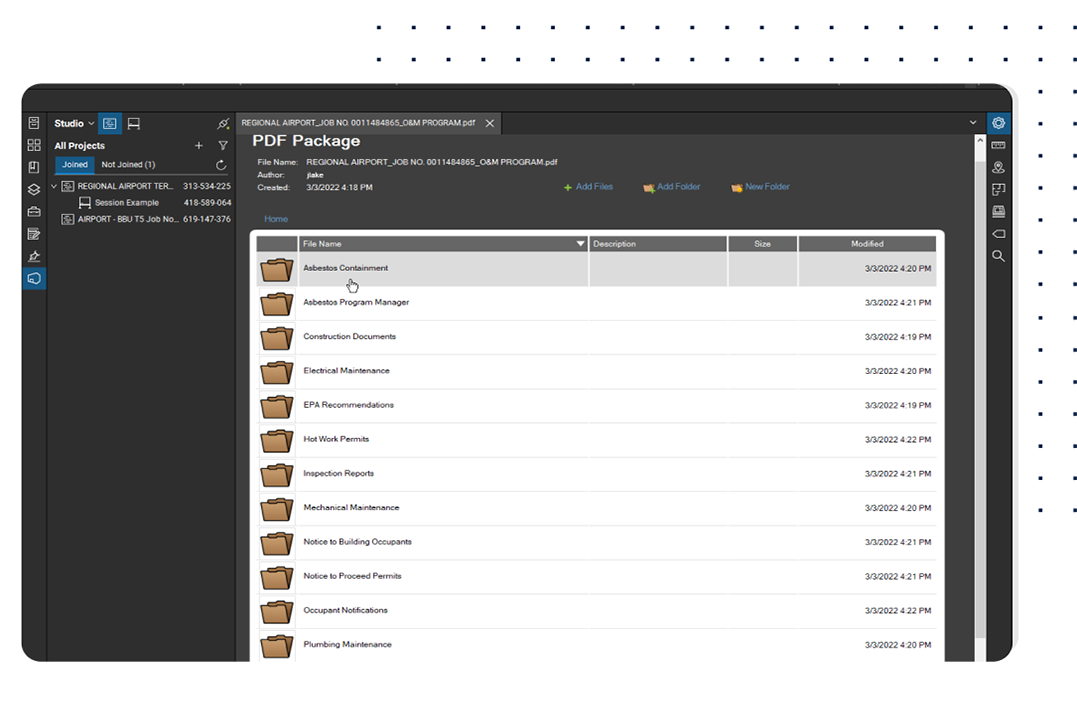
Use Studio in Bluebeam Revu to ensure everyone has access to the correct forms and process documents. You can create a Studio Sessions and invite teams to get real-time feedback for RFIs and submittals.
You’re in good company
Bluebeam empowers teams to collaborate more efficiently, profitably, and securely.



Integrations
Connect Bluebeam to your favorite tools.
Whether you’re using one of our ready-to-use integrations or building your own with Bluebeam Studio APIs, you can connect the applications you rely on for smoother workflows that keep projects moving.

RESOURCES


