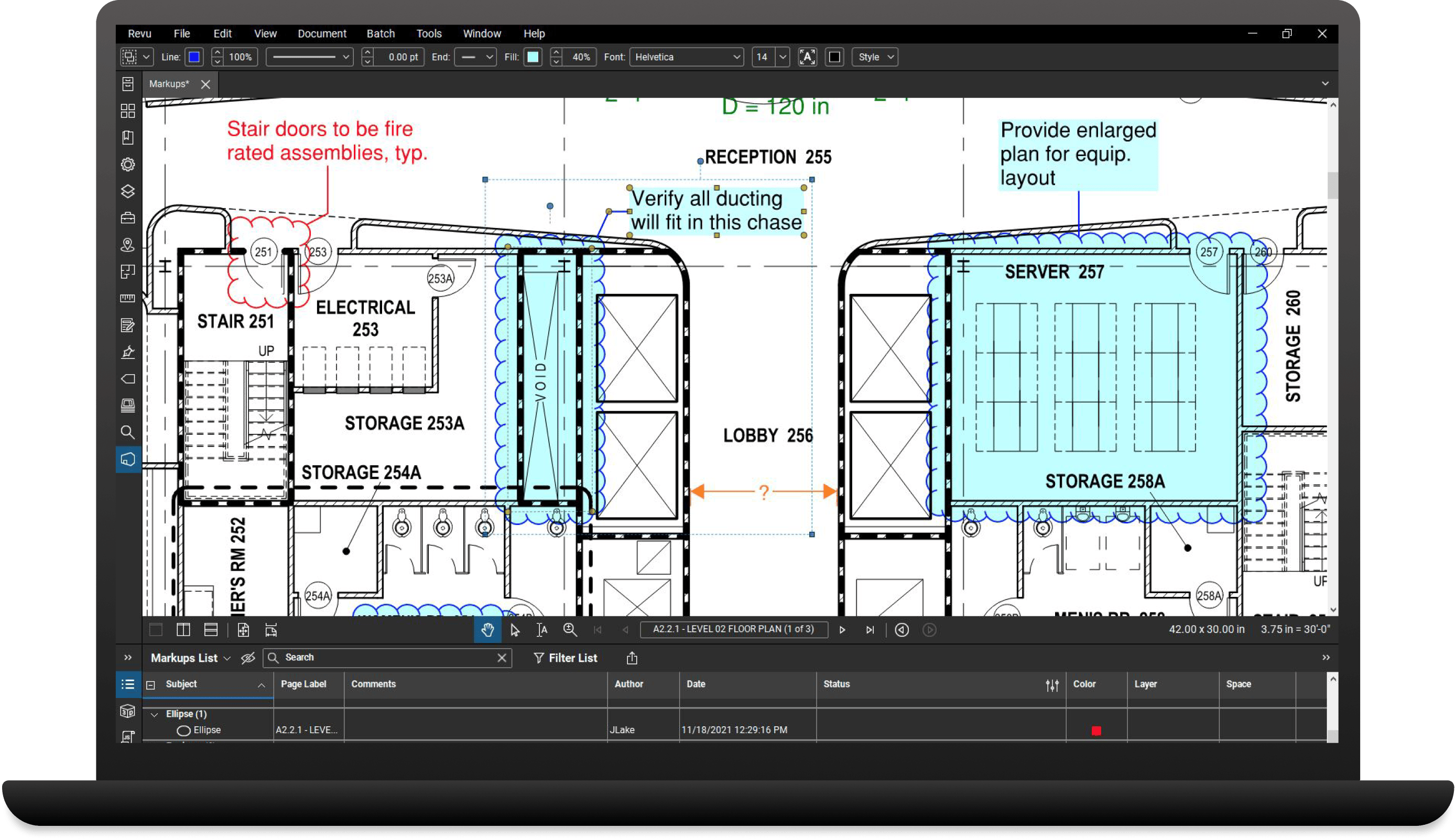
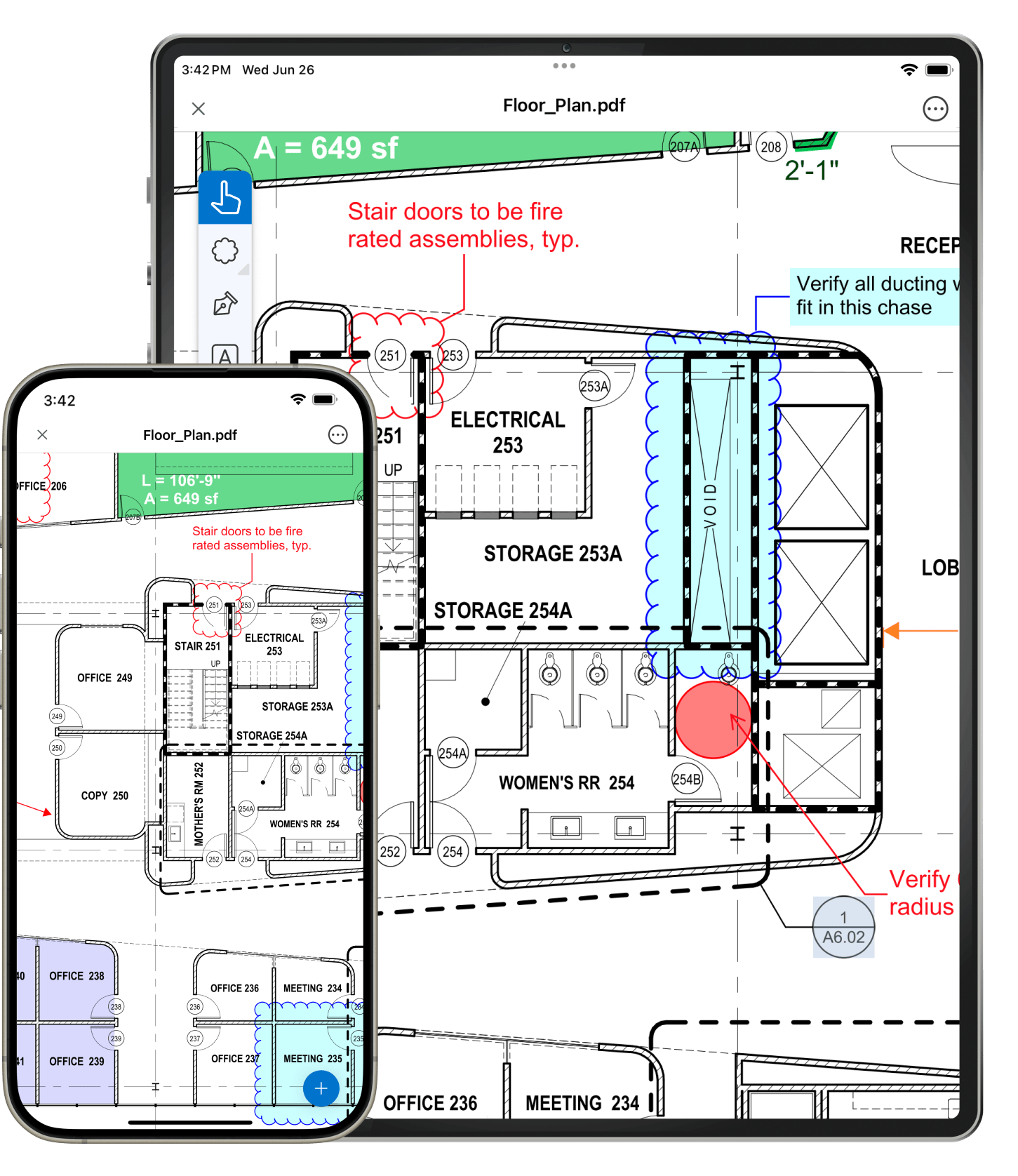
Learn how to access and redline PDFs, and collaborate in real time with Revu iPad. All it takes is a simple tap and swipe.
Learn how to mark up and edit PDFs in Bluebeam with the ease of a tablet pen.
With pressure sensitivity technology, Revu simulates the characteristics of writing with pen and paper. Thicker ink lines appear when pressing harder on the tablet screen and thinner ink lines appear with a light touch.
Copy and paste ink between Bluebeam Revu and other tablet specific applications such as Journal™ and OneNote™.
Bluebeam comes with several predefined profile settings to make it easy to switch your interface between different views. After installation, select the Tablet profile to display the interface in landscape mode for easier viewing, markup and editing. Customize the profile to suit your needs or create multiple profiles.
ENR Cover Story
- Bluebeam for Punch
In this video created by McGraw Hill Construction, Zachry Construction project team members explain how they use Bluebeam's PDF markup tools, tablet PC compatibility and real-time collaboration feature, Bluebeam Studio™, to quickly punch floors and instantly create punchlists.
Read how the DES project team used Bluebeam Revu on a Motion tablet PC to digitally punch Nokia's new research and development headquarters on a tight schedule.
Read how this project's architectural team used Bluebeam Revu for punchlists, and how Bluebeam performed in comparison to the General Contractor's competing punch solution.
Facility Inspector Uses Bluebeam to lose 20 pounds (of Paper).
Revu® CAD
The professional PDF editor for AutoCAD®, Revit®, Navisworks® Manage, Navisworks® Simulate, SolidWorks® & Windows.
Free trialRevu® eXtreme™
Our fully-loaded PDF editor with OCR, PDF forms, Redaction & Scripting for power users.
Free trial