OverviewDigitally sign PDF documents to support an electronic workflow and protect your intellectual property. With Revu, users can create a digital ID and digital signature fields in a PDF, certify and sign PDF documents, customize the look of a signature and validate other users' signatures. Signatures of trusted sources can be stored in Revu for immediate validation of documents.
Bluebeam Revu provides two ways to secure your PDF file. Apply a password to open the PDF file or set permissions to what your recipients can and can not do. Limit printing, copying, adding markups or any type of file editing to control what happens after you push send.
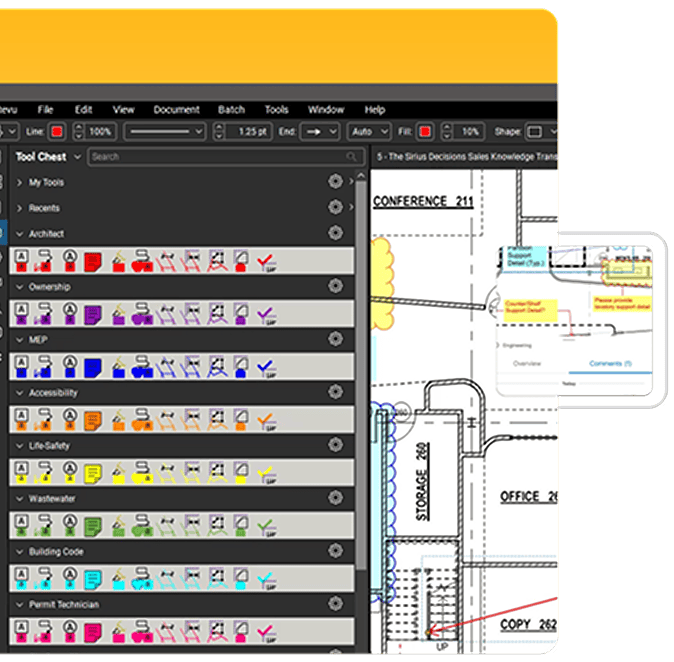
Use Revu's markup tools to create custom stamps for review processes that include your company logo, dynamic date and time, javascript, and signature fields. Save stamps in Revu's stamp folder or to the exclusive Tool Chest for easy reuse, and stamp an entire folder of PDFs at once.
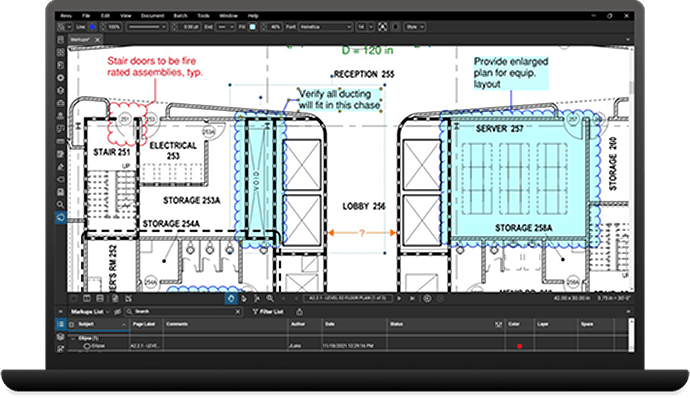
Flatten all markups, or individual markups, to make them a part of your PDF content. Ensure your markups will print for anyone who receives your PDF, and that your markups can not be edited or deleted by anyone other than you. Simple enough? We think so.
Learn more on Bluebeam University